
GNOME Shell を拡張してみた7
GNOME Shell の上部パネルをauto hide にしてみた。
将来的には設定を切り替えられるようになるのかな。
dock 拡張もauto hide にしたいなぁ。
Related Articles
2012-08-21
GNOME Shell Focus Effect Extension
https://github.com/paradoxxxzero/gnome-shell-focus-effects-extension http://www.upubuntu.com/2012/08/how-to-install-gnome-shell-focus-effect.html GNOME Shell のFocus Effect 拡張を使ってみた。フォーカスの切り替えでウィンドウがアニメーションする。なんか楽しい。非アクティブなウィンドウは少し傾いて、サイズが小さく、色はグレーになる。スクリプトはとても小さいので、何かに応用できるかもしれない。副作用としては、非アクティブなウィンドウの選択に少しコツがいるようだ。また、何回か切り替えを繰り返した時に、ウィンドウが画面外に移動してしまう。その時は、[Alt]-[Space]で「移動」を選択して、ウィンドウを元の位置に動かすと回復できる。
2025-03-30
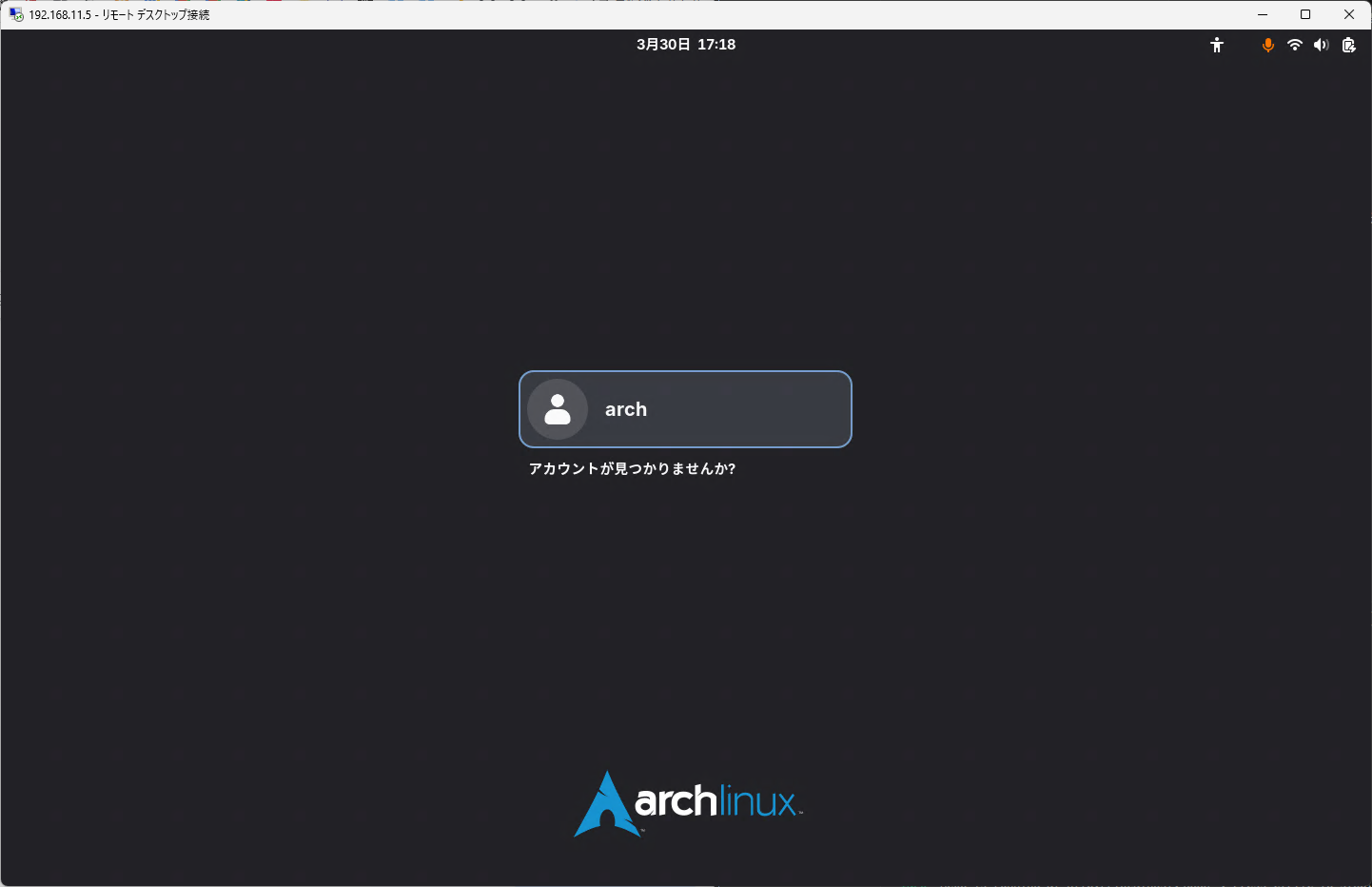
GNOME Remote Desktop
LinuxにGNOME Remote Desktopサービスを導入してクライアントからRDP接続してみました。接続するとGDM画面からログインできます。 https://gitlab.gnome.org/GNOME/gnome-remote-desktop 環境と動作確認結果(途中)3つのモードがあるようです。 Remote assistance / Desktop sharing既存のユーザセッション画面を共有する。 Headless multi user remote login / Remote login画面のサイズ指定可能。GDMから操作可能。 Headless (single user)画面のサイズ指定可能。既存のユーザセッション画面とは別に画面表示する(セッション情報は共有しているっぽい)。 Server OS RA HL-M HL-S PC Arch OK OK OK Ubuntu OK OK 未 Fedora 未 未 未 RPi 4B Arch ...
2021-02-21
GNOME 40
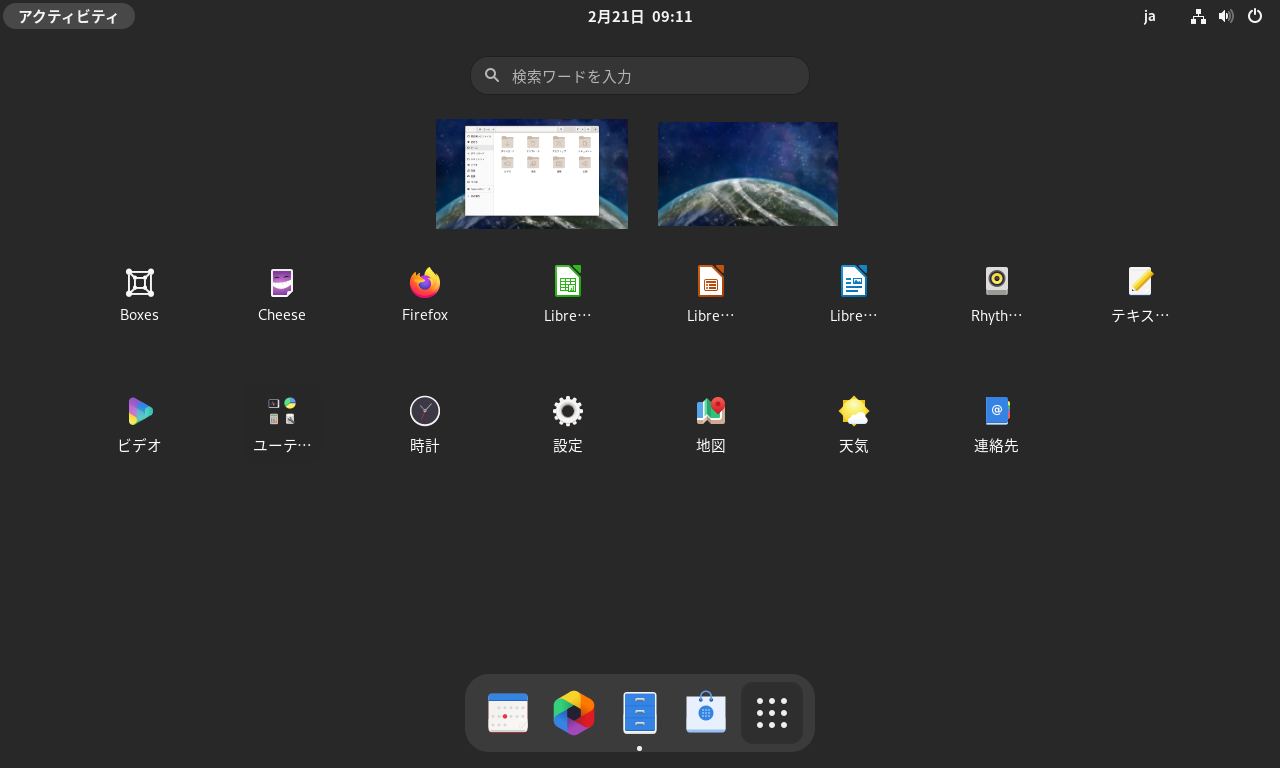
https://copr.fedorainfracloud.org/coprs/haeckerfelix/gnome-shell-40/ GNOME 40 アルファ版を起動してみました。 環境 Fedora 33 GNOME Shell 40.beta 構築 Fedora 33 インストールhttps://getfedora.org/ja/workstation/download/ アップデート $ sudo dnf update -y リポジトリ追加&アップデート $ sudo dnf copr enable haeckerfelix/gnome-shell-40 $ sudo dnf upgrade Fedora 33 との差分 バージョン確認 $ dnf list --installed | grep haeckerfelixglib2.x86_64 2.67.3-1.fc33 @copr:copr.fedorainfracl...
2022-04-06
CHUWI Hi 10 Go
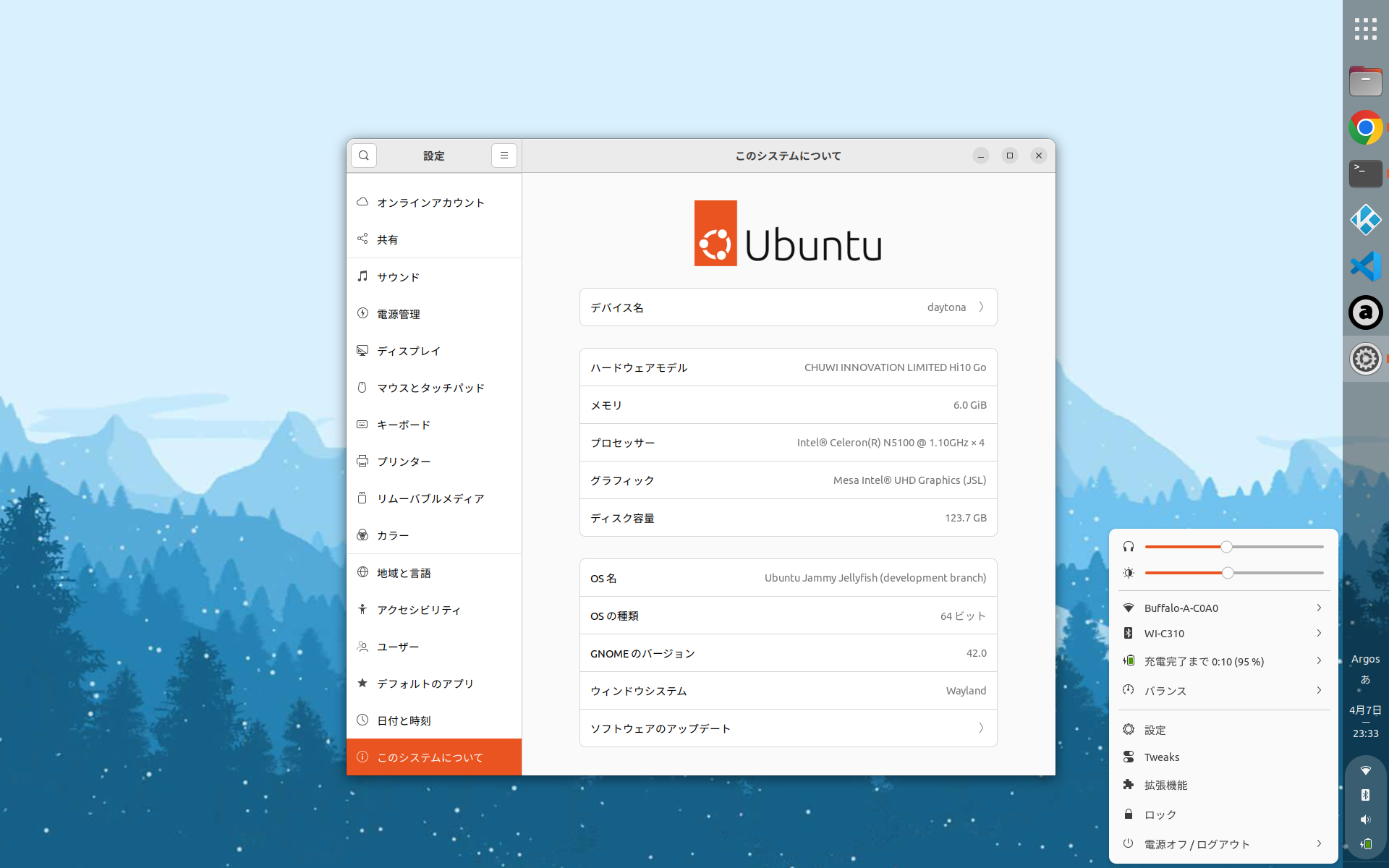
https://www.chuwi.com/jp/product/items/Chuwi-Hi10-Go.html CHUWI Hi 10 Go + Ubuntu 22.04 CHUWI Hi 10 Go の新旧スペック比較Hi 10 Go は一つの型式で2つのスペックがあるようです。 旧 Hi 10 Go 新Hi 10 Go CPU Celoron N4500 Celeron N5100 イヤフォンジャック あり なし スタイラス 対応 非対応? カバーキーボードのファンクションキー修飾配置も若干異なるみたいです。 ハード仕様 CPU Celeron N5100 Memory 6GB Storage 128GB Display 10.1 Resolution 1920*1200 Weight 600 g 気になる仕様 背面カバーは意外と重いので普段は取り外し キーボード キーボードは意外と打ちやすい US 配列左 Alt キーを無変換モード、右 Alt キーを変換モードに割り当てます Insert キーがないv...
2014-09-23
Fedora 21 wayland
http://tuxdiary.com/2014/09/01/try-wayland-with-gnome/http://fedoraproject.org/wiki/Workstation Fedora 21 Alpha RC1 で、GNOME 3.14 (3.13.91) をwayland で動かしてみました。 ライブISO イメージでFedora 21 を起動 [Ctrl]+[Alt]+[F2] でコンソール起動 liveuser でログインして、以下のコマンドを実行 $ sudo systemctl stop gdm$ sudo dnf install gnome-session-wayland-session$ gnome-session --session=gnome-wayland GDM 終了時に画面が乱れたら、再度[Ctrl]+[Alt]+[F2]を押下する。
2024-09-22
GNOME 47
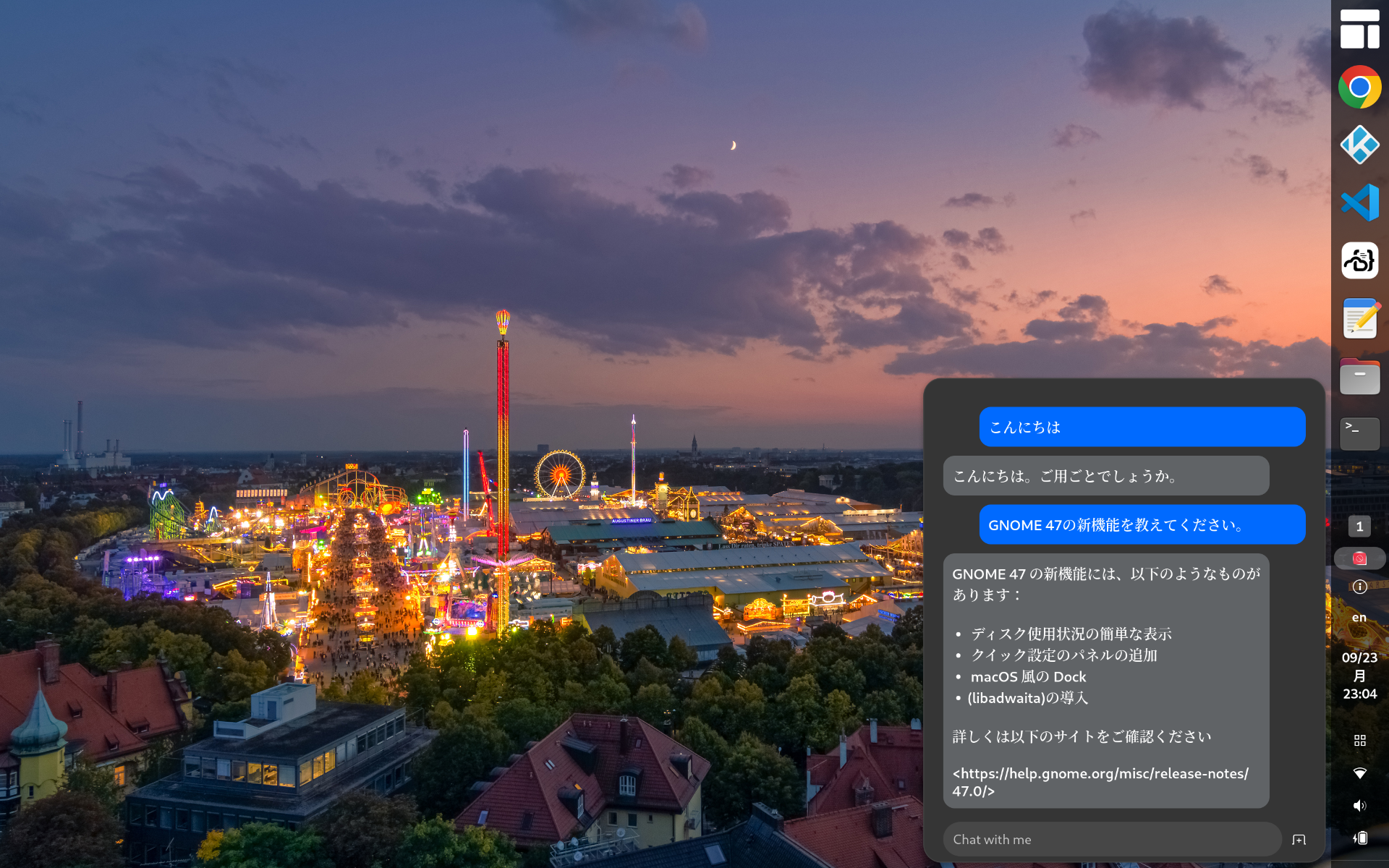
https://release.gnome.org/47/ GNOME 47がリリースされたのでインストールしてみました。 Chromeはtext-input v3に対応したのでWaylandモードで日本語入力可能です vscodeはWaylandモードで日本語入力に対応していません code-serverは日本語入力できます(Chromeだから)日本語入力中の文字列の背景が黄色になっているのはなんとかしたい GNOME Shell拡張のPenguin: AI Chatbotを使ってみましたhttps://extensions.gnome.org/extension/7338/penguin-ai-chatbot/とりあえずデフォルトの無料AIモデルに質問してみましたが調整が必要そうですね。。。 2025-02-04 更新タスクトレイのアイコン上にエラーが表示されるので修正する無効な値を指定しているicon_name行をコメントアウトするアイコンはstylesheet.cssで指定している extensions.js_init(extension) { // ...
Comments