GNOME Shell Focus Effect Extension

https://github.com/paradoxxxzero/gnome-shell-focus-effects-extension
http://www.upubuntu.com/2012/08/how-to-install-gnome-shell-focus-effect.html
GNOME Shell のFocus Effect 拡張を使ってみた。フォーカスの切り替えでウィンドウがアニメーションする。なんか楽しい。非アクティブなウィンドウは少し傾いて、サイズが小さく、色はグレーになる。スクリプトはとても小さいので、何かに応用できるかもしれない。
副作用としては、非アクティブなウィンドウの選択に少しコツがいるようだ。また、何回か切り替えを繰り返した時に、ウィンドウが画面外に移動してしまう。その時は、[Alt]-[Space]で「移動」を選択して、ウィンドウを元の位置に動かすと回復できる。
Related Articles
2021-02-21
GNOME 40
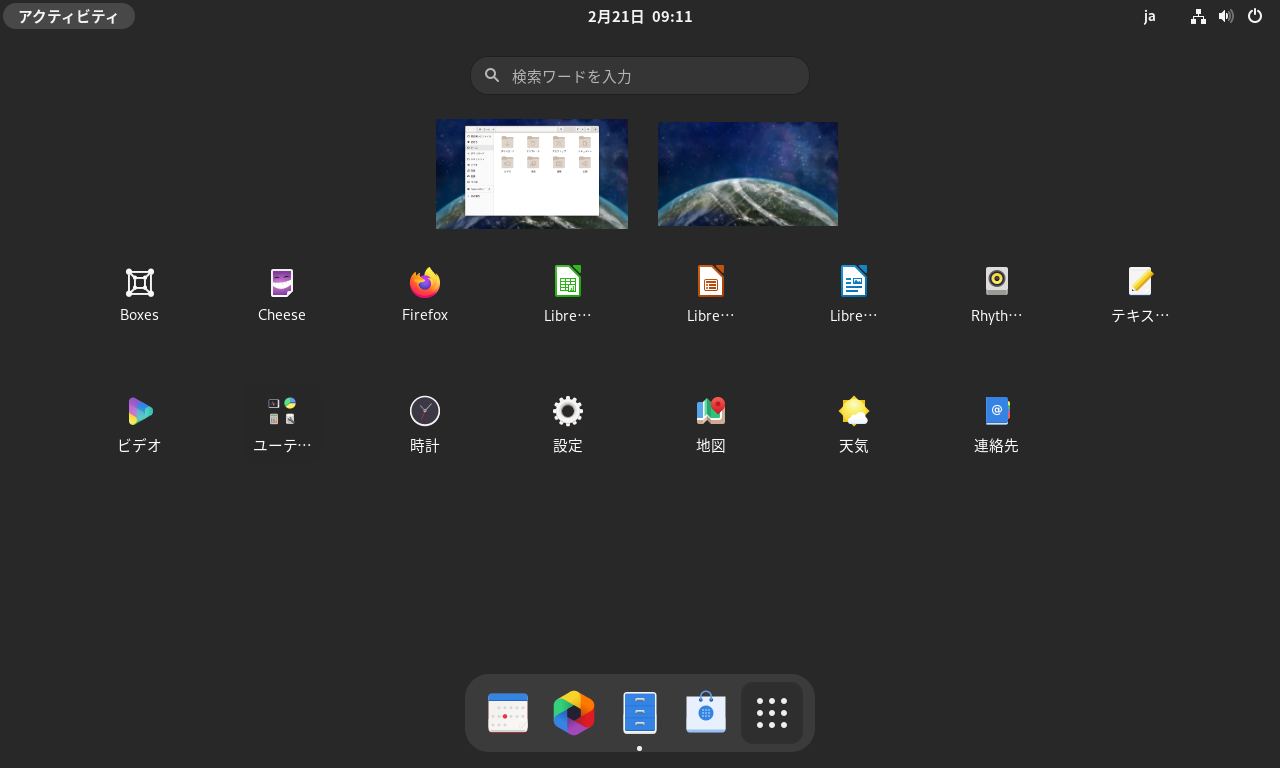
https://copr.fedorainfracloud.org/coprs/haeckerfelix/gnome-shell-40/ GNOME 40 アルファ版を起動してみました。 環境 Fedora 33 GNOME Shell 40.beta 構築 Fedora 33 インストールhttps://getfedora.org/ja/workstation/download/ アップデート $ sudo dnf update -y リポジトリ追加&アップデート $ sudo dnf copr enable haeckerfelix/gnome-shell-40 $ sudo dnf upgrade Fedora 33 との差分 バージョン確認 $ dnf list --installed | grep haeckerfelixglib2.x86_64 2.67.3-1.fc33 @copr:copr.fedorainfracl...
2014-09-23
Fedora 21 wayland
http://tuxdiary.com/2014/09/01/try-wayland-with-gnome/http://fedoraproject.org/wiki/Workstation Fedora 21 Alpha RC1 で、GNOME 3.14 (3.13.91) をwayland で動かしてみました。 ライブISO イメージでFedora 21 を起動 [Ctrl]+[Alt]+[F2] でコンソール起動 liveuser でログインして、以下のコマンドを実行 $ sudo systemctl stop gdm$ sudo dnf install gnome-session-wayland-session$ gnome-session --session=gnome-wayland GDM 終了時に画面が乱れたら、再度[Ctrl]+[Alt]+[F2]を押下する。
2014-09-27
Ubuntu GNOME 14.10 + GNOME 3.14 + Wayland
Ubuntu GNOME 14.10 Beta + GNOME 3.14 (3.13.92) をWayland で動かしてみました。テキトーにやっているので、本当にWayland が有効になっているのか、怪しいですけれど。 $ ps -ef | grep waylandhoge 1376 1344 0 17:36 ? 00:00:00 gnome-session --session=gnome-waylandhoge 1454 1376 0 17:36 ? 00:00:00 /usr/bin/ssh-agent /usr/bin/dbus-launch --exit-with-session /usr/bin/im-launch gnome-session --session=gnome-waylandhoge 1457 1 0 17:36 ? 00:00:00 /usr/bin/dbus-launch --exit-with-session /usr/bin/im-launch gnom...
2016-01-16
GNOME Software on Ubuntu GNOME 16.04
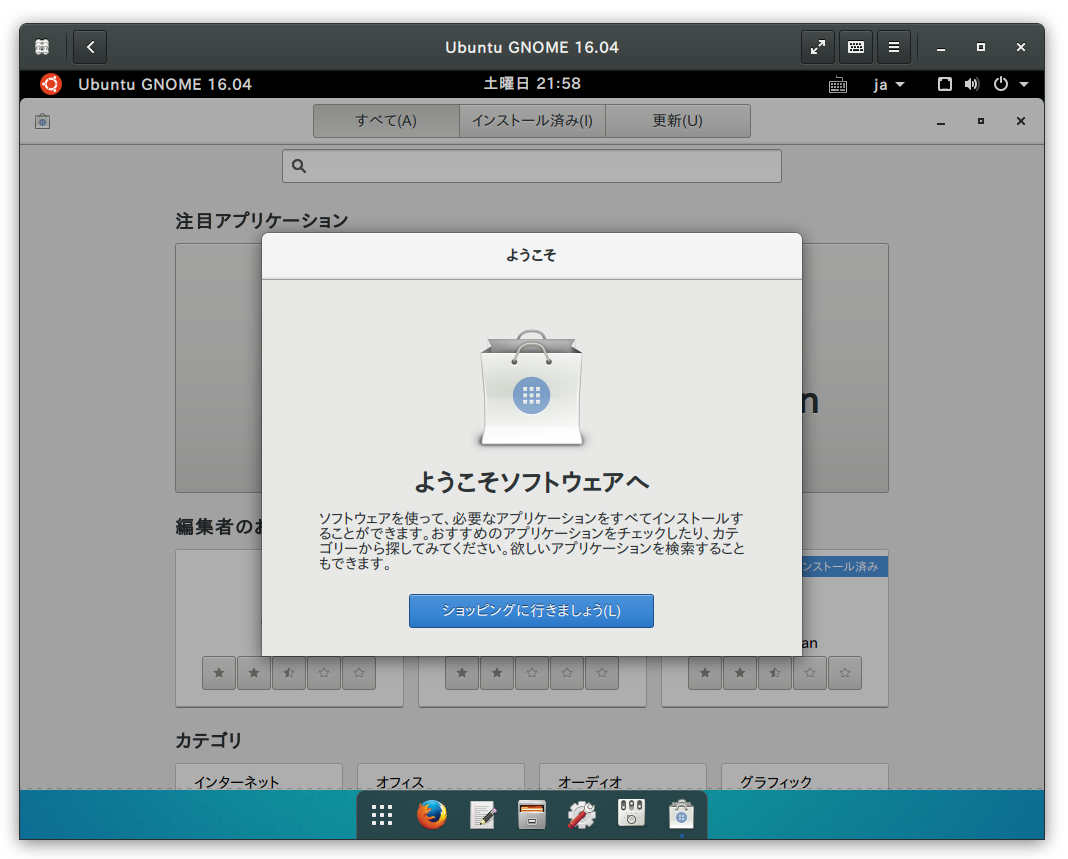
https://launchpad.net/~ubuntu-desktop/+archive/ubuntu/gnome-software Ubuntu 16.04 ではUbuntu ソフトウェアセンター(software-center)に代わってGNOME ソフトウェア(gnome-software)がデフォルトになるようですね。試してみました。 GNOME ソフトウェアのインストール$ sudo add-apt-repository ppa:ubuntu-desktop/gnome-software$ sudo apt-get update$ sudo apt-get install gnome-software
2021-03-28
Ubuntu 21.04 Hirsute
https://launchpad.net/~shemgp/+archive/ubuntu/gnome-40Ubuntu 21.04 にGNOME 40 のPPA を設定してみました。 2021-04-07 追記 GNOME 40.0 でDash to Dock 拡張を導入してみました。https://github.com/ewlsh/dash-to-dock/tree/ewlsh/gnome-40https://github.com/micheleg/dash-to-dock/pull/1402 GNOME 40.0 でDash to Panel 拡張を導入してみました。https://github.com/philippun1/dash-to-panel/tree/update-to-gnome40https://github.com/home-sweet-gnome/dash-to-panel/pull/1303 2021-04-08 追記 Auto Hide Top Panel 拡張をGNOME 40 に対応させてみました。http://www.webupd8.or...
2025-05-28
archiso-gnome
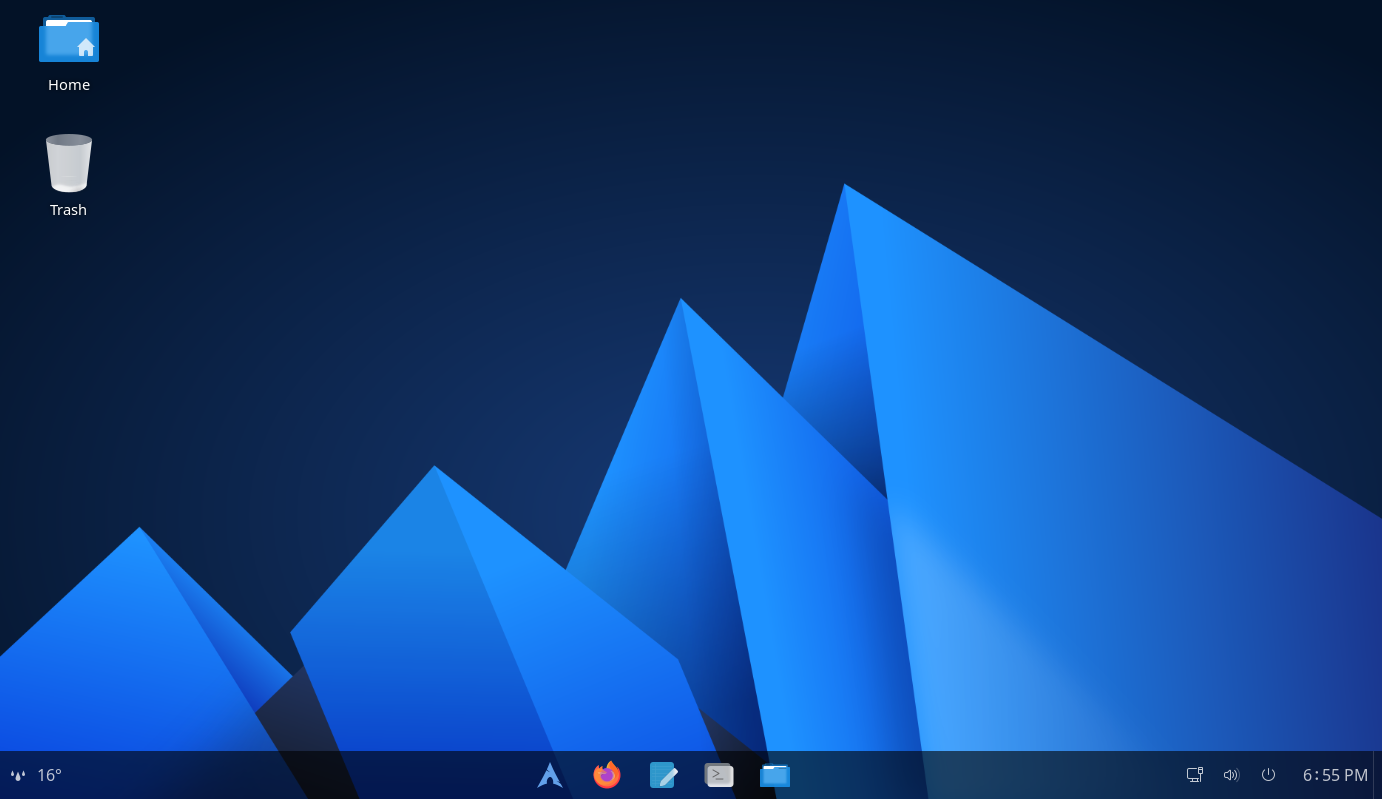
archisoでGNOMEデスクトップ環境のライブISOイメージを作成してみました。Fluentテーマを利用していてすっきりした見た目になっています。 環境 Arch Linux archiso 83-1 構築一旦、カスタマイズ前の状態でISOを作成してみます。 archisoをインストール sudo pacman -S archiso プロジェクトディレクトリを作成 cp -r /usr/share/archiso/configs/releng/ archiso-gnomecd archiso-gnome ISOをビルド sudo rm -rf worktime sudo mkarchiso -v -o ./ ./ N100 CPUで7分30秒で生成し、サイズは1.2GB VirtualBox等で生成されたISOが起動するか確認する カスタマイズカスタマイズ方針 ブートローダはGRUB デスクトップ環境はGNOME GNOME Shell拡張機能を有効化 テーマはFluent できるだけパッケージを利用する(後でアップデートできるように...