
CachyOS Hyprland Noctalia

CachyOS Hyprland Noctaliaをインストールしました。
バーを右側に配置できてよいですね。
シェルはfishでした。パッケージ管理はshellyでした。
メイン環境にしてもよいかもしれないです。
- CachyOS
https://cachyos.org/ - Noctalia
https://noctalia.dev/
https://github.com/CachyOS/cachyos-hypr-noctalia - HyprMod
https://github.com/BlueManCZ/hyprmod
スクリーンショット
Noctaliaコントロールセンタ
Super+Xでホーム画面、Super+Aで通知画面
Noctalia設定画面
Super+Z
壁紙選択
Super+Shift+W
タイリング表示

HyprMod
HyprlandをGUIで設定します。
Super+Mにバインドしました。
スクリプトランチャ
Noctaliaランチャのdmenu機能を利用したスクリプトランチャを作りました。
Super+Kにバインドしました。
CachyOSの設定
ダウンロード
https://cachyos.org/ からISOイメージをダウンロードしてインストールメディアを作成します。私はVentoyを使いました。
インストール
- ブートローダはLimineを選択
- Limine用パーティション(4GB, fat32, /boot)
- CachyOS用パーティション(75GB, btrfs, /)
- WM/DE はHyprlandを選択
ユーザディレクトリ
- ユーザディレクトリを英語名に変更
LANG=C xdg-user-dirs-update --force
パッケージ管理
- shelly
GUI版からAURとflatpakを有効化
パッケージの追加
- fcitx5-im fcitx5-mozc fcitx5-configtool
- google-chrome
- hyprmod
- jellyfin-desktop
- kodi
- noto-fonts noto-fonts-cjk
- remmina freerdp
- thunar gvfs-smb thunar-archive-plugin file-roller
- ttf-hackgen
- vi
- visual-studio-code-bin
各パッケージの設定
- fastfetchのテーマ指定
mkdir -p ~/.config/fastfetch
cd ~/.config/fastfetch
curl -O https://gist.githubusercontent.com/ktkr3d/40805f88c7c72e67d9da5e28d5118fa8/raw/5667511376bad868192f54a49b8c4c87050c5d27/config.jsonc - fish
~/.config/fish/config.fish alias l='ls'
- kittyのフォント指定
kitty +list-fonts
Hackgen Console NFを選択する - kittyのテーマ指定
kitten themes
- thunarに閉じるボタン追加
編集 > 設定 > カスタムウィンドウ装飾を使用する : オン
Hyprlandの設定
HyprModで設定します。
Super+SpaceでHyprModを検索して起動します。
ディスプレイ (Monitors)
- 接続デバイスと状態の確認
hyprctl monitors
- 必要に応じて解像度、拡大率等を変更
Resolution, Scale, Transformを設定
キーボード (Devices > Keyboard)
- 事前準備
sudo pacman -S gnome-desktop-4
- 日本語キーボードの追加
Keyboard layoutsのAdd layoutでjp Defaultを追加した後でjpを一番上にドラッグ
マウスカーソル (Cursor)
- マウスカーソルのテーマをAdwaitaに変更
Theme > CursorでAdwaitaを選択
General>Enable HyprCousorをオフ
自動起動 (Autostart)
- fcitx5を自動起動に追加
fcitx5 -d
環境変数 (Env Variables)
- fcitx関連の環境変数を追加
| Name | Value |
|---|---|
| XMODIFIERS | @im=fcitx |
| QT_IM_MODULE | fcitx |
| GTK_IM_MODULE | fcitx |
その他 (Miscellaneous > Startup)
- Hyprland起動時の表示を無効化
Disable Hypyland logo : on
Disable splash rendering : on
キーバインド (Keybinds)
- キーバインドの表示と変更(⭐:よく使うもの)
| Mod | + Key(s) | Default | Custom |
|---|---|---|---|
| Super | Enter | kitty | |
| E⭐ | dolphin | thunar | |
| T⭐ | gnome-text-editor | kitty | |
| C | gnome-calculator | code | |
| W⭐ | firefox | google-chrome-stable | |
| Z⭐ | noctalia settings | ||
| X | noctalia control-center | ||
| Space⭐ | launcher | ||
| . | launcher /emo | ||
| L | lock | ||
| ALT+C | session menu | ||
| SHIFT+W | wallpaper | ||
| V⭐ | clipboard | ||
| A | notification | ||
| Q⭐ | close window | ||
| ALT+Space | floating | ||
| D⭐ | fullscreen (mode=1) | ||
| F | fullscreen | ||
| J | split | ||
| SHIFT + S⭐ | special workspace | ||
| S⭐ | scratchpad | ||
| M⭐ | hyprmod | ||
| K⭐ | launcher /scripts |
Noctaliaの設定
Noctaliaの設定機能を使います。
Super+Zで起動します。
バー (Bar:default)
- バーを右に配置
General > position : right - ウィジェットの配置カスタマイズ
Widget List で各ウィジェットの有無と位置を設定
各ウィジェットの設定は各ギアボタンを押下 - clockウィジェットの日付時刻書式変更
{:%m %d %a %H %M}
- volumeウィジェットのラベル非表示
show label : off - networkウィジェットのラベル非表示
show label : off
オンスクリーンディスプレイ (OSD > kinds)
- かな漢字変換のOSD表示をオフ
Keyboard Layout: off
位置情報 (Location)
- 位置を自動検出
Auto-Locate (IP) : on
表示言語 (Appearance > Interface > Language)
- 表示言語は自動で検出されます。日本語にならない場合は日本語翻訳ファイルの有無を確認
ls /usr/share/noctalia/assets/translations/ja.json
- 日本語翻訳ファイルが無い場合は取得
curl -O https://raw.githubusercontent.com/noctalia-dev/noctalia/refs/heads/main/assets/translations/ja.json
sudo cp ja.json /usr/share/noctalia/assets/translations/
スクリプトランチャの追加
$HOME/bin/scripts/ディレクトリ下のスクリプトを実行するランチャです。
https://docs.noctalia.dev/noctalia/launcher/#dmenu-mode
- 登録
mkdir -p $HOME/bin/scripts
~/.config/noctalia/config.toml [shell.launcher.dmenu.entry.run_scripts]
prefix = "scripts"
glyph = "file-code"
command = "find $HOME/bin/scripts -maxdepth 1 -type f -executable -exec basename {} \\;"
exec = "kitty \"$HOME/bin/scripts/{selection}\"" - キーバインド
HyprModで以下をSuper+Kにバインドします。noctalia msg panel-toggle launcher /scripts
個別設定
必要に応じて機種に依存した調整をします。
- HyprModでタッチパッドデバイスが認識されない場合
- タッチスクリーン画面が90度/270度回転して表示される場合
HyprModでタッチパッドデバイスが認識されない場合
- デバイスの確認 例えば、miceにある
hyprctl devices
xxxx0000:05-0911:5288がHyprModでタッチパッドとして認識されないデバイス名 - Hyprlandを直接設定
~/.config/hypr/config/inputs.lua hl.config({
input = {
touchpad = {
natural_scroll = true
}
}
})
タッチスクリーン画面が90度/270度回転して表示される場合
Limineの画面回転
https://github.com/Limine-Bootloader/Limine/blob/v12.x/CONFIG.md/boot/limine.cont interface_rotation: 90
起動ロゴの回転
/etc/default/limine ESP_PATH="/boot"
KERNEL_CMDLINE[default]+="quiet nowatchdog splash rw rootflags=subvol=/@ root=UUID=5536baad-9e5d-4feb-b051-
eeb2c6134eea video=DSI-1:panel_orientation=right_side_up"
BOOT_ORDER="*, *lts, *fallback, Snapshots"sudo limine-mkinitcpio
greetdテーマの回転
https://github.com/noctalia-dev/noctalia-greeter/blob/main/docs/user/displays.md#user-content-rotate-an-output/var/lib/noctalia-greeter/greeter.toml [output]
transform = "DSI-1:270"
scales = "DSI-1:1"Hyprlandの回転
~/.config/hypr/config/monitors.lua hl.monitor({
output = "DSI-1",
mode = "preferred",
position = "auto",
scale = 1,
transform = 3
})~/.config/hypr/config/inputs.lua hl.config({
input = {
touchdevice = {
output = "DSI-1",
transform = 3
}
}
})
Related Articles
2026-10-04
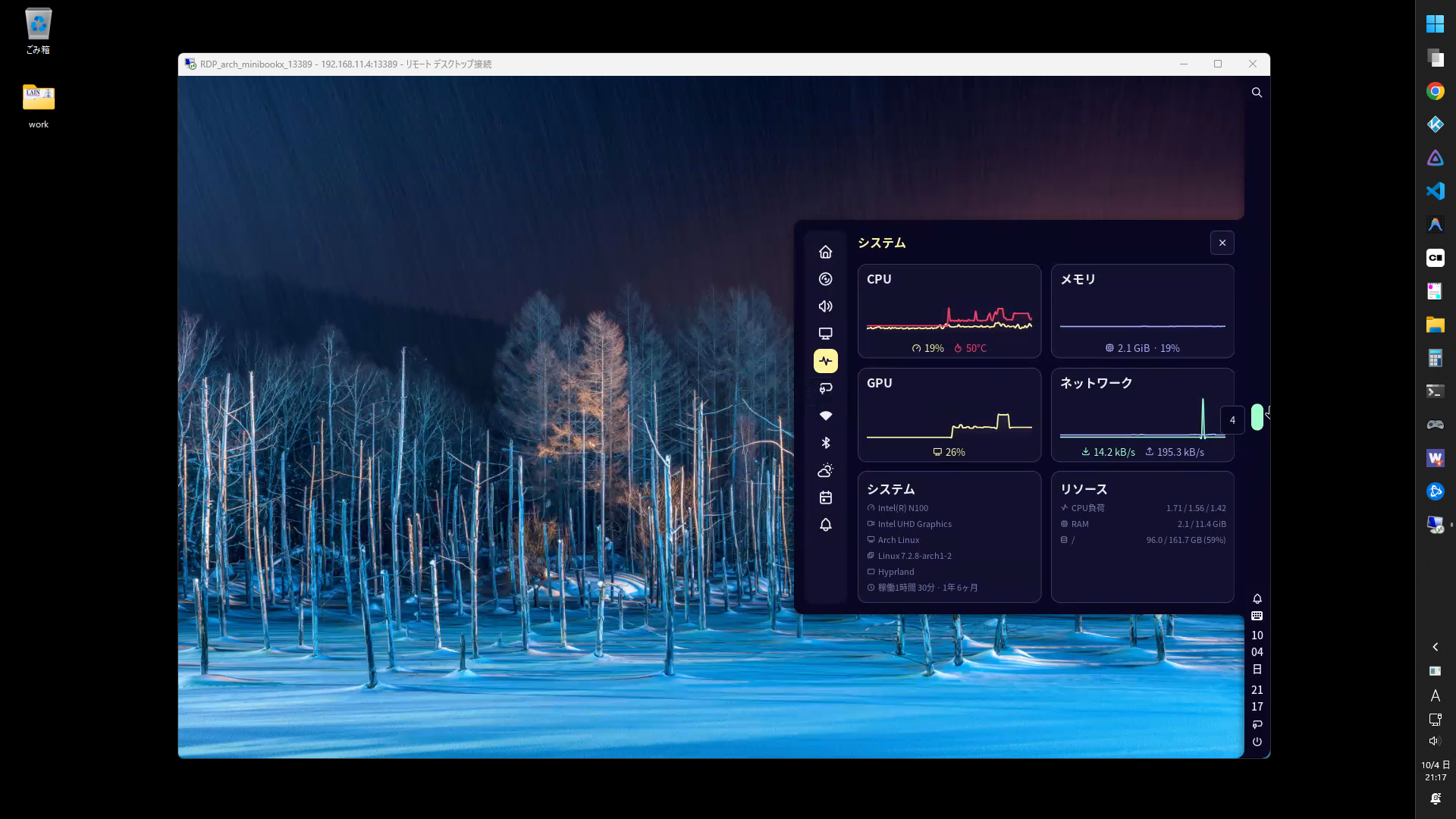
Arch Linux Hyprland Noctalia
Arch Linux / Hyprlandの環境にNoctaliaを導入してみました。 環境 OS 項目 内容 ブートローダ grub ルートパーティション ext4 ディストリビューション Arch Linux ディスプレイマネージャ GDM ウィンドウマネージャ Hyprland デスクトップシェル Noctalia サービス 項目 内容 RDPサーバ hypr-rdp 日本語入力 fcitx5 ツール 項目 内容 パッケージマネージャ paru Hyprland設定ツール HyprMod ソフトウェア 項目 内容 シェル fish ファイルマネージャ Thunar ターミナル Kitty ブラウザ google-chrome IDE visual-studio-code-bin プログラミングフォント HackGen メディアプレイヤー Kodi パッケージの設定fastfetch インストール paru -S fastfetch ...
2026-10-19
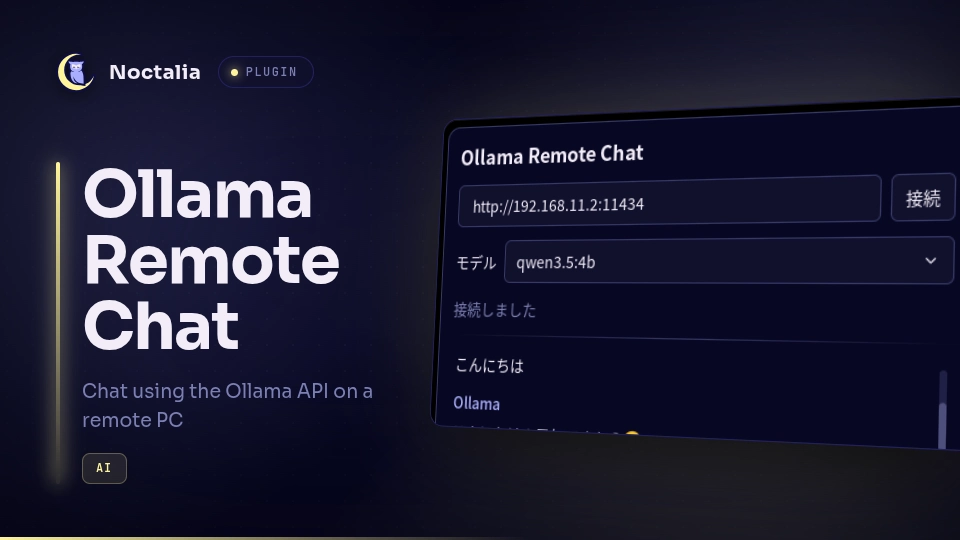
Noctalia Ollama Remote Chat Plugin
リモートのOllama APIに接続してチャットするNoctaliaプラグインを作成しました。 利用可能なモデルを選択できます。 環境サーバ Windows 11 Ollama 0.40.5 qwen3.5:4b llama3.1:8b qwen2.5-coder:1.5b-base qwen2.5-coder:1.5b qwen3-coder:latest クライアント Arch Linux Hyprland 0.56.2 Noctalia 5.3.0 ollama 0.40.6 構築サーバ Ollamaをインストール winget install -e --id Ollama.Ollama モデルを追加 https://ollama.com/library ollama pull <モデル名> Ollamaをサーバ起動 set OLLAMA_HOST=0.0.0.0ollama serve クライアント 前提パッケージをインストール sudo pacman -S ollama リポジトリを追加 noctalia msg plugins ...
2023-08-25
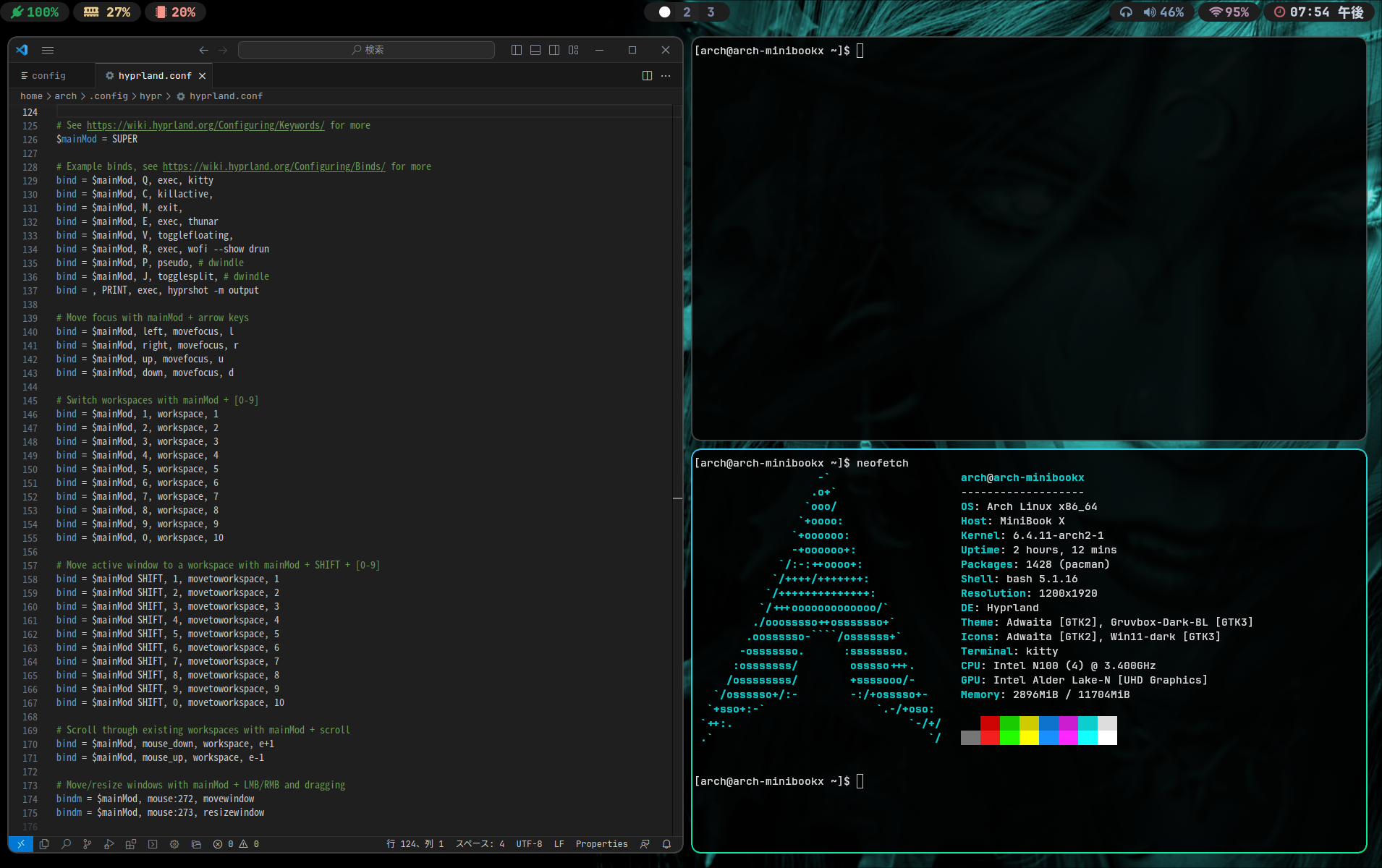
Hyprland
https://hyprland.org/MiniBook X のArch Linux にHyprland を導入してみました。かなりイケていますが、私に使いこなせるのだろうか。 環境https://wiki.hyprland.org/https://github.com/hyprland-community/awesome-hyprland if (!window.google) { document.body.innerHTML = 'You need to include the script //google.com/jsapi on your template'; throw 'Google JS API is needed'; } else { (function() { google.load('visualization', '1.0', {'packages': ["corechart","geochart","table"]}); google.setOnLoadCallback(function...

2026-06-20
hyprKCS
Hyprland用キーバインドマネージャhyprKCSを使ってみました。お気に入りフィルタがあるので、便利だけれど忘れてしまいがちなキーバインドを簡単に見つけられます。 https://github.com/kosa12/hyprKCS 2026-06-29 hyprland.luaに対応しているソフト調査 ソフト hyprland.lua対応状況 hyprKCS × hypr-keybind-manager × hyprmod ○ 多機能。 2026-06-28 hyprland.lua対応のfeatureリクエスト https://github.com/kosa12/hyprKCS/issues/77 環境 Arch Linux hyprKCS v1.25.6 構築 インストール paru -S hyprkcs-git 設定 起動 hyprkcs サイズ変更 Gear > Window > Dimensions 1000 x 700 等に変更 お気に入り登録 対象のキーバインド左端のスターをクリック hyprK...
2026-10-12
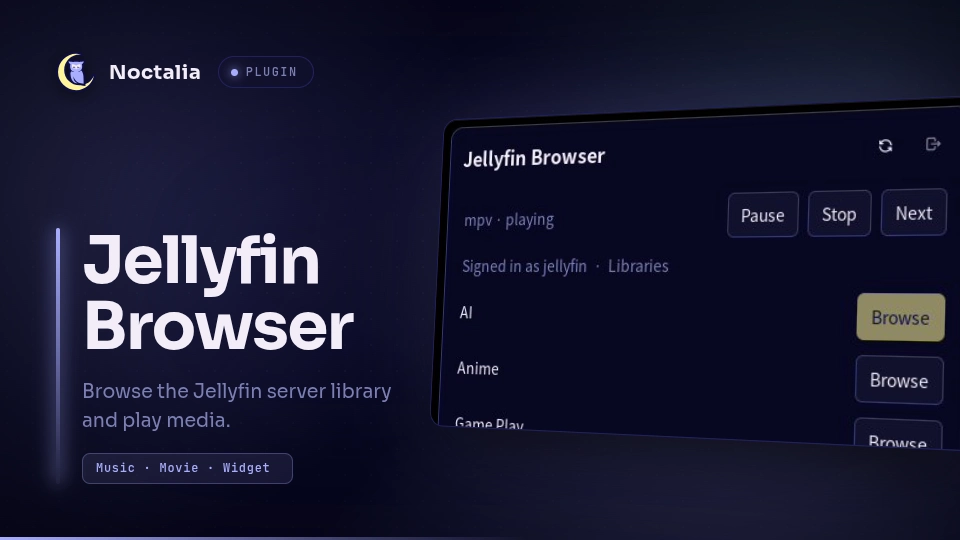
Noctalia Jellyfin Browser
Jellyfinサーバに接続してライブラリをブラウズするNoctaliaプラグインを作成しました。MPVで再生します。 https://github.com/ktkr3d/noctalia-pluginshttps://github.com/ktkr3d/noctalia-plugins/tree/main/jellyfin-browser 環境ソフトウェア構成 Arch Linux Hyprland mpv 0.41.0 Noctalia 5.2.1 Jellyfin Browser プラグイン 0.0.4 socat 1.8.1.3 構築前提パッケージ インストール sudo pacman -S mpv socat プラグイン発行元を追加 コマンドの場合 noctalia msg plugins source add ktkr3d git https://github.com/ktkr3d/noctalia-plugins GUIの場合 Noctaliaの設定画面(Spuer+Z)のプラグインメニューからプラグイン発行元を追加します。 項目 ...
2023-08-27
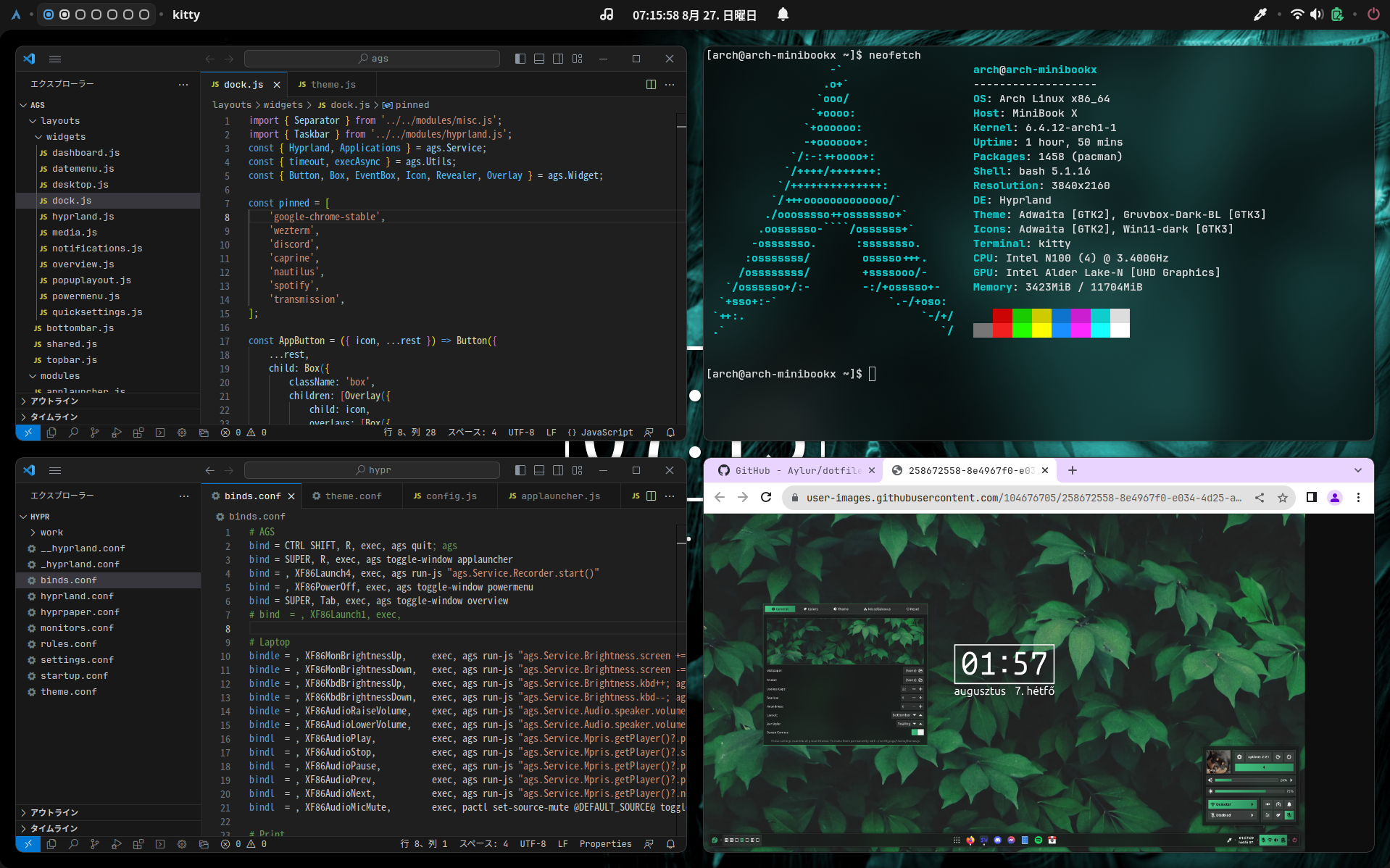
Hyprland + Ags
https://github.com/Aylur/agsMiniBook X のArch Linux / Hyprland 環境にAgs を導入してみました。Ags はJavaScript でGTK ウィジェットを定義できます。 2023-09-18 更新 Arch Linux, Hyprland, ags, VSCode, Google Chrome, Cava, fastfetch, bashtop, nginx, Three.js, ammo.js MiniBook X N100 -> Type-C to HDMI -> HDMI Capture -> Hi10 Go N5100 -> OBS Studio 音無しMP4 16MB 1分35秒 環境 MiniBook X N100 Arch Linux Hyprland Ags 構築📖手順 https://github.com/Aylur/ags/wiki https://github.com/Aylur/dotfiles 💿インストール Ags のインストール https...