
Arch Linux Hyprland Noctalia
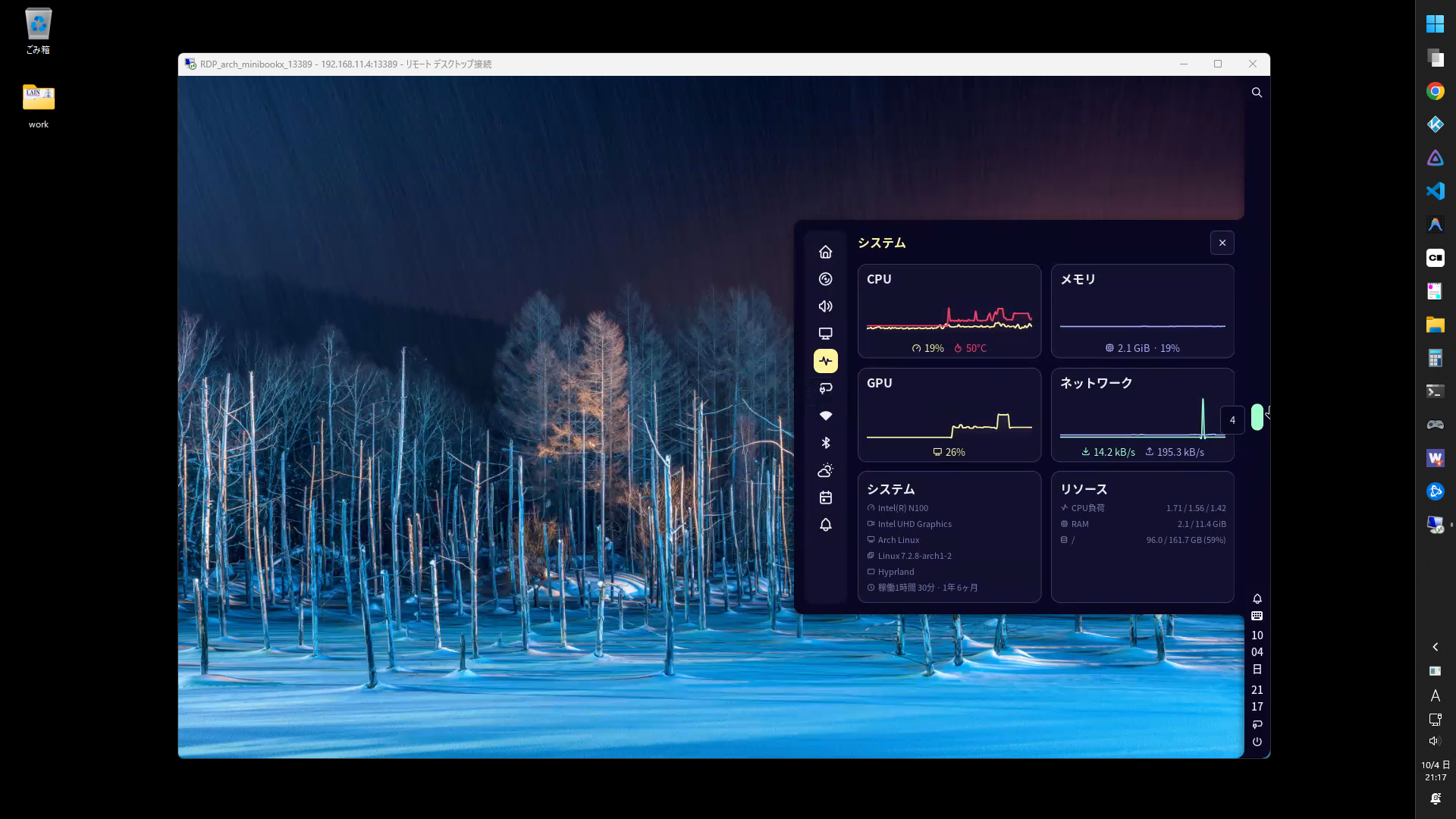
Arch Linux / Hyprlandの環境にNoctaliaを導入してみました。
環境
OS
項目 内容 ブートローダ grub ルートパーティション ext4 ディストリビューション Arch Linux ディスプレイマネージャ GDM ウィンドウマネージャ hyprland デスクトップシェル noctarlia サービス
項目 内容 RDPサーバ hypr-rdp ツール
項目 内容 パッケージマネージャ paru Hyprland設定ツール hyprmod ソフトウェア
項目 内容 シェル fish ファイルマネージャ thunar ターミナル kitty 日本語入力 fcitx5 ブラウザ google-chrome IDE visual-studio-code-bin プログラミングフォント HackGen メディアプレイヤー kodi
パッケージの設定
fastfetch
- インストール
paru -S fastfetch
- シンプルなテーマ
mkdir -p ~/.config/fastfetch
cd ~/.config/fastfetch
curl -O https://gist.githubusercontent.com/ktkr3d/40805f88c7c72e67d9da5e28d5118fa8/raw/5667511376bad868192f54a49b8c4c87050c5d27/config.jsonc
fish
- テーマをインストール
paru -S fish-pure-prompt eza fastfetch
- 反映
~/.config/fish/config.fish if status is-interactive
# Commands to run in interactive sessions can go here
function fish_greeting
fastfetch
end
# Replace ls with eza
alias ls='eza -al --color=always --group-directories-first --icons=always' # preferred listing
alias la='eza -a --color=always --group-directories-first --icons=always' # all files and dirs
alias ll='eza -l --color=always --group-directories-first --icons=always' # long format
alias lt='eza -aT --color=always --group-directories-first --icons=always' # tree listing
alias l.="eza -a | grep -e '^\.'" # show only dotfiles
alias l='ls'
end
fcitx5
インストール
paru -S fcitx5-im fcitx5-mozc fcitx5-configtool
HyprModのAutoStartに追加
fcitx5 -d
HyprModのEnv Variablesに追加
Name Value XMODIFIERS @im=fcitx QT_IM_MODULE fcitx GTK_IM_MODULE fcitx
hypr-rdp
- インストール
paru -S hypr-rdp
- HyprModのAutoStartに追加
hypr-rdp -u user -p pass --bind 0.0.0.0:13389
3389/tcpはGDM/GNOME Shellで使っているので13389/tcpを利用
kitty
- インストール
paru -S kitty ttf-hackgen
- フォント
Hackgen Console NFを選択kitty +list-fonts
thunar
- インストール
paru -S thunar gvfs-smb thunar-archive-plugin file-roller
- 設定
編集 > 設定 > カスタムウィンドウ装飾を使用する : オン
Noctalia
- スクリプトランチャ
mkdir -p $HOME/bin/scripts
~/.config/noctalia/config.toml [shell.launcher.dmenu.entry.run_scripts]
prefix = "scripts"
glyph = "file-code"
command = "find $HOME/bin/scripts -maxdepth 1 -type f -executable -exec basename {} \\;"
exec = "kitty \"$HOME/bin/scripts/{selection}\""
HyprMod
Keybinds
設定(⭐:よく使うもの)
Mod + Key(s) 内容 Super Enter kitty E⭐ thunar T⭐ kitty C code W⭐ google-chrome-stable Z⭐ noctalia settings X noctalia control-center Space⭐ launcher . launcher /emo L lock ALT+C session menu SHIFT+W wallpaper V⭐ clipboard A notification Q⭐ close window ALT+Space floating D⭐ fullscreen (mode=1) F fullscreen J split SHIFT + S⭐ special workspace S⭐ scratchpad M⭐ hyprmod K⭐ launcher /scripts
Related Articles

2026-09-25
CachyOS Hyprland Noctalia
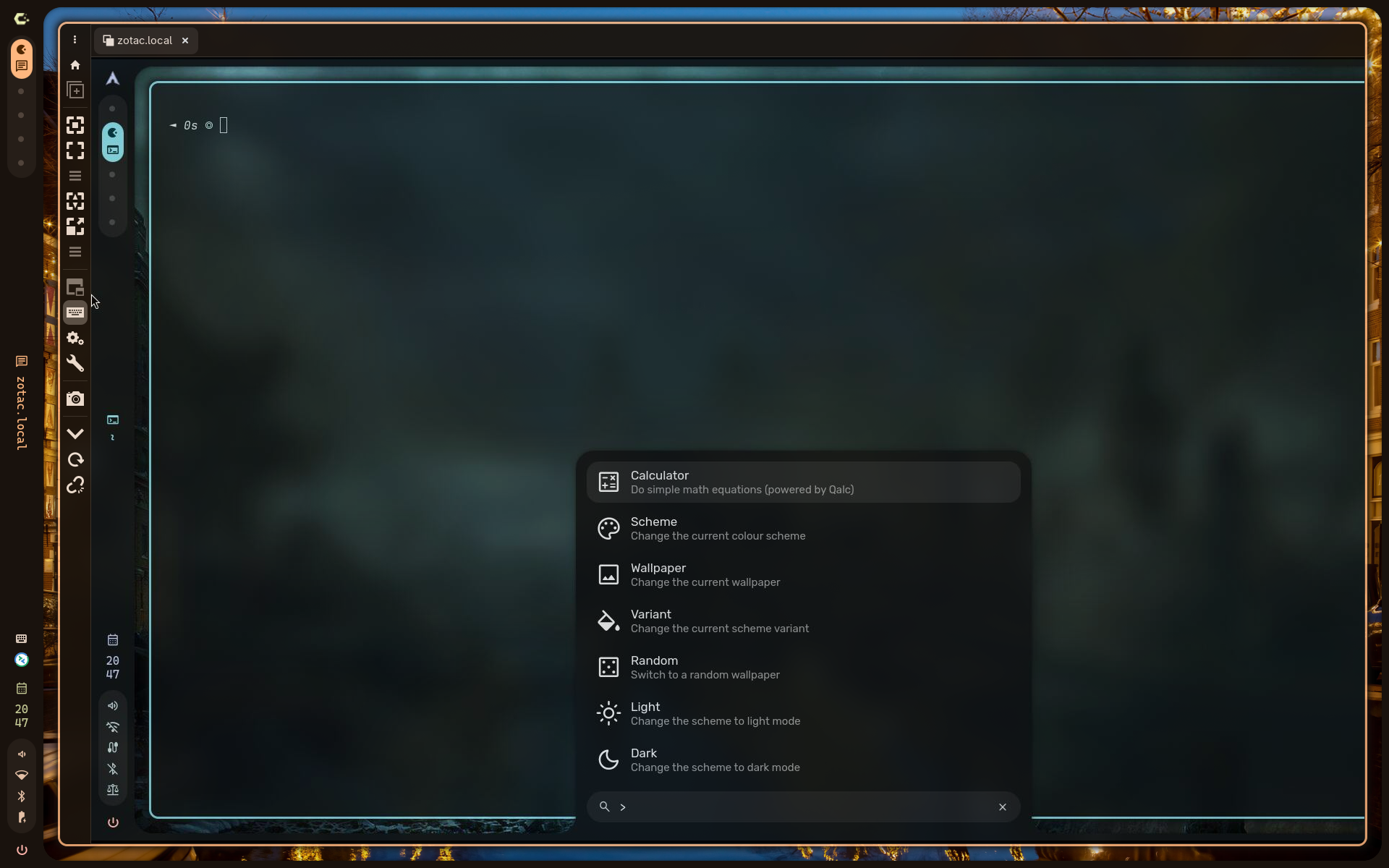
CachyOS Hyprland Noctaliaをインストールしました。バーを右側に配置できてよいですね。シェルはfishでした。パッケージ管理はshellyでした。メイン環境にしてもよいかもしれないです。 CachyOS https://cachyos.org/ Noctalia https://noctalia.dev/ https://github.com/CachyOS/cachyos-hypr-noctalia HyprMod https://github.com/BlueManCZ/hyprmod スクリーンショットNoctaliaコントロールセンタSuper+Xでホーム画面、Super+Aで通知画面 Noctalia設定画面Super+Z 壁紙選択Super+Shift+W タイリング表示 HyprModHyprlandをGUIで設定します。Super+Mにバインドしました。 スクリプトランチャNoctaliaランチャのdmenu機能を利用したスクリプトランチャを作りました。Super+Kにバインドしました。 CachyOSの設定ダウンロードht...

2026-06-20
hyprKCS
Hyprland用キーバインドマネージャhyprKCSを使ってみました。お気に入りフィルタがあるので、便利だけれど忘れてしまいがちなキーバインドを簡単に見つけられます。 https://github.com/kosa12/hyprKCS 2026-06-29 hyprland.luaに対応しているソフト調査 ソフト hyprland.lua対応状況 hyprKCS × hypr-keybind-manager × hyprmod ○ 多機能。 2026-06-28 hyprland.lua対応のfeatureリクエスト https://github.com/kosa12/hyprKCS/issues/77 環境 Arch Linux hyprKCS v1.25.6 構築 インストール paru -S hyprkcs-git 設定 起動 hyprkcs サイズ変更 Gear > Window > Dimensions 1000 x 700 等に変更 お気に入り登録 対象のキーバインド左端のスターをクリック hyprK...
2026-01-21
Headless Hyprland
ヘッドレスのHyprlandデスクトップに接続してみます。GDMとGNOME ShellはRDPで接続し、HyprlandはVNCで接続する構成としました。 2026-06-30 hypr-rdpの場合 https://ktkr3d.github.io/2026/06/30/hypr-rdp/ 環境サーバ Arch Linux GDM / GNOME Shell RDPサーバ: GRD(GNOME Remote Desktop) Hyprland VNCサーバ: WayVNC クライアント Windows 11 RDPクライアント: リモートデスクトップ接続(mstsc.exe) VNCクライアント: RealVNC Viewer CachyOS RDP/VNCクライアント: Remmina 構築: サーバ OS起動時に自動ログインしてHyprlandセッションを開始します。VNCで接続できます。 GNOME Shellを使いたい場合はログオフ後、RDPで接続してGDMでgnomeを選択します。 再度Hyprlandセッション...
2025-11-17
Caelestia
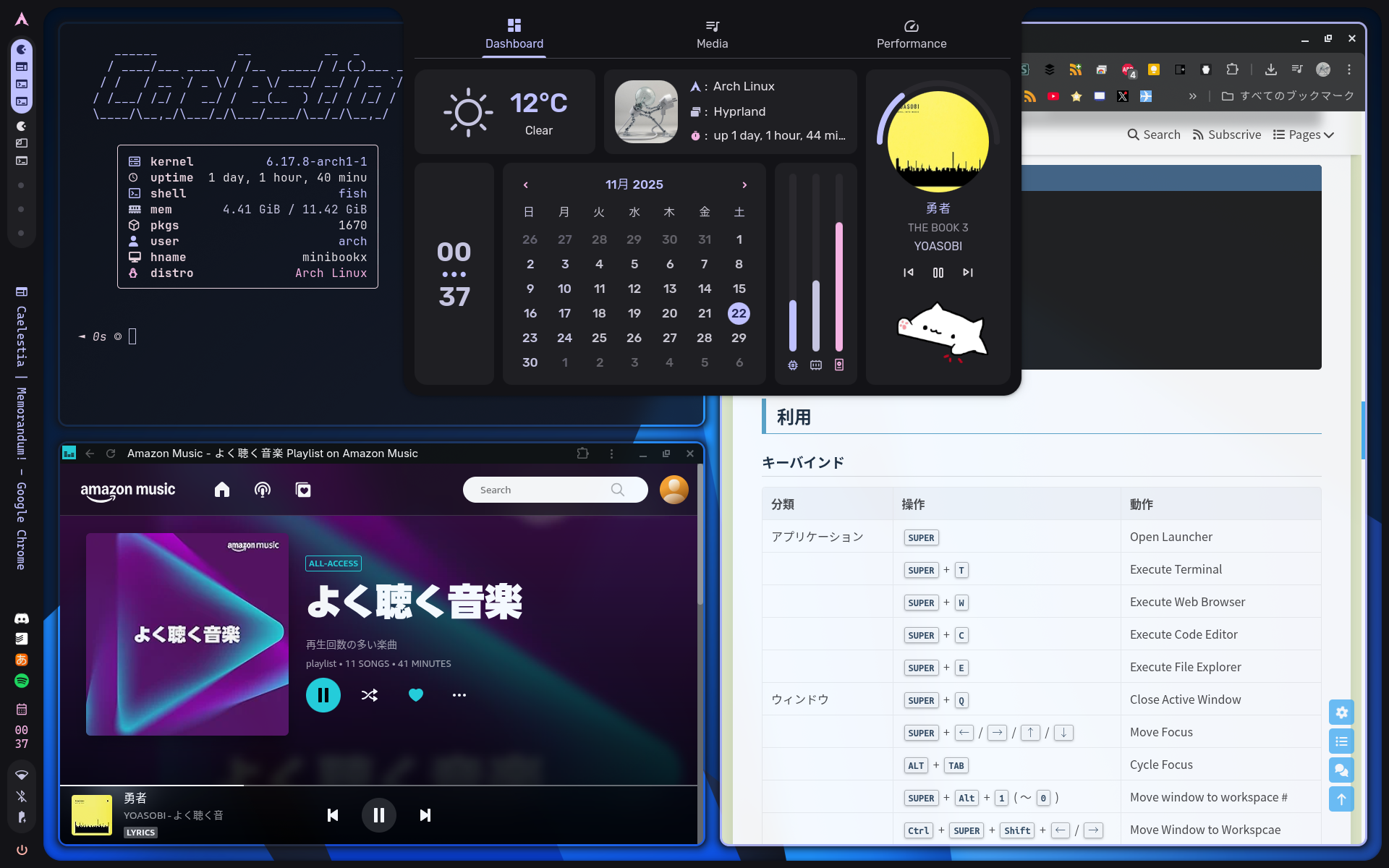
Hyprland用のCaelestia dotsを試してみました。これは良いかもしれない。 https://github.com/caelestia-dots/caelestiahttps://github.com/caelestia-dots/clihttps://github.com/caelestia-dots/shell https://www.youtube.com/watch?v=TggHDm0_vBw 2026-08-27 Qt6アップデートの際にQuickshellを自動的にリビルドする設定 https://ktkr3d.github.io/2026/08/27/quickshell-automatic-rebuild/ 2026-07-25 libcavaアップデート後にquick-shellが起動しない場合の対策 https://github.com/caelestia-dots/shell/issues/1739 paru -S --rebuild caelestia-shell 2026-06-27設定ファイルのlua言語対応https...

2026-06-10
Hyprland 0.55.3
Hyprland 0.55.3をインストールしました。現在の構成は以下の通り。 $ pacman -Q hyprland quickshell caelestia-cli caelestia-shellhyprland 0.55.3-1quickshell-git 0.2.0.r148.g8db8ca1-1caelestia-cli 1.0.8-1caelestia-shell 2.0.2-1 2026-07-18 My keybinds Category Keybind App Launcher Super Caelestia Launcher Launcher Super+Space Walker Web Super+W Google Chrome Explorer Super+E Thunar To do Super+R Google ToDo list Termial Super+T foot Special Workspace Super+S Toggle Special Workspace Communication Super...
2023-08-25
Hyprland
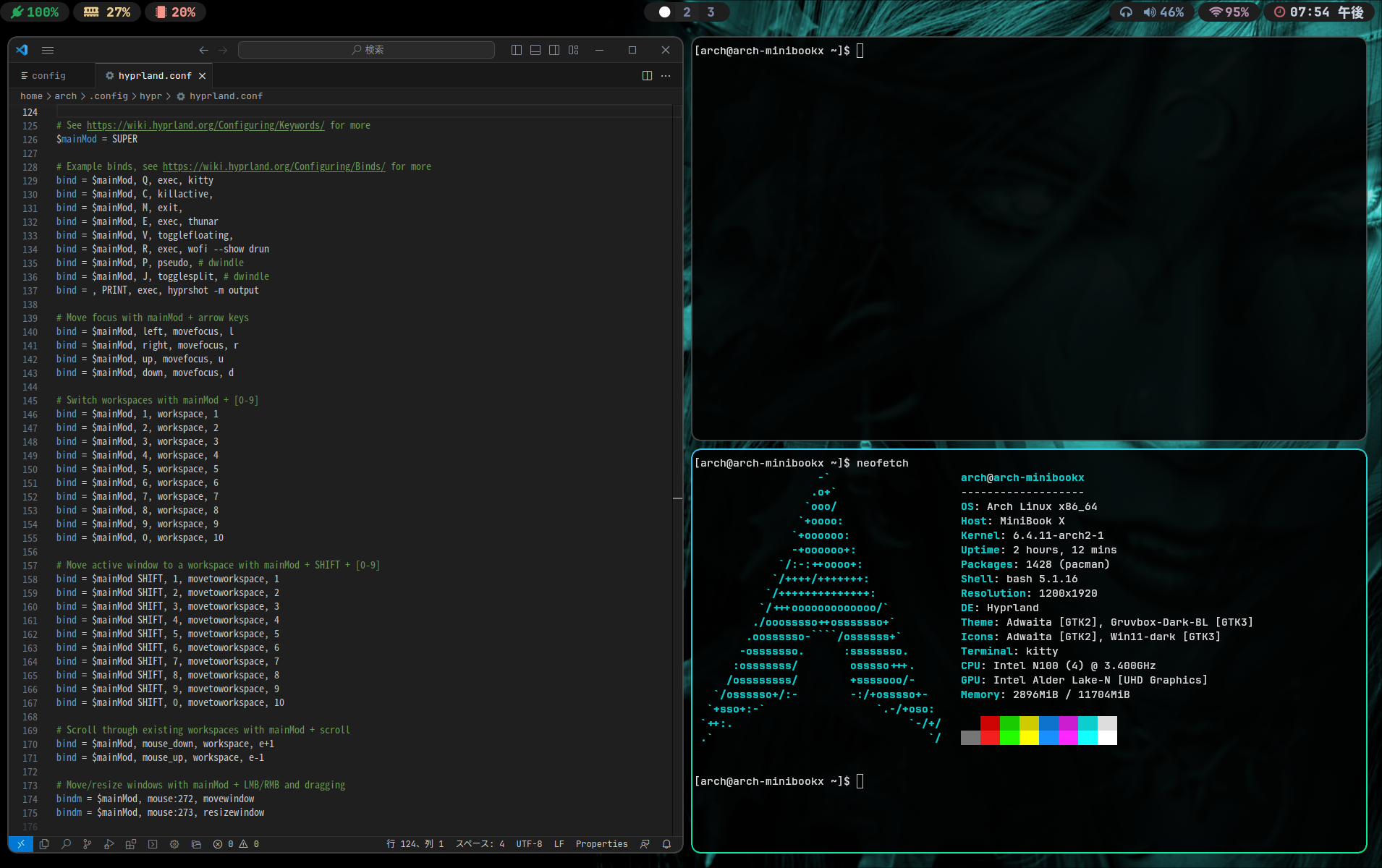
https://hyprland.org/MiniBook X のArch Linux にHyprland を導入してみました。かなりイケていますが、私に使いこなせるのだろうか。 環境https://wiki.hyprland.org/https://github.com/hyprland-community/awesome-hyprland if (!window.google) { document.body.innerHTML = 'You need to include the script //google.com/jsapi on your template'; throw 'Google JS API is needed'; } else { (function() { google.load('visualization', '1.0', {'packages': ["corechart","geochart","table"]}); google.setOnLoadCallback(function...
Comments