GNOME Software on Ubuntu GNOME 16.04
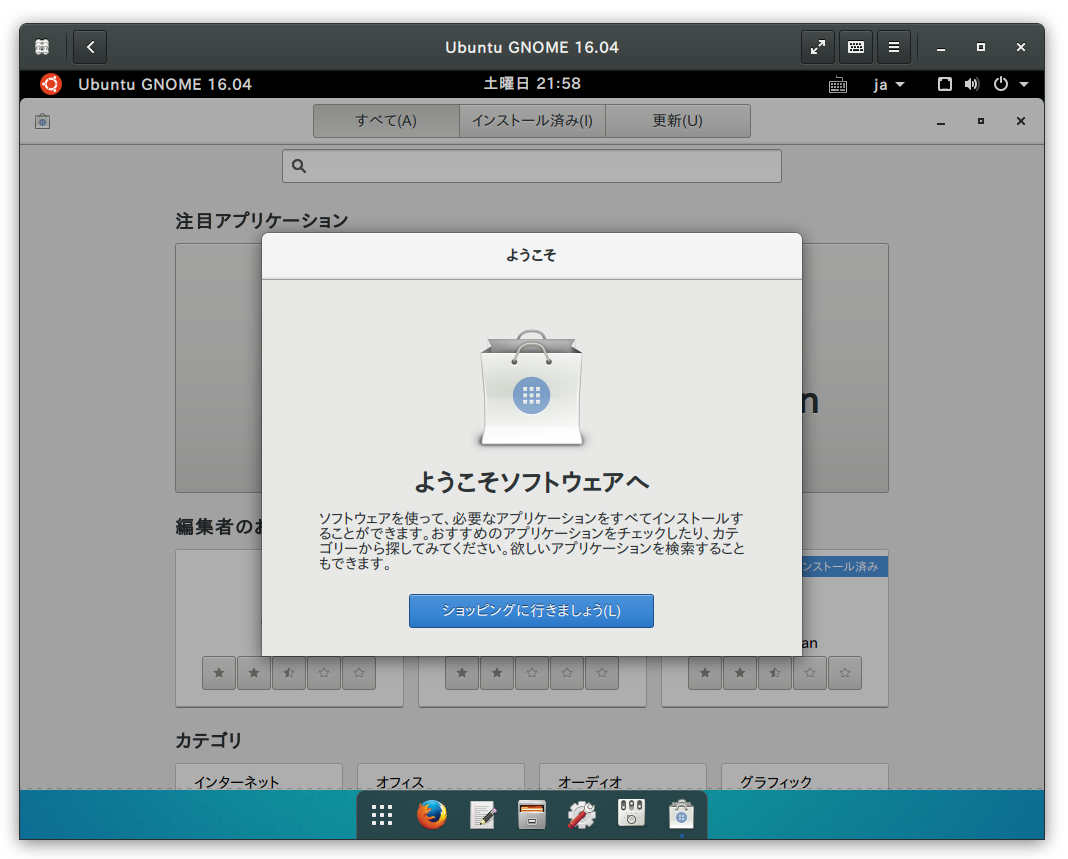
https://launchpad.net/~ubuntu-desktop/+archive/ubuntu/gnome-software
Ubuntu 16.04 ではUbuntu ソフトウェアセンター(software-center)に代わってGNOME ソフトウェア(gnome-software)がデフォルトになるようですね。
試してみました。
GNOME ソフトウェアのインストール
$ sudo add-apt-repository ppa:ubuntu-desktop/gnome-software |
Related Articles
2021-02-21
GNOME 40
https://copr.fedorainfracloud.org/coprs/haeckerfelix/gnome-shell-40/ GNOME 40 アルファ版を起動してみました。 環境 Fedora 33 GNOME Shell 40.beta 構築 Fedora 33 インストールhttps://getfedora.org/ja/workstation/download/ アップデート $ sudo dnf update -y リポジトリ追加&アップデート $ sudo dnf copr enable haeckerfelix/gnome-shell-40 $ sudo dnf upgrade Fedora 33 との差分 バージョン確認 $ dnf list --installed | grep haeckerfelixglib2.x86_64 2.67.3-1.fc33 @copr:copr.fedorainfracl...
2014-03-01
Ubuntu GNOME 14.04 Beta 1
http://cdimage.ubuntu.com/ubuntu-gnome/releases/14.04/beta-1/ Ubuntu GNOME 14.04 ベータ1 が公開されたのでクリーンインストールしました。ついでにAndroid-x86 もインストールして、3OS のマルチブート環境にしました。 環境DELL Indpiron 1090すでにWindows 8.1 がインストールされています。この第3パーティションにインストールします。 インストール・Ubuntu GNOME 13.10http://cdimage.ubuntu.com/ubuntu-gnome/releases/14.04/beta-1/ $ sudo add-apt-repository ppa:gnome3-team/gnome3-staging$ sudo apt-get update$ sudo apt-get upgrade カスタマイズ$ LANG=C xdg-user-dirs-gtk-update アプリケーションの追加 audacious cairo-dock conky ...
2024-09-22
GNOME 47
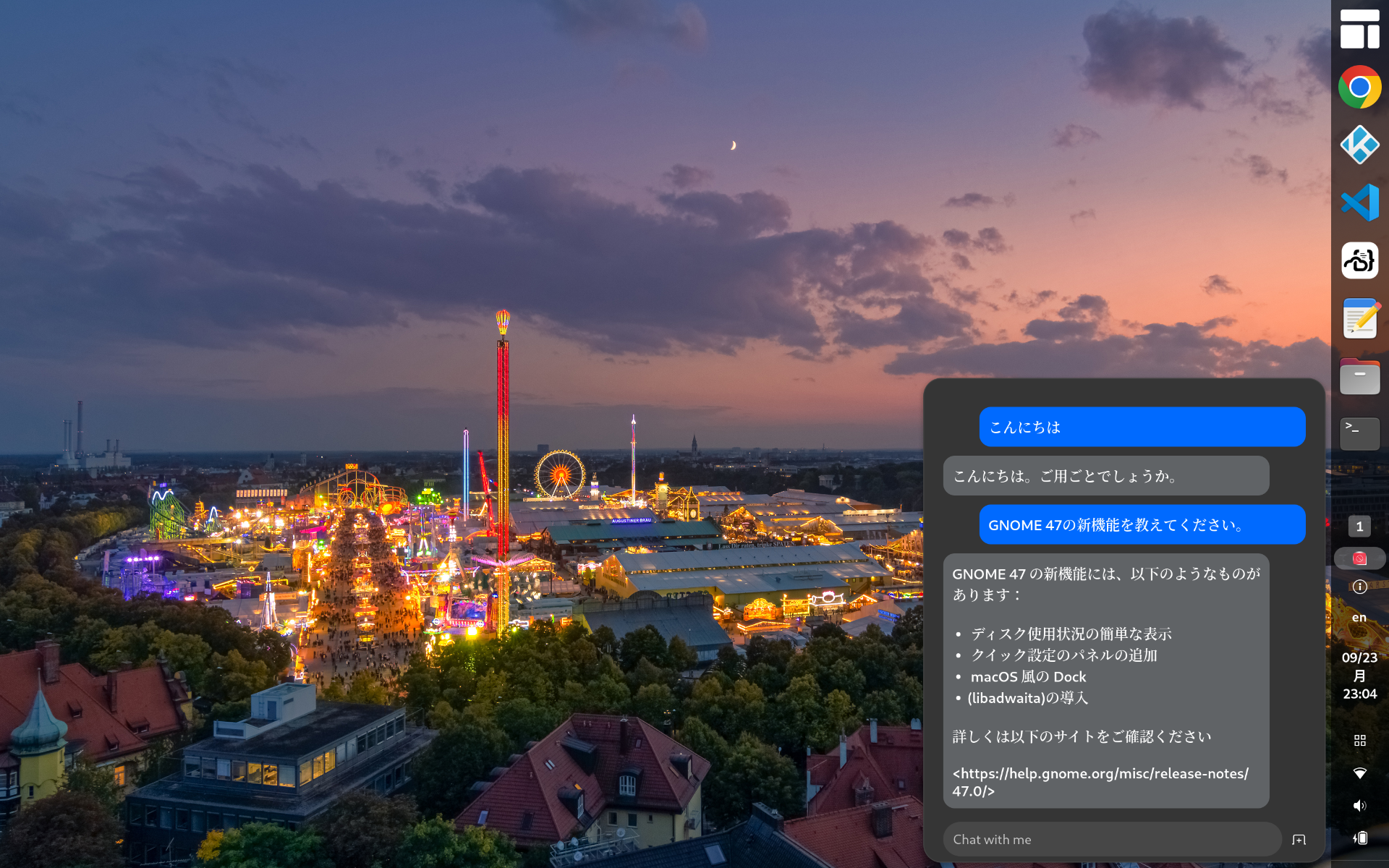
https://release.gnome.org/47/ GNOME 47がリリースされたのでインストールしてみました。 Chromeはtext-input v3に対応したのでWaylandモードで日本語入力可能です vscodeはWaylandモードで日本語入力に対応していません code-serverは日本語入力できます(Chromeだから)日本語入力中の文字列の背景が黄色になっているのはなんとかしたい GNOME Shell拡張のPenguin: AI Chatbotを使ってみましたhttps://extensions.gnome.org/extension/7338/penguin-ai-chatbot/とりあえずデフォルトの無料AIモデルに質問してみましたが調整が必要そうですね。。。 2025-02-04 更新タスクトレイのアイコン上にエラーが表示されるので修正する無効な値を指定しているicon_name行をコメントアウトするアイコンはstylesheet.cssで指定している extensions.js_init(extension) { // ...
2021-03-28
Ubuntu 21.04 Hirsute
https://launchpad.net/~shemgp/+archive/ubuntu/gnome-40Ubuntu 21.04 にGNOME 40 のPPA を設定してみました。 2021-04-07 追記 GNOME 40.0 でDash to Dock 拡張を導入してみました。https://github.com/ewlsh/dash-to-dock/tree/ewlsh/gnome-40https://github.com/micheleg/dash-to-dock/pull/1402 GNOME 40.0 でDash to Panel 拡張を導入してみました。https://github.com/philippun1/dash-to-panel/tree/update-to-gnome40https://github.com/home-sweet-gnome/dash-to-panel/pull/1303 2021-04-08 追記 Auto Hide Top Panel 拡張をGNOME 40 に対応させてみました。http://www.webupd8.or...
2014-09-06
Customizing Applications Menu Extension
GNOME Shell の拡張機能Applications Menu のボタンを文字列からアイコンに変更してみました。 /usr/share/gnome-shell/extensios/extension.js[282-285]this._label = new St.Label({ //text: _("Applications"), style_class: 'apps-menu-button', y_expand: true, y_align: Clutter.ActorAlign.CENTER }); /usr/share/gnome-shell/extensios/stylesheet.css[9-12].apps-menu-button { background: url('/usr/share/icons/Ad...
2025-03-30
GNOME Remote Desktop
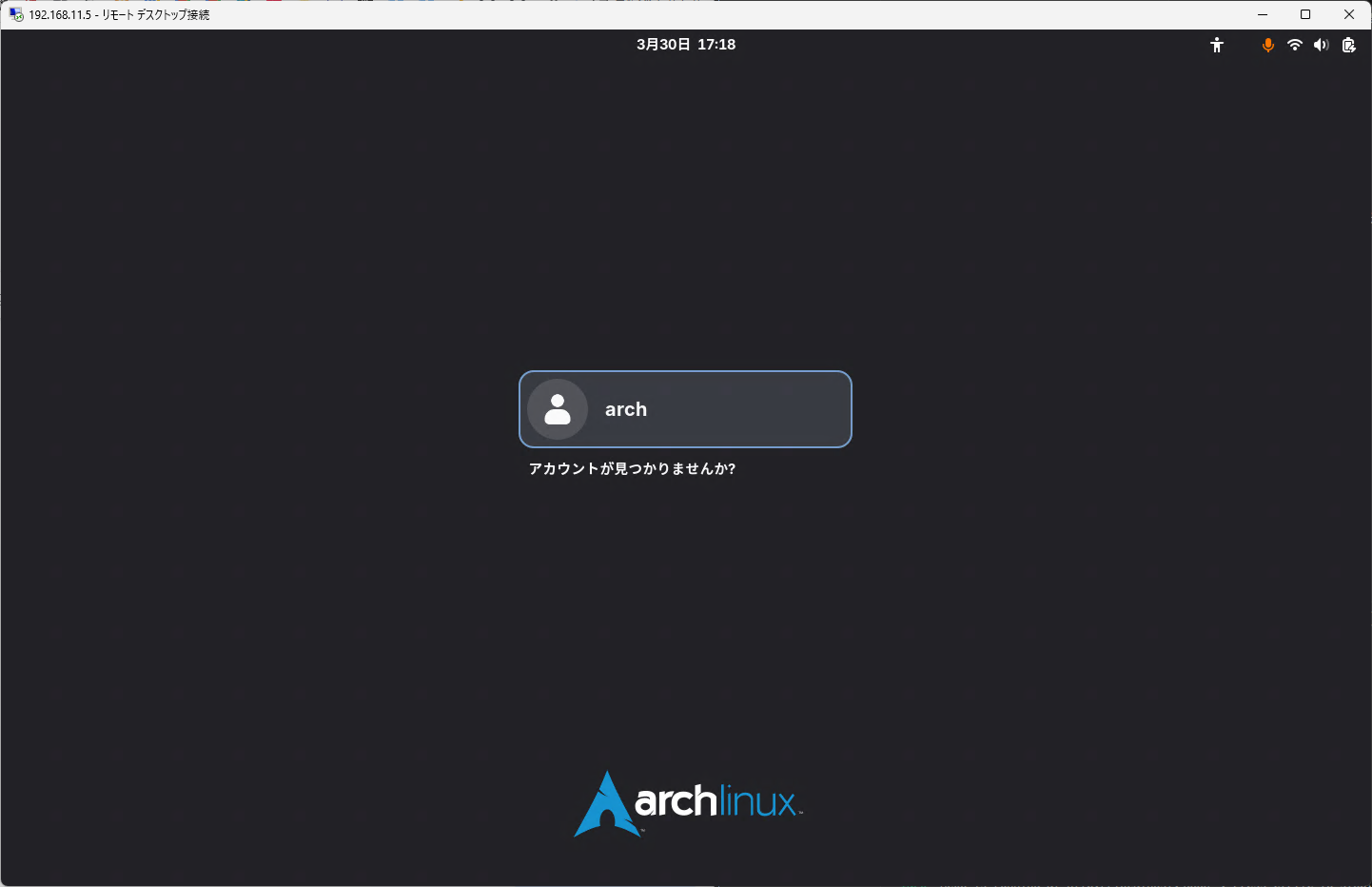
LinuxにGNOME Remote Desktopサービスを導入してクライアントからRDP接続してみました。接続するとGDM画面からログインできます。 https://gitlab.gnome.org/GNOME/gnome-remote-desktop 環境と動作確認結果(途中)3つのモードがあるようです。 Remote assistance / Desktop sharing既存のユーザセッション画面を共有する。 Headless multi user remote login / Remote login画面のサイズ指定可能。GDMから操作可能。 Headless (single user)画面のサイズ指定可能。既存のユーザセッション画面とは別に画面表示する(セッション情報は共有しているっぽい)。 Server OS RA HL-M HL-S PC Arch OK OK OK Ubuntu OK OK 未 Fedora 未 未 未 RPi 4B Arch ...
Comments