
Fedora 21 wayland
http://tuxdiary.com/2014/09/01/try-wayland-with-gnome/
http://fedoraproject.org/wiki/Workstation
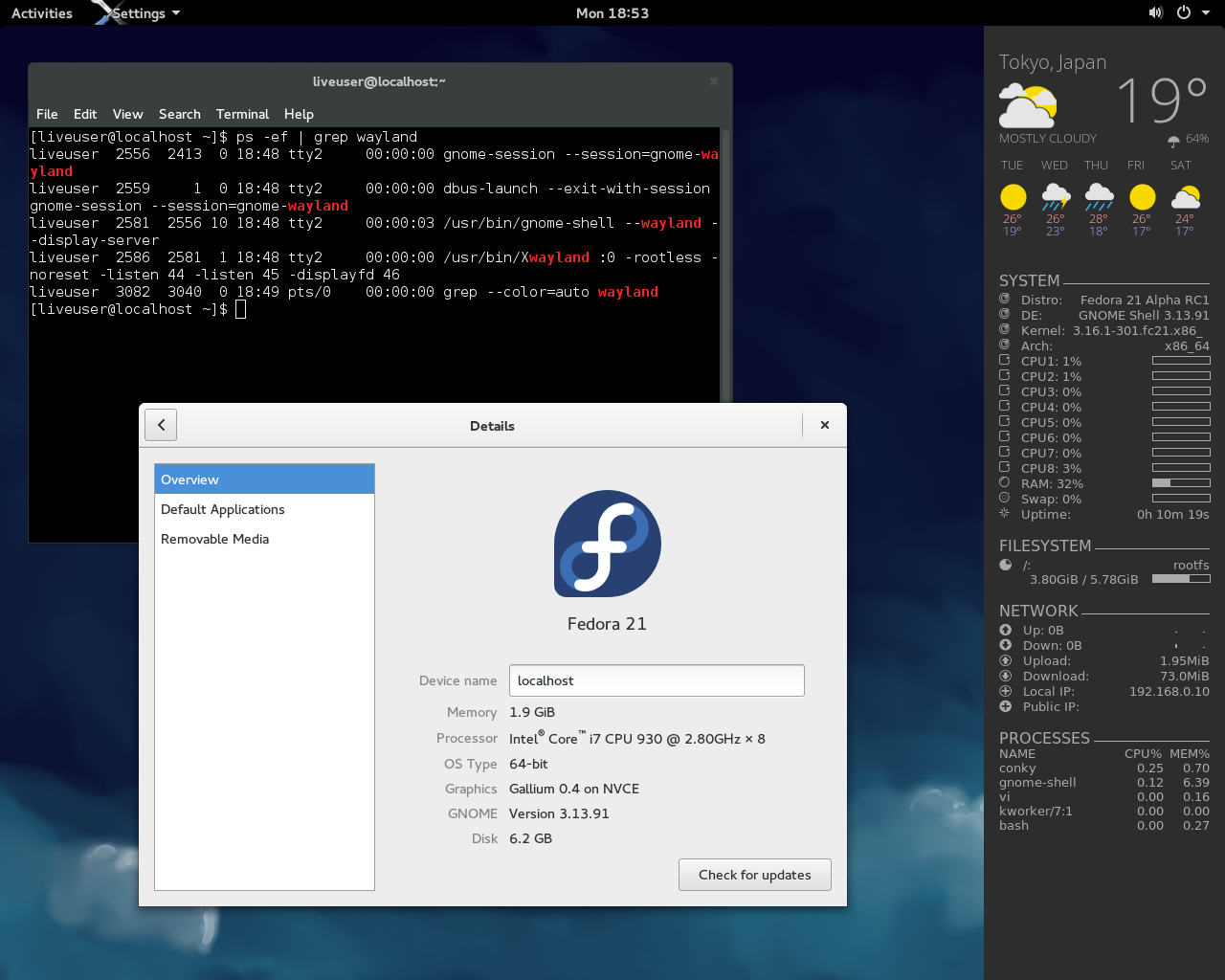
Fedora 21 Alpha RC1 で、GNOME 3.14 (3.13.91) をwayland で動かしてみました。
ライブISO イメージでFedora 21 を起動
[Ctrl]+[Alt]+[F2] でコンソール起動
liveuserでログインして、以下のコマンドを実行
$ sudo systemctl stop gdm |
GDM 終了時に画面が乱れたら、再度[Ctrl]+[Alt]+[F2]を押下する。
Related Articles
2021-04-24
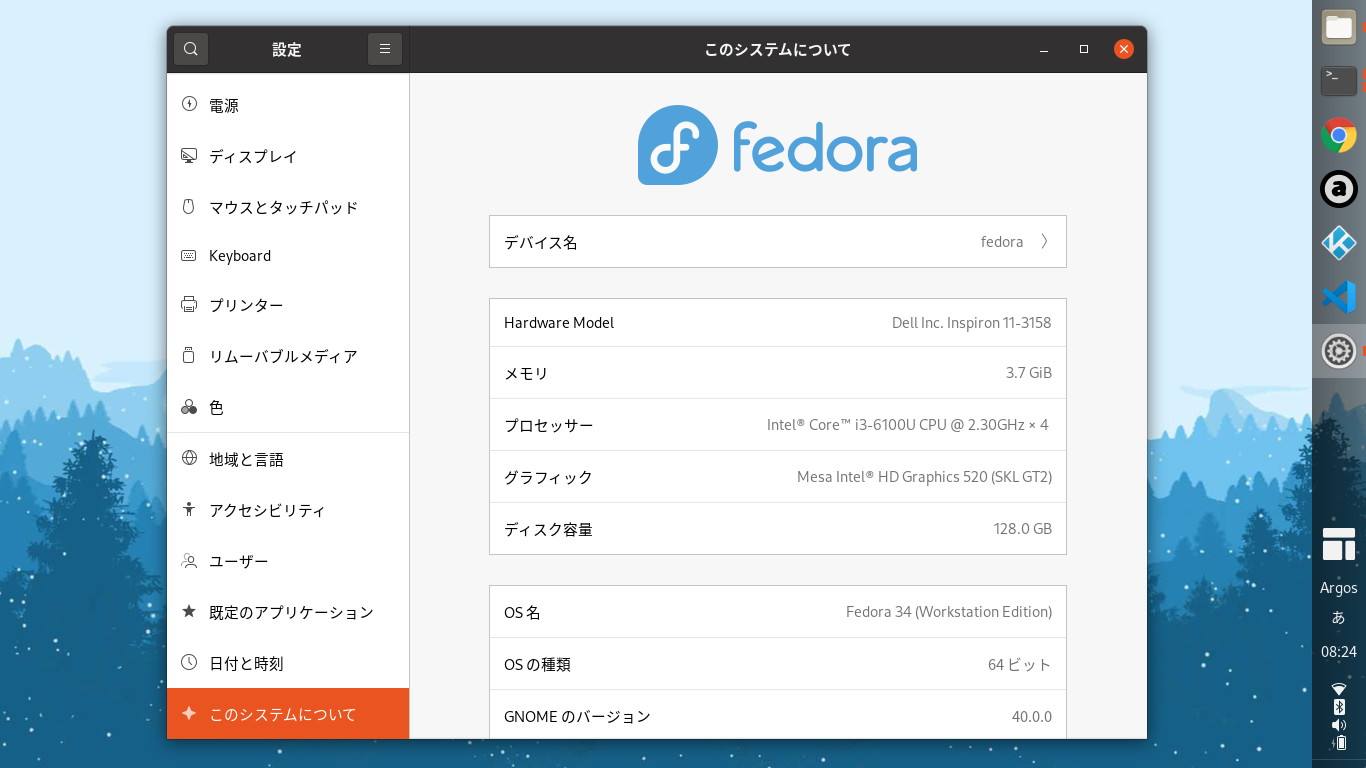
Fedora 34 Beta
https://getfedora.org/ja/workstation/download/ 環境設定 Dash to Panel (GNOME Shell 拡張)https://extensions.gnome.org/extension/1160/dash-to-panel/https://github.com/philippun1/dash-to-panel システムメニュー + Tweaks & Extensions in System Menu (GNOME Shell 拡張)https://extensions.gnome.org/extension/1653/tweaks-in-system-menu/ 時刻 Argos (GNOME Shell 拡張)https://extensions.gnome.org/extension/1176/argos/https://github.com/rammie/argos/tree/gnome-3.36 ArcMenu (GNOME Shell 拡張) + 日本語化https://extensions.gn...
2014-09-27
Ubuntu GNOME 14.10 + GNOME 3.14 + Wayland
Ubuntu GNOME 14.10 Beta + GNOME 3.14 (3.13.92) をWayland で動かしてみました。テキトーにやっているので、本当にWayland が有効になっているのか、怪しいですけれど。 $ ps -ef | grep waylandhoge 1376 1344 0 17:36 ? 00:00:00 gnome-session --session=gnome-waylandhoge 1454 1376 0 17:36 ? 00:00:00 /usr/bin/ssh-agent /usr/bin/dbus-launch --exit-with-session /usr/bin/im-launch gnome-session --session=gnome-waylandhoge 1457 1 0 17:36 ? 00:00:00 /usr/bin/dbus-launch --exit-with-session /usr/bin/im-launch gnom...
2025-03-20
GNOME 48
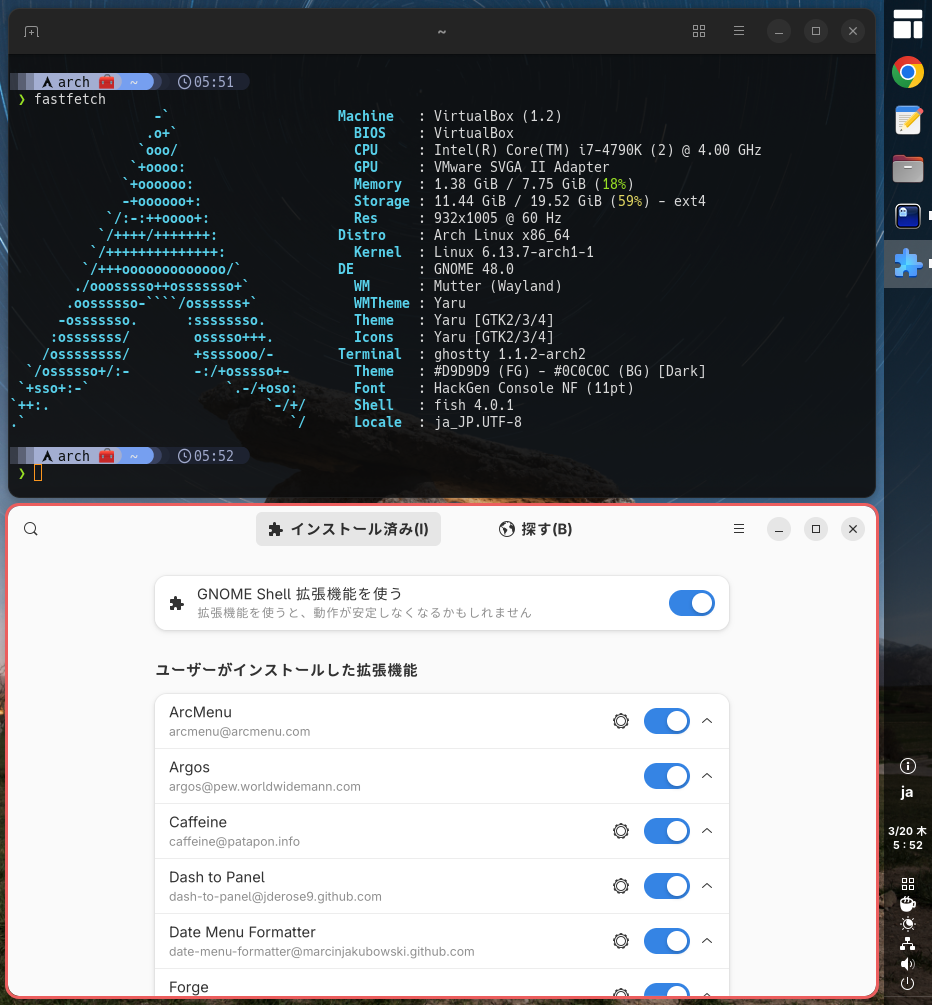
GNOME 48がリリースされたのでArch LinuxにGNOME 48.0 (gnome-unstableリポジトリ)を導入してみました。https://release.gnome.org/48/https://archlinux.org/groups/x86_64/gnome/ GNOME関連アプリが起動しません。extraリポジトリに反映されるのをまちましょう。 2025-03-23 追記https://archlinux.org/groups/x86_64/gnome/GNOME 48がextraリポジトリに来ました。 Chrome起動時のグローバルショートカットのポップアップ抑止https://www.reddit.com/r/gnome/comments/1jfejor/psa_chromechromiumbased_browsers_and_gnome_48/~/.config/chrome-flags.conf--disable-features=GlobalShortcutsPortal 2025-03-20 追記 https://archlinux.org/...
2025-03-30
GNOME Remote Desktop
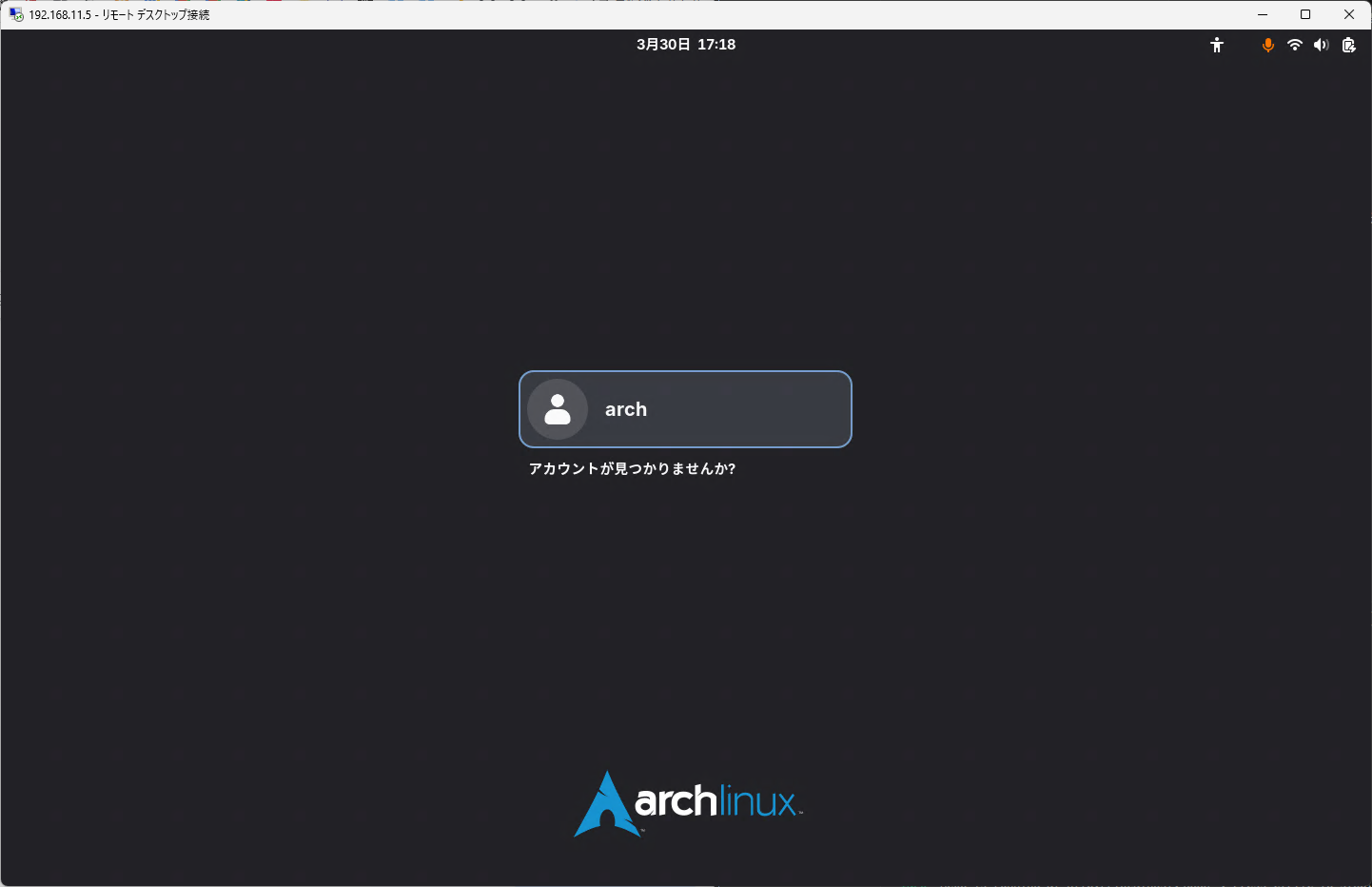
LinuxにGNOME Remote Desktopサービスを導入してクライアントからRDP接続してみました。接続するとGDM画面からログインできます。 https://gitlab.gnome.org/GNOME/gnome-remote-desktop 環境と動作確認結果(途中)3つのモードがあるようです。 Remote assistance / Desktop sharing既存のユーザセッション画面を共有する。 Headless multi user remote login / Remote login画面のサイズ指定可能。GDMから操作可能。 Headless (single user)画面のサイズ指定可能。既存のユーザセッション画面とは別に画面表示する(セッション情報は共有しているっぽい)。 Server OS RA HL-M HL-S PC Arch OK OK OK Ubuntu OK OK 未 Fedora 未 未 未 RPi 4B Arch OK 未 OK ...
2011-06-04
GNOME Shell を拡張してみた7
https://bugzilla.gnome.org/show_bug.cgi?id=643662 https://bugzilla.gnome.org/attachment.cgi?id=186893 GNOME Shell の上部パネルをauto hide にしてみた。将来的には設定を切り替えられるようになるのかな。 dock 拡張もauto hide にしたいなぁ。
2012-09-24
Changing the date format in nautilus 3.6 list view
https://bugzilla.gnome.org/show_bug.cgi?id=676898http://bugzilla-attachments.gnome.org/attachment.cgi?id=215060 nautilus 3.6 のリストビューでは、あえて更新日付の書式をシンプル(informal)にしているようです。これはこれでアリなのですが、やはり詳細表示されていた方が統一感があって使い勝手がよいような気がするので、昔のISO 日付書式になるようにカスタマイズしてみました。dpkg-buildpackage でfakeroot が効かなかったので、sudo で実行しています。 $ sudo apt-get build-dep nautilus$ mkdir nautilus && cd nautilus$ apt-get source nautilus$ dpkg-source -x *.dsc$ cd nautilus-3.* libnautilus-private/nautilus-file.c#define TODAY_TIME_FO...
Comments