
Raspbian Buster 64bit
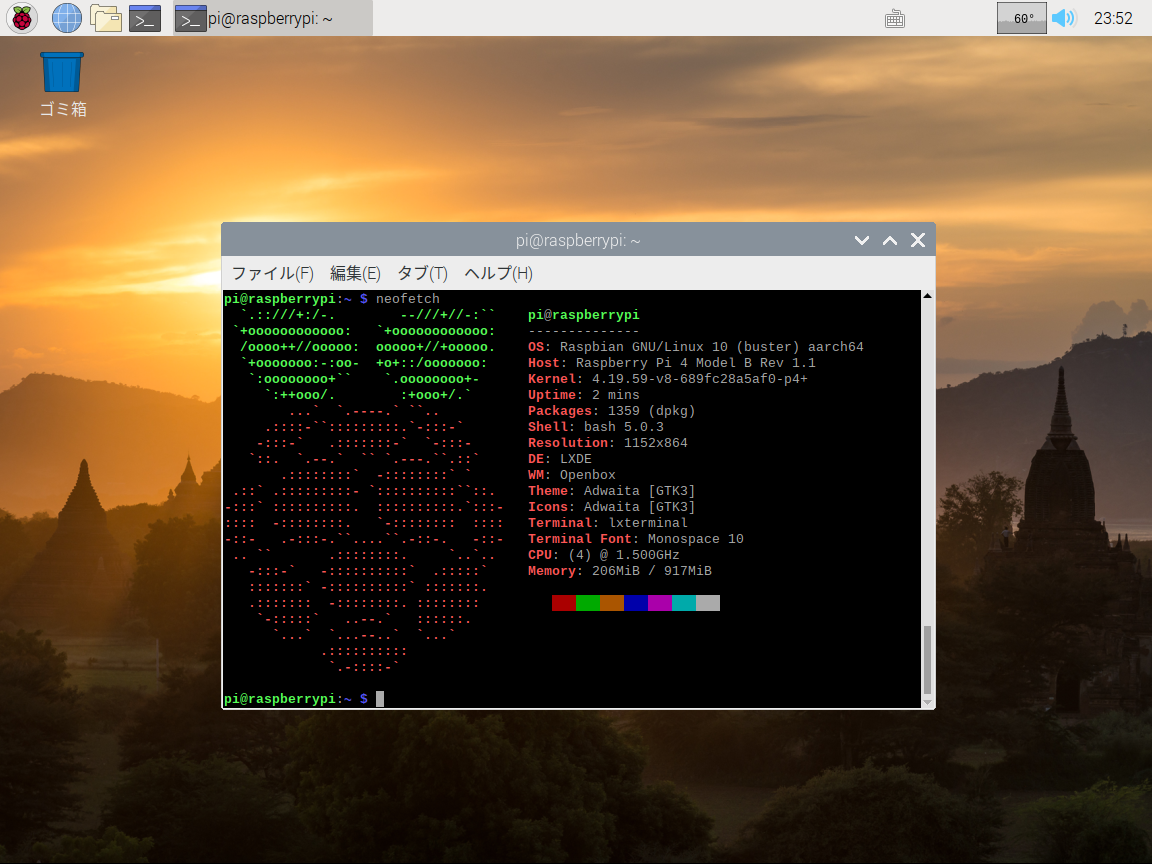
https://www.raspberrypi.org/forums/viewtopic.php?t=246766
- aarch64 カーネル
- メモリ1GB まで利用可能
起動
- マウス、キーボードを接続していると起動しないみたいなので、起動してから接続する
Related Articles
2015-02-23
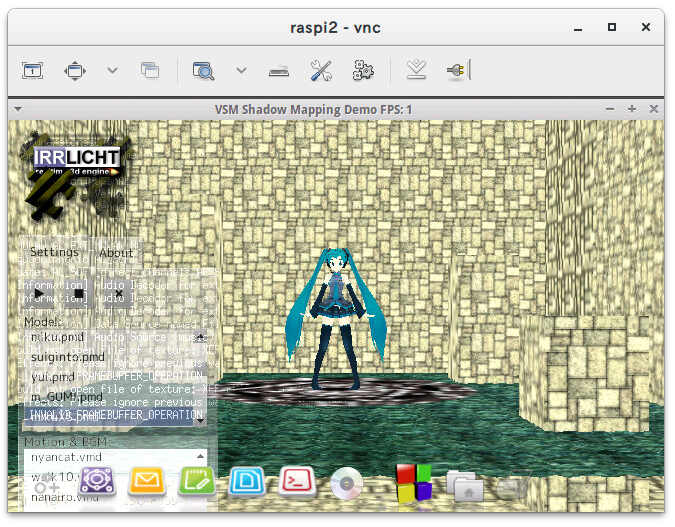
Irrlicht on Raspberry Pi 2
http://ktkr3d.github.io/irrlicht/https://github.com/ktkr3d/irrlicht-sandbox Raspberry Pi 2 でIrrlicht Engine を動かしてみよう! Irrlicht Engine のビルドhttp://sourceforge.net/p/irrlicht/code/HEAD/tree/trunk/からソースを取得 $ cd source/Irrlicht$ make -j4 HelloWorld は普通に動きました。trunk から持ってきたけれど、ogl-es から持ってきた方がよかったかな。 Demo プログラムGL/SL, Sound, MMD のデモを試してみます。 $ git clone https://github.com/ktkr3d/irrlicht-sandbox.git XEffects のデモをexamples ディレクトリに展開します。 cAudio Build$ git clone https://github.com/R4stl1n/cAudio...
2019-09-16
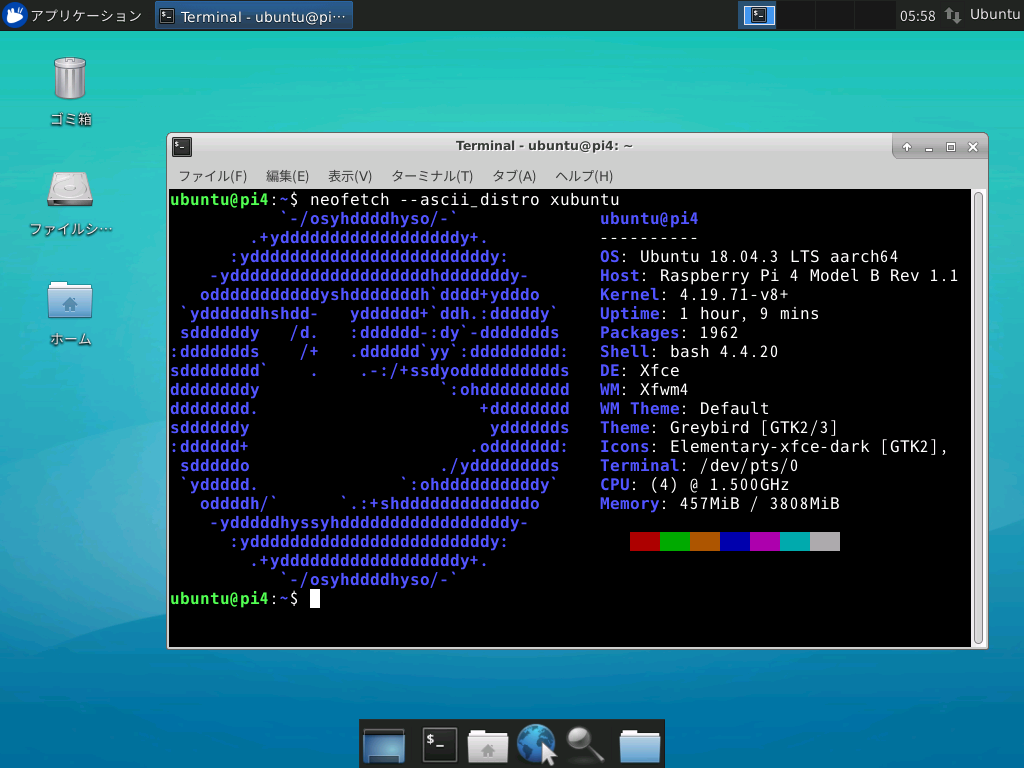
RPi4 - Ubuntu Server 18.04.3 64bit
https://github.com/TheRemote/Ubuntu-Server-raspi4-unofficialRaspberry Pi 4B にUbuntu Server 18.04.3 LTS aarch64 環境を構築しました。Xfce デスクトップ環境もインストールしてみました。 環境 Raspberry Pi 4B Ubuntu Server 18.04.3 aarch64 Xfce 4.12 構築Hostname$ sudo hostnamectl set-hostname pi4 Aliases$HOME/.bash_aliasesalias upd='sudo apt update && sudo apt dist-upgrade && sudo apt autoremove -y'alias en='export LC_ALL=en_US.UTF8'alias ja='export LC_ALL=ja_JP.UTF8'function sshu()
...
2019-07-13
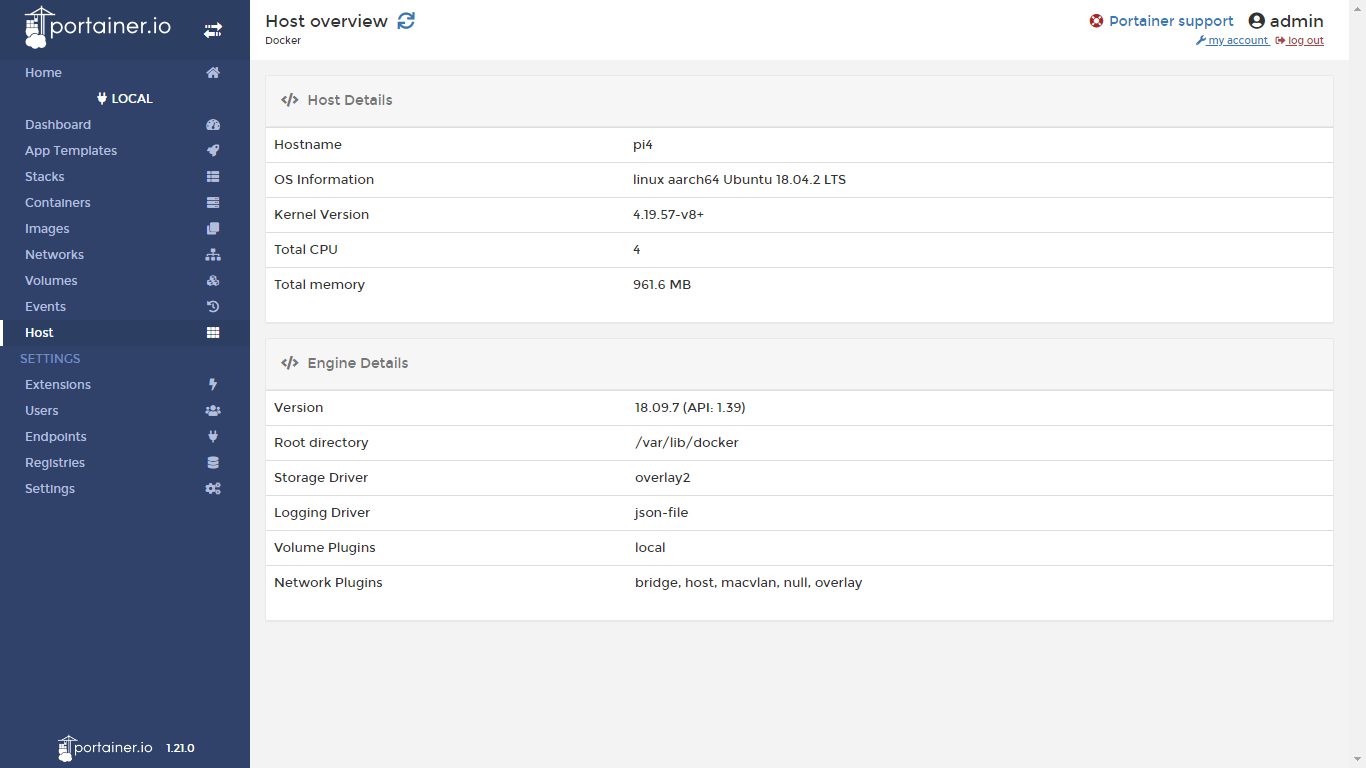
Raspberry Pi 4B + Ubuntu 18.04.2 64bit
https://blog.cloudkernels.net/posts/rpi4-64bit-virt/https://news.ycombinator.com/item?id=20410169Raspberry Pi 4B 用のUbuntu Server 18.04.2 64bit のイメージが公開されていたので試してみました。Docker 環境も構築されています。 UPDATE: 2019/7/14 軽量なイメージが公開されました。 https://cloudkernels.net/ubuntu-18.04.2-preinstalled-server-arm64+raspi4+kvm.img.xz 環境構築準備 Raspberry Pi 4B SDカード 32GB https://cloudkernels.net/rpi4-64-bit-kvm-docker.img.xz etcher で書き込み(2.5GB が8.07GB に展開される) 初回ブートに時間がかかる or reboot しないといけないかも root のパスワードは無し pi,...
2015-02-21
USL-5P to Raspberry Pi 2
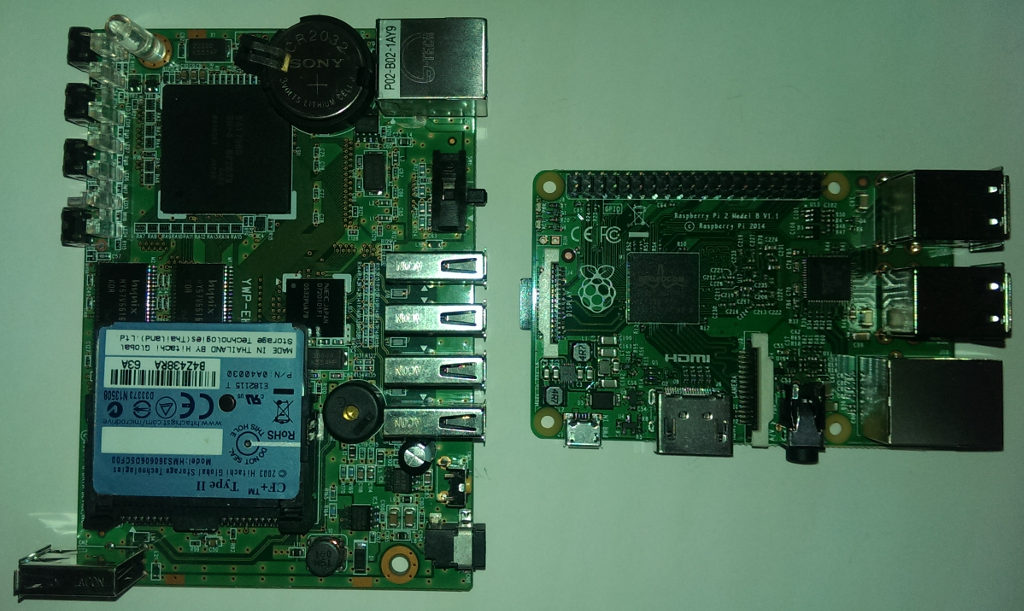
USL-5P から Raspberry Pi 2 に移行してみよう! http://www.iodata.jp/product/hdd/lanhdd/usl-5p/index.htmhttp://www.raspberrypi.org/products/raspberry-pi-2-model-b/ 基本ハード仕様比較 USL-5P Raspberry Pi 2 Model B Year 2004 2015 Vendor IO-Data Raspberry Pi Foundation CPU Hitachi SH-4 ARM Cortex-A7 900MHz 4core GPU - Broadcom VideoCore IV Memory 64MB 1GB USB USB 2.0 x5 USB 2.0 x4 USB Bus power 1000mA ? LAN 10/100 Mbps x1 10/100 Mbps x1 Sound out - 3.5 mm Jack, HDMI Video ou...
2021-10-24
Minecraft Java Edition on Raspberry Pi 4B / Ubuntu 21.10
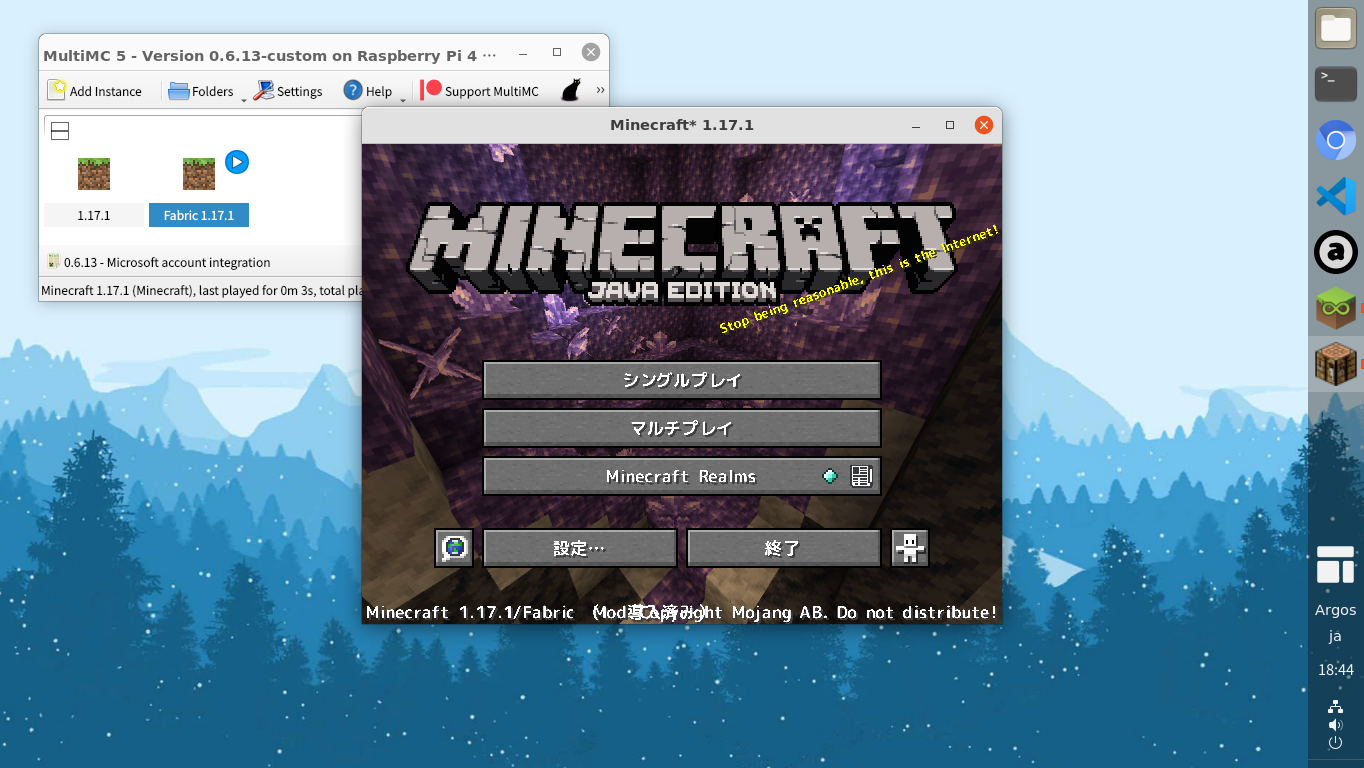
https://github.com/MultiMC/Launcherhttps://forums.raspberrypi.com/viewtopic.php?f=78&t=321888 Raspberry Pi 4B + Ubuntu 21.10 に Minecraft をインストールしてみました。マイクロソフトアカウントでログインできます。 Minecraft Java Edition (Microsoft Account) Pi-Apps をインストール git clone https://github.com/Botspot/pi-apps.gitcd pi-app./install Pi-Apps を起動 Games / Minecraft Java MultiMC5 をインストールコンパイルが終わるまで気長に待つ。 Minecraft Java MultiMC5 を起動 Add Instance Edit Instance > Version > Install Fabric Edit Instance > Ve...
2019-07-01
Raspberry Pi 4
Raspberry Pi 4 が発売されたので移行を検討してみます。 Raspberry Pi 2 Model B (2015/2/1 発売)からRaspberry Pi 4 Model B (2019/6/24 発売)への移行になりますので、4年間の大きな機能向上、性能向上が期待できそうです。反面、消費電力が大きくなってそうですが、Wi-Fi やBluetooth をオフにしておけば抑えることができるのかな。 ともかく、やっと32bit から抜け出せそうです! スペック比較 Model Raspberry Pi 2 Model B Raspberry Pi 4 Model B 発売日 2015年2月1日 2019年6月24日 SoC Broadcom BCM2836 Broadcom BCM2711 CPU ARM Cortex-A7 ARM Cortex-A72 900 MHz 1.5GHz ARMv7(32bit) ARMv8(64bit) メモリ 1GB 4GB USB USB 2 x4 U...
Comments