
Noctalia Ollama Remote Chat Plugin
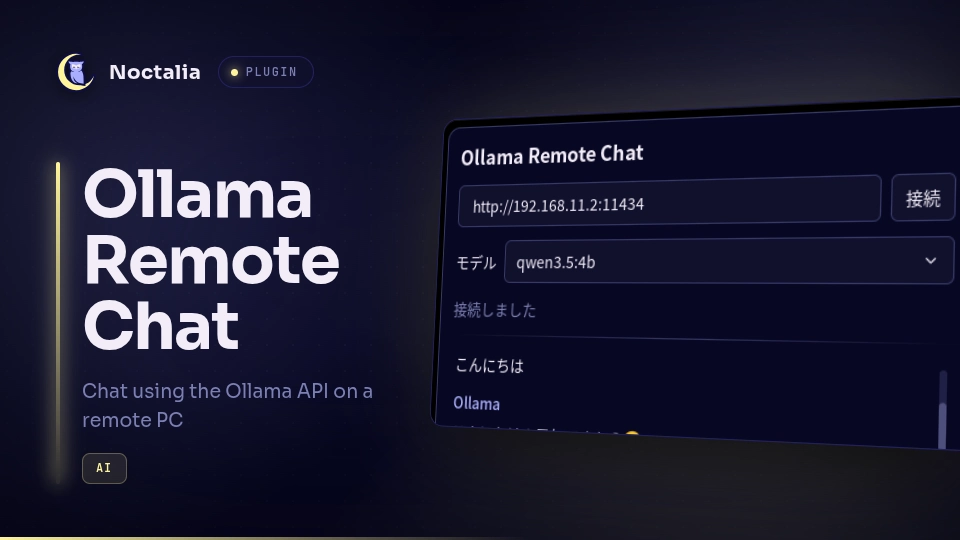
リモートのOllama Appに接続してチャットするNoctaliaプラグインを作成しました。
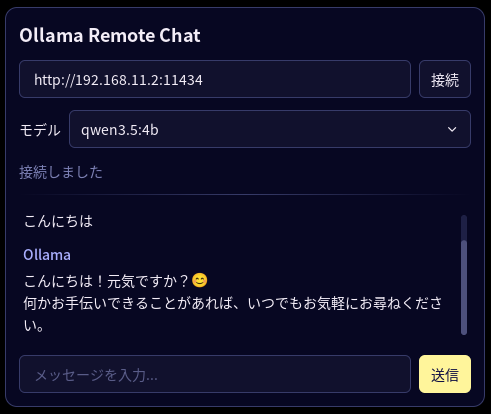
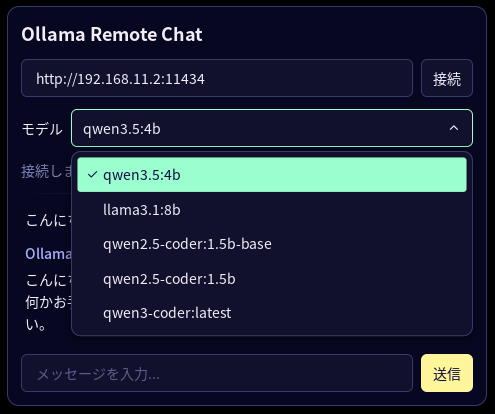
利用可能なモデルを選択できます。
環境
サーバ
- Windows 11
- Ollama Apps
- qwen3.5:4b
- Ollama Apps
クライアント
- Arch Linux
- Hyprland
- Noctalia
- ollama
構築
サーバ
- install ollama apps
- add models
- add environment variable
name: OLLAMA_HOST
value: 0.0.0.0:11434 - start ollama apps
クライアント
- install dependencies
sudo pacman -S ollama
- add repository
noctalia msg plugins source add ktkr3d git https://github.com/ktkr3d/noctalia-plugins
- enable plugin
noctalia msg plugins enable ktkr3d/ollama_remote
- add widget
Super + Z
Bar: default
Widget List
add “Remote Ollama Chat” widget
利用
- open panel or click widget icon
noctalia msg panel-toggle ktkr3d/ollama_remote:chat
- connect
modify URL
connect - select model
dropdown model list
select model - send message
type messeage
send
Related Articles

2026-09-25
CachyOS Hyprland Noctalia
CachyOS Hyprland Noctaliaをインストールしました。バーを右側に配置できてよいですね。シェルはfishでした。パッケージ管理はshellyでした。メイン環境にしてもよいかもしれないです。 CachyOS https://cachyos.org/ Noctalia https://noctalia.dev/ https://github.com/CachyOS/cachyos-hypr-noctalia HyprMod https://github.com/BlueManCZ/hyprmod スクリーンショットNoctaliaコントロールセンタSuper+Xでホーム画面、Super+Aで通知画面 Noctalia設定画面Super+Z 壁紙選択Super+Shift+W タイリング表示 HyprModHyprlandをGUIで設定します。Super+Mにバインドしました。 スクリプトランチャNoctaliaランチャのdmenu機能を利用したスクリプトランチャを作りました。Super+Kにバインドしました。 CachyOSの設定ダウンロードhtt...
2026-10-12
Noctalia Jellyfin Browser
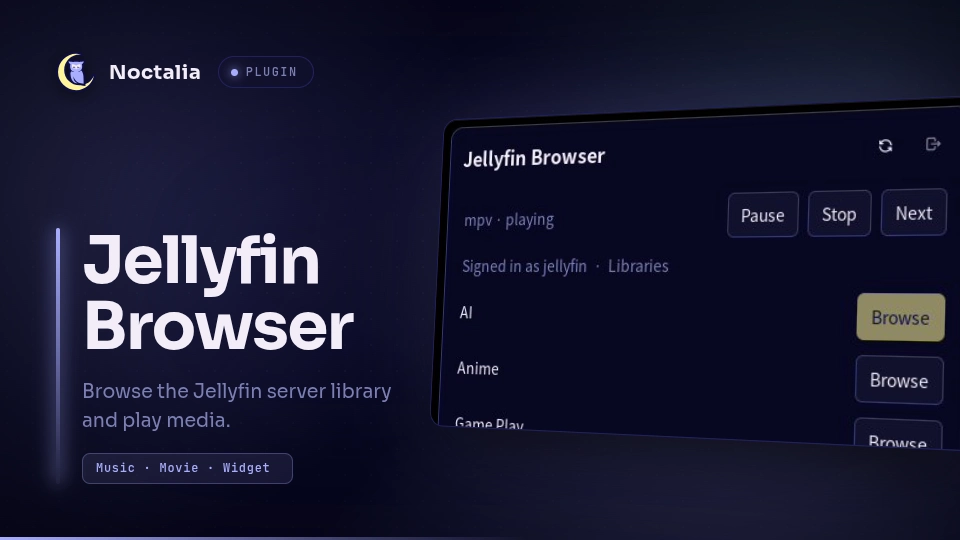
Jellyfinサーバに接続してライブラリをブラウズするNoctaliaプラグインを作成しました。MPVで再生します。 https://github.com/ktkr3d/noctalia-pluginshttps://github.com/ktkr3d/noctalia-plugins/tree/main/jellyfin-browser 環境ソフトウェア構成 Arch Linux Hyprland mpv 0.41.0 Noctalia 5.2.1 Jellyfin Browser プラグイン 0.0.4 socat 1.8.1.3 構築前提パッケージ インストール sudo pacman -S mpv socat プラグイン発行元を追加 コマンドの場合 noctalia msg plugins source add ktkr3d git https://github.com/ktkr3d/noctalia-plugins GUIの場合 Noctaliaの設定画面(Spuer+Z)のプラグインメニューからプラグイン発行元を追加します。 ...
2026-10-04
Arch Linux Hyprland Noctalia
Arch Linux / Hyprlandの環境にNoctaliaを導入してみました。 環境 OS 項目|内容 :-|:- ブートローダ|grub ルートパーティション|ext4 ディストリビューション|Arch Linux ディスプレイマネージャ|GDM ウィンドウマネージャ|Hyprland デスクトップシェル|Noctalia サービス 項目|内容 :-|:- RDPサーバ|hypr-rdp 日本語入力|fcitx5 ツール 項目|内容 :-|:- パッケージマネージャ|paru Hyprland設定ツール|HyprMod ソフトウェア 項目|内容 :-|:- シェル|fish ファイルマネージャ|Thunar ターミナル|Kitty ブラウザ|google-chrome IDE|visual-studio-code-bin プログラミングフォント|HackGen メディアプレイヤー|Kodi パッケージの設定fastfetch インストール paru -S fastfetch シンプルなテーマ m...
Comments