
Arch Linux Hyprland Noctalia
Arch Linux / Hyprlandの環境にNoctaliaを導入してみました。
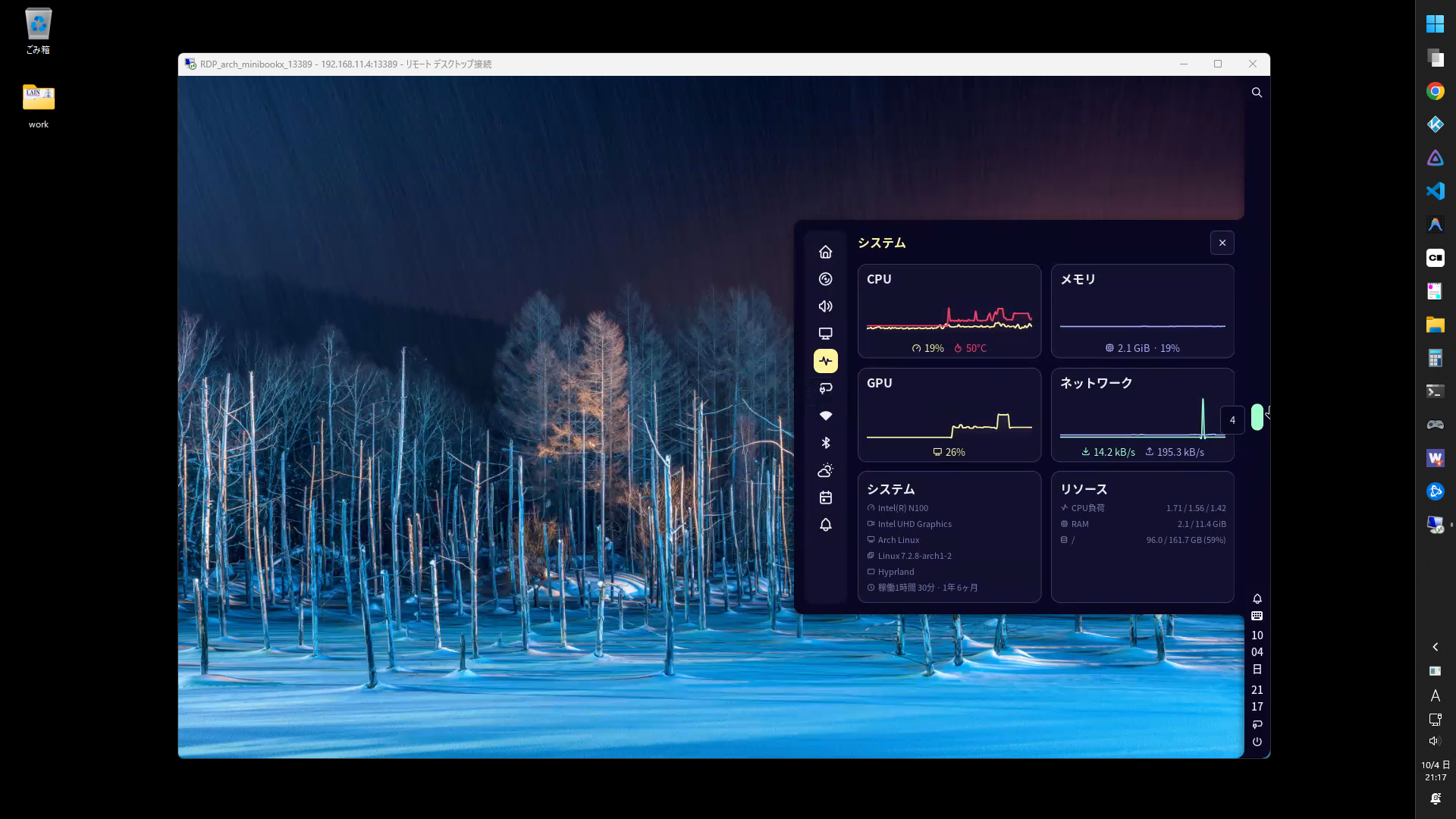
環境
OS
項目 内容 ブートローダ grub ルートパーティション ext4 ディストリビューション Arch Linux ディスプレイマネージャ GDM ウィンドウマネージャ Hyprland デスクトップシェル Noctalia サービス
項目 内容 RDPサーバ hypr-rdp 日本語入力 fcitx5 ツール
項目 内容 パッケージマネージャ paru Hyprland設定ツール HyprMod ソフトウェア
項目 内容 シェル fish ファイルマネージャ Thunar ターミナル Kitty ブラウザ google-chrome IDE visual-studio-code-bin プログラミングフォント HackGen メディアプレイヤー Kodi
パッケージの設定
fastfetch
- インストール
paru -S fastfetch
- シンプルなテーマ
mkdir -p ~/.config/fastfetch
cd ~/.config/fastfetch
curl -O https://gist.githubusercontent.com/ktkr3d/40805f88c7c72e67d9da5e28d5118fa8/raw/283833287ef744be0bc0809825f972b59019aa51/config.jsonc
fish
- プロンプトテーマをインストール
paru -S fish-pure-prompt eza fastfetch
set --universal pure_color_current_directory brcyan
- 設定
~/.config/fish/config.fish if status is-interactive
# Commands to run in interactive sessions can go here
# function
function fish_greeting
fastfetch
end
function mkcd
mkdir -p $argv
and cd $argv[-1]
end
# alias
alias ls='eza -al --color=always --group-directories-first --icons=always' # preferred listing
alias la='eza -a --color=always --group-directories-first --icons=always' # all files and dirs
alias ll='eza -l --color=always --group-directories-first --icons=always' # long format
alias lt='eza -aT --color=always --group-directories-first --icons=always' # tree listing
alias l.="eza -a | grep -e '^\.'" # show only dotfiles
alias l='ls'
# abbr
abbr -a .. 'cd ..'
abbr -a ... 'cd ../..'
abbr -a c 'clear'
abbr -a h 'history'
abbr -a vcf 'vi ~/.config/fish/config.fish'
end
fcitx5
インストール
paru -S fcitx5-im fcitx5-mozc fcitx5-configtool
HyprModのAutoStartに追加
fcitx5 -d
HyprModのEnv Variablesに追加
Name Value XMODIFIERS @im=fcitx QT_IM_MODULE fcitx GTK_IM_MODULE fcitx
hyprpolkitagent
- インストール
paru -S hyprpolkitagent
- HyprModのAutoStartに追加
/usr/lib/hyprpolkitagent/hyprpolkitagent
hypr-rdp
- インストール
paru -S hypr-rdp
- HyprModのAutoStartに追加
hypr-rdp -u user -p pass --bind 0.0.0.0:13389
3389/tcpはGDM/GNOME Shellで使っているので13389/tcpを利用
Kitty
- インストール
paru -S kitty ttf-hackgen
- フォント
Hackgen Console NFを選択kitty +list-fonts
Thunar
- インストール
paru -S thunar gvfs-smb thunar-archive-plugin file-roller
- 設定
編集 > 設定 > カスタムウィンドウ装飾を使用する : オン
Noctalia
バーウィジェット
位置 ウィジェット Start Launcher Center Workspaces End Notifications Tray Date Clock Battery Session スクリプトランチャ
mkdir -p $HOME/bin/scripts
~/.config/noctalia/config.toml [shell.launcher.dmenu.entry.run_scripts]
prefix = "scripts"
glyph = "file-code"
command = "find $HOME/bin/scripts -maxdepth 1 -type f -executable -exec basename {} \\;"
exec = "kitty \"$HOME/bin/scripts/{selection}\""
HyprMod
設定ファイル
- Hyprland
~/.config/hypr/hyprland.lua -- HyprMod managed settings
require("hyprland-gui") - HyprMod
~/.config/hypr/hyprland-gui.lua -- Generated by HyprMod
Keybinds
設定(⭐:よく使うもの)
Mod + Key(s) 内容 Super Enter kitty E⭐ thunar T⭐ kitty C code W⭐ google-chrome-stable Z⭐ noctalia settings X noctalia control-center Space⭐ launcher . launcher /emo L lock ALT+C session menu SHIFT+W wallpaper V⭐ clipboard A notifications Q⭐ close window ALT+Space floating D⭐ fullscreen (mode=1) F fullscreen J split SHIFT + S⭐ special workspace S⭐ scratchpad M⭐ hyprmod K⭐ launcher /scripts Print screenshot fullscreen - Print screenshot region
Related Articles

2026-09-25
CachyOS Hyprland Noctalia
CachyOS Hyprland Noctaliaをインストールしました。バーを右側に配置できてよいですね。シェルはfishでした。パッケージ管理はshellyでした。メイン環境にしてもよいかもしれないです。 CachyOS https://cachyos.org/ Noctalia https://noctalia.dev/ https://github.com/CachyOS/cachyos-hypr-noctalia HyprMod https://github.com/BlueManCZ/hyprmod スクリーンショットNoctaliaコントロールセンタSuper+Xでホーム画面、Super+Aで通知画面 Noctalia設定画面Super+Z 壁紙選択Super+Shift+W タイリング表示 HyprModHyprlandをGUIで設定します。Super+Mにバインドしました。 スクリプトランチャNoctaliaランチャのdmenu機能を利用したスクリプトランチャを作りました。Super+Kにバインドしました。 CachyOSの設定ダウンロードht...

2026-06-10
Hyprland 0.55.3
Hyprland 0.55.3をインストールしました。現在の構成は以下の通り。 $ pacman -Q hyprland quickshell caelestia-cli caelestia-shellhyprland 0.55.3-1quickshell-git 0.2.0.r148.g8db8ca1-1caelestia-cli 1.0.8-1caelestia-shell 2.0.2-1 2026-07-18 My keybinds Category Keybind App Launcher Super Caelestia Launcher Launcher Super+Space Walker Web Super+W Google Chrome Explorer Super+E Thunar To do Super+R Google ToDo list Termial Super+T foot Special Workspace Super+S Toggle Special Workspace Communication Super...
2023-08-27
Hyprland + Ags
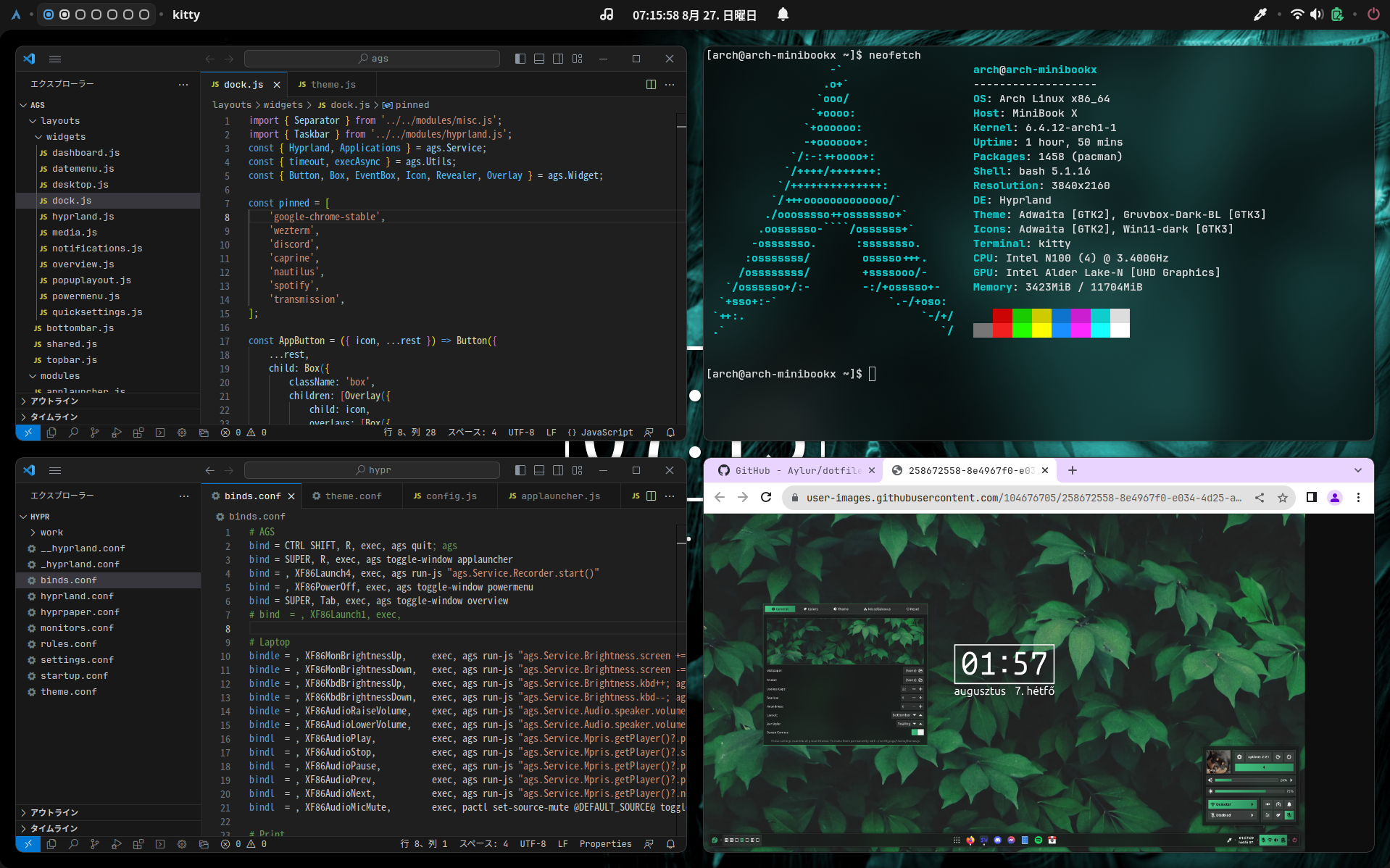
https://github.com/Aylur/agsMiniBook X のArch Linux / Hyprland 環境にAgs を導入してみました。Ags はJavaScript でGTK ウィジェットを定義できます。 2023-09-18 更新 Arch Linux, Hyprland, ags, VSCode, Google Chrome, Cava, fastfetch, bashtop, nginx, Three.js, ammo.js MiniBook X N100 -> Type-C to HDMI -> HDMI Capture -> Hi10 Go N5100 -> OBS Studio 音無しMP4 16MB 1分35秒 環境 MiniBook X N100 Arch Linux Hyprland Ags 構築📖手順 https://github.com/Aylur/ags/wiki https://github.com/Aylur/dotfiles 💿インストール Ags のインストール https...
2026-10-19
Noctalia Ollama Remote Chat Plugin
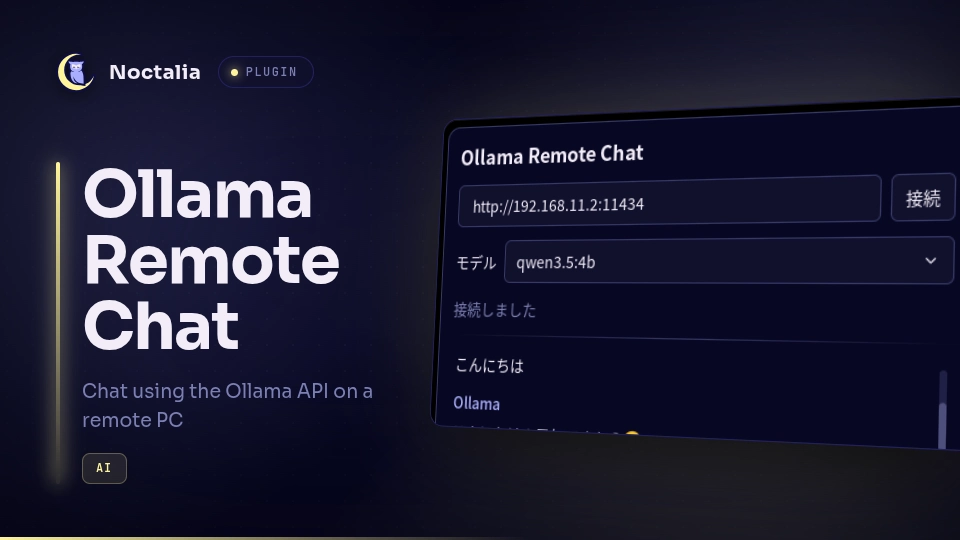
リモートのOllama APIに接続してチャットするNoctaliaプラグインを作成しました。 利用可能なモデルを選択できます。 環境サーバ Windows 11 Ollama 0.40.5 qwen3.5:4b llama3.1:8b qwen2.5-coder:1.5b-base qwen2.5-coder:1.5b qwen3-coder:latest クライアント Arch Linux Hyprland 0.56.2 Noctalia 5.3.0 ollama 0.40.6 構築サーバ Ollamaをインストール winget install -e --id Ollama.Ollama モデルを追加 https://ollama.com/library ollama pull <モデル名> Ollamaをサーバ起動 set OLLAMA_HOST=0.0.0.0ollama serve クライアント 前提パッケージをインストール sudo pacman -S ollama リポジトリを追加 noctalia msg plugins ...
2026-10-12
Noctalia Jellyfin Browser
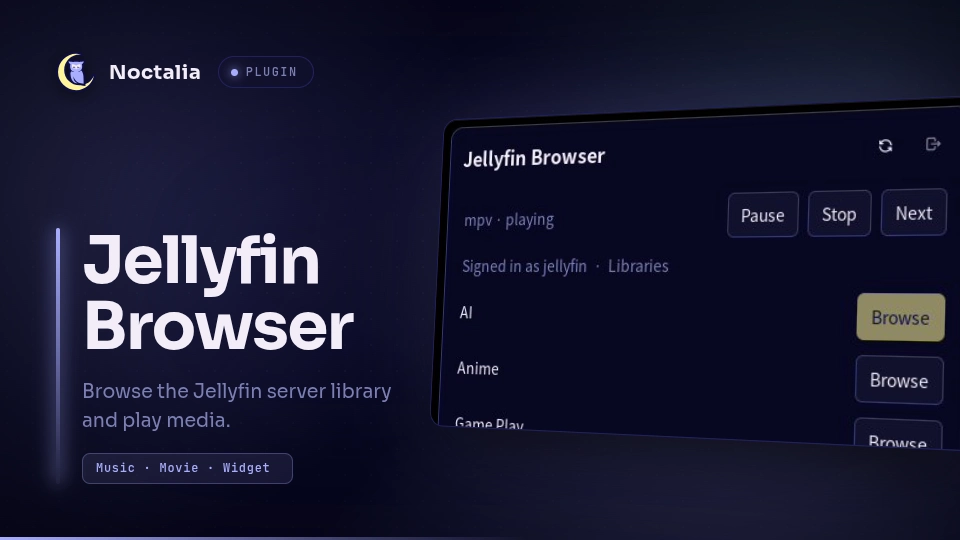
Jellyfinサーバに接続してライブラリをブラウズするNoctaliaプラグインを作成しました。MPVで再生します。 https://github.com/ktkr3d/noctalia-pluginshttps://github.com/ktkr3d/noctalia-plugins/tree/main/jellyfin-browser 環境ソフトウェア構成 Arch Linux Hyprland mpv 0.41.0 Noctalia 5.2.1 Jellyfin Browser プラグイン 0.0.4 socat 1.8.1.3 構築前提パッケージ インストール sudo pacman -S mpv socat プラグイン発行元を追加 コマンドの場合 noctalia msg plugins source add ktkr3d git https://github.com/ktkr3d/noctalia-plugins GUIの場合 Noctaliaの設定画面(Spuer+Z)のプラグインメニューからプラグイン発行元を追加します。 項目 ...

2026-06-20
hyprKCS
Hyprland用キーバインドマネージャhyprKCSを使ってみました。お気に入りフィルタがあるので、便利だけれど忘れてしまいがちなキーバインドを簡単に見つけられます。 https://github.com/kosa12/hyprKCS 2026-06-29 hyprland.luaに対応しているソフト調査 ソフト hyprland.lua対応状況 hyprKCS × hypr-keybind-manager × hyprmod ○ 多機能。 2026-06-28 hyprland.lua対応のfeatureリクエスト https://github.com/kosa12/hyprKCS/issues/77 環境 Arch Linux hyprKCS v1.25.6 構築 インストール paru -S hyprkcs-git 設定 起動 hyprkcs サイズ変更 Gear > Window > Dimensions 1000 x 700 等に変更 お気に入り登録 対象のキーバインド左端のスターをクリック hyprK...