
Hexo update
codeblock の表現を柔軟に設定するために、Hexo をアップデートしてみました。
以下の構文で利用できます。開発者の皆さんに感謝です。
{% codeblock [title] [lang:language] [url] [link text] [line_number:(true|false)] [highlight:(true|false)] [first_line:number] %} |
Hexo のアップデート
$ sudo npm update hexo -g |
40 | highlight: |
動作確認
行番号なし
$ pwd |
行番号あり
1 |
|
行番号開始指定あり
10 |
|
Related Articles
2015-02-05
Hexo Helper Shell Script
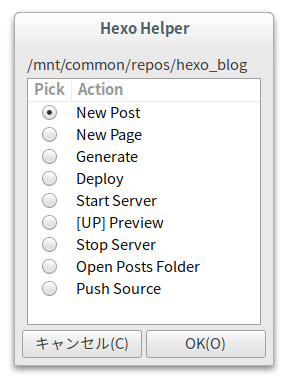
Hexo をGUI で支援するスクリプトをzenity で書いてみました。 シェルスクリプトコマンドラインでHEXO を操作できる環境が整っていることが前提です。 /PATH/TO/hexo-helper.sh#!/bin/bash[[ -s "$HOME/.nvm/nvm.sh" ]] && . "$HOME/.nvm/nvm.sh"nvm use v0.10 > /dev/nullexport NODE_PATH=${NVM_PATH}_modulesSOURCE_REPOSITORY=bitbucketif [ $# -lt 1 ] ; then zenity --error --text="Usage: hexo-helper.sh hexo_path" exit 1fiHEXODIR=$1if ! [ -d $HEXODIR ] ; then zenity --error --text="Bad directory." exit 1...
2019-05-25
HexoでMermaidダイアグラム
graph LR; linkStyle default interpolate basis A(ONU)-- IPv6 -->B(v6対応ルータ); B-->C[物理PC]; C-->D[仮想サーバ]; B-->E[ノートPC] B-->F(一般ルータ); F-->B; F-->G[OpenVPNサーバ]; https://mermaidjs.github.io/ https://github.com/webappdevelp/hexo-filter-mermaid-diagrams https://wangxiaoyu-go.github.io/2018/11/23/hexo-filter-mermaid-diagrams/ Hexo でMermaid ダイアグラムを書いてみました。 2025-03-22 追記 テーマ変更に伴い、今後hexo-theme-butterflyのタグプラグインに書き換えが必要 一旦ダークテーマにして戻すと正しく表示されるが...
2019-06-26
Hexo Tag Google Charts
https://github.com/juampi92/hexo-tag-googlechartshttps://developers.google.com/chart/interactive/docs/galleryhexo-tag-googlecharts を使ってチャートを表示してみました。 Google Charts を直接Javascript から使うよりも簡単に利用できて便利です。カスタマイズに少しコツが必要なのでよく使う構成をテンプレートとして作っておくとよさそうです。 if (!window.google) { document.body.innerHTML = 'You need to include the script //google.com/jsapi on your template'; throw 'Google JS API is needed'; } else { (function() { google.load('visualization', '1.0', {'packages': ["cor...

2022-10-22
Windows 11 - WSL 2 - systemd
Windows 11 のWSL でsystemd を有効にしてみました。構成がすっきりしました。 環境まず、現在PC で構築しているサービスを整理します。 WSL で構築するサービス Pritunl (VPN、systemd で起動管理) Code-server (IDE、systemd で起動管理) Hexo (Blog、コマンドで実行) Windows で構築するサービス EPGStation (番組表/番組予約) Mirakurun (チューナ) WSL 構築 systemd の有効化 設定/etc/wsl.conf[boot]systemd=true 一旦、WSL をシャットダウン(or 対象ディストリビューションをターミネート) ポートフォワードの設定 PowerShell スクリプトwsl-proxy.ps1$WSL2_IPV4=bash -c "ip route | grep 'eth0 proto kernel scope' | cut -d ' ' -f9"$HOST_I...
2023-12-09
Hexo Theme Butterfly
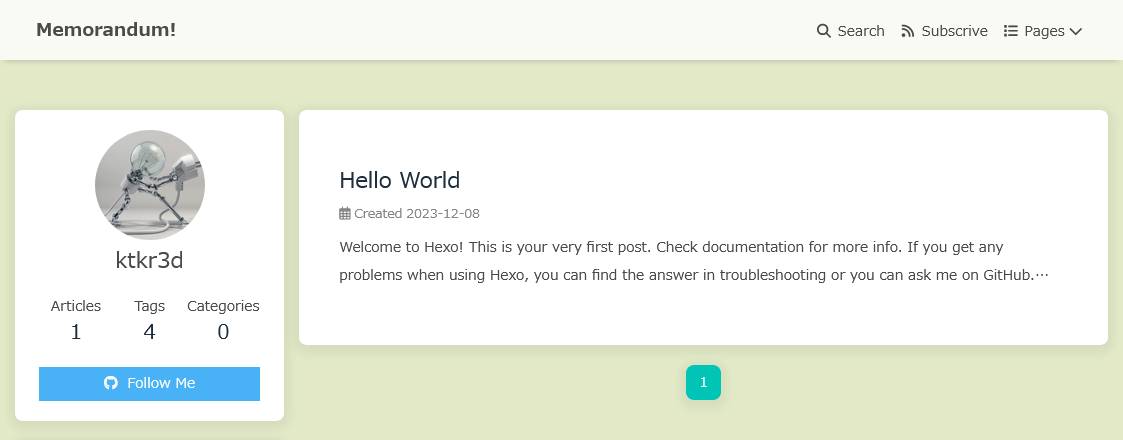
https://github.com/jerryc127/hexo-theme-butterfly モダンで多機能なHexo のテーマButterflyを使ってみました。あまりにも多機能なのでシンプルになるように設定しました。パッケージ版を導入して、オリジナルのスクリプトは修正しないようにしました。 環境 WSL(Ubuntu 22.04) on Windows 11 nodejs v20.10.0 npm 10.2.3 hexo 7.0.0 hexo-theme-butterfly 4.11.0 ソフトウェアのインストールHexoのインストールhttps://hexo.io/ npm install hexo-cli -ghexo init blogcd blognpm install Butterflyテーマのインストールhttps://github.com/jerryc127/hexo-theme-butterfly npm install hexo-theme-butterflynpm install hexo-renderer-pug hexo-renderer...

2020-08-03
Hexo 5.0.0
https://hexo.io/news/2020/07/29/hexo-5-released/ Hexo 5.0.0 がリリースされていたので導入してみました。 さらに高速になったようです。 メモリ使用量が減った気がします。 フロントマターにpublished: falseを設定できるようになりました。以下を追記しました。./scalfolds/post.mdpublished: true 環境 Windows Insider Preview Build 20180 WSL (Ubuntu) n 6.5.1 node v14.7.0 npm 6.14.7 hexo 5.0.0 構築 バックアップ $ mv blog _blog node の更新 $ n latest$ node --versionv14.7.0$ npm --version6.14.7$ n --version6.5.1 Hexo のインストール $ npm install hexo blog の初期化 $ npx hexo init blog$ cd blo...