
GNOME Shell を拡張してみた7
GNOME Shell の上部パネルをauto hide にしてみた。
将来的には設定を切り替えられるようになるのかな。
dock 拡張もauto hide にしたいなぁ。
Related Articles
2022-04-06
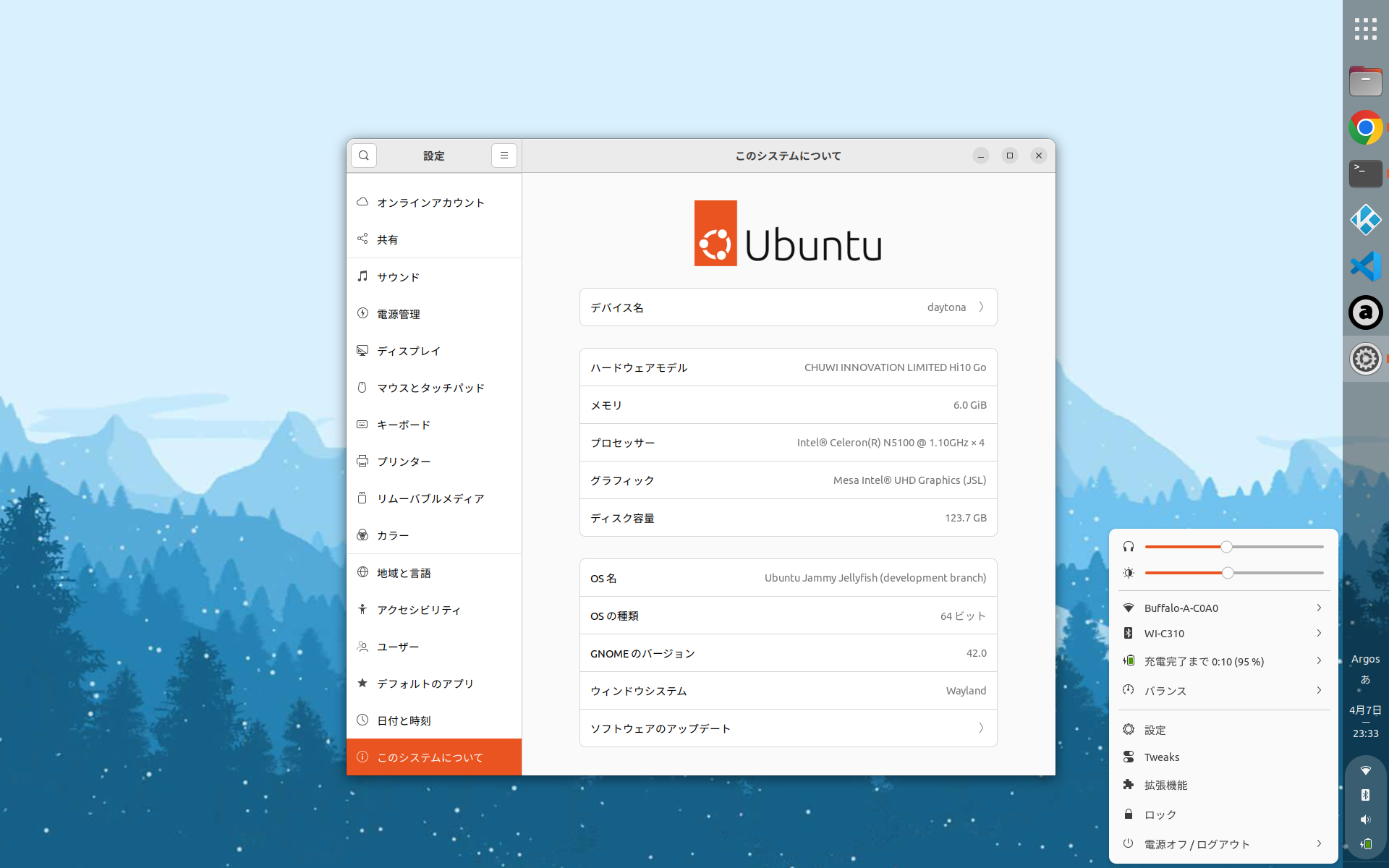
CHUWI Hi 10 Go
https://www.chuwi.com/jp/product/items/Chuwi-Hi10-Go.html CHUWI Hi 10 Go + Ubuntu 22.04 CHUWI Hi 10 Go の新旧スペック比較Hi 10 Go は一つの型式で2つのスペックがあるようです。 旧 Hi 10 Go 新Hi 10 Go CPU Celoron N4500 Celeron N5100 イヤフォンジャック あり なし スタイラス 対応 非対応? カバーキーボードのファンクションキー修飾配置も若干異なるみたいです。 ハード仕様 CPU Celeron N5100 Memory 6GB Storage 128GB Display 10.1 Resolution 1920*1200 Weight 600 g 気になる仕様 背面カバーは意外と重いので普段は取り外し キーボード キーボードは意外と打ちやすい US 配列左 Alt キーを無変換モード、右 Alt キーを変換モードに割り当てます Insert キーがないv...
2012-08-21
GNOME Shell Focus Effect Extension
https://github.com/paradoxxxzero/gnome-shell-focus-effects-extension http://www.upubuntu.com/2012/08/how-to-install-gnome-shell-focus-effect.html GNOME Shell のFocus Effect 拡張を使ってみた。フォーカスの切り替えでウィンドウがアニメーションする。なんか楽しい。非アクティブなウィンドウは少し傾いて、サイズが小さく、色はグレーになる。スクリプトはとても小さいので、何かに応用できるかもしれない。副作用としては、非アクティブなウィンドウの選択に少しコツがいるようだ。また、何回か切り替えを繰り返した時に、ウィンドウが画面外に移動してしまう。その時は、[Alt]-[Space]で「移動」を選択して、ウィンドウを元の位置に動かすと回復できる。
2014-09-27
Ubuntu GNOME 14.10 + GNOME 3.14 + Wayland
Ubuntu GNOME 14.10 Beta + GNOME 3.14 (3.13.92) をWayland で動かしてみました。テキトーにやっているので、本当にWayland が有効になっているのか、怪しいですけれど。 $ ps -ef | grep waylandhoge 1376 1344 0 17:36 ? 00:00:00 gnome-session --session=gnome-waylandhoge 1454 1376 0 17:36 ? 00:00:00 /usr/bin/ssh-agent /usr/bin/dbus-launch --exit-with-session /usr/bin/im-launch gnome-session --session=gnome-waylandhoge 1457 1 0 17:36 ? 00:00:00 /usr/bin/dbus-launch --exit-with-session /usr/bin/im-launch gnom...
2024-09-22
GNOME 47
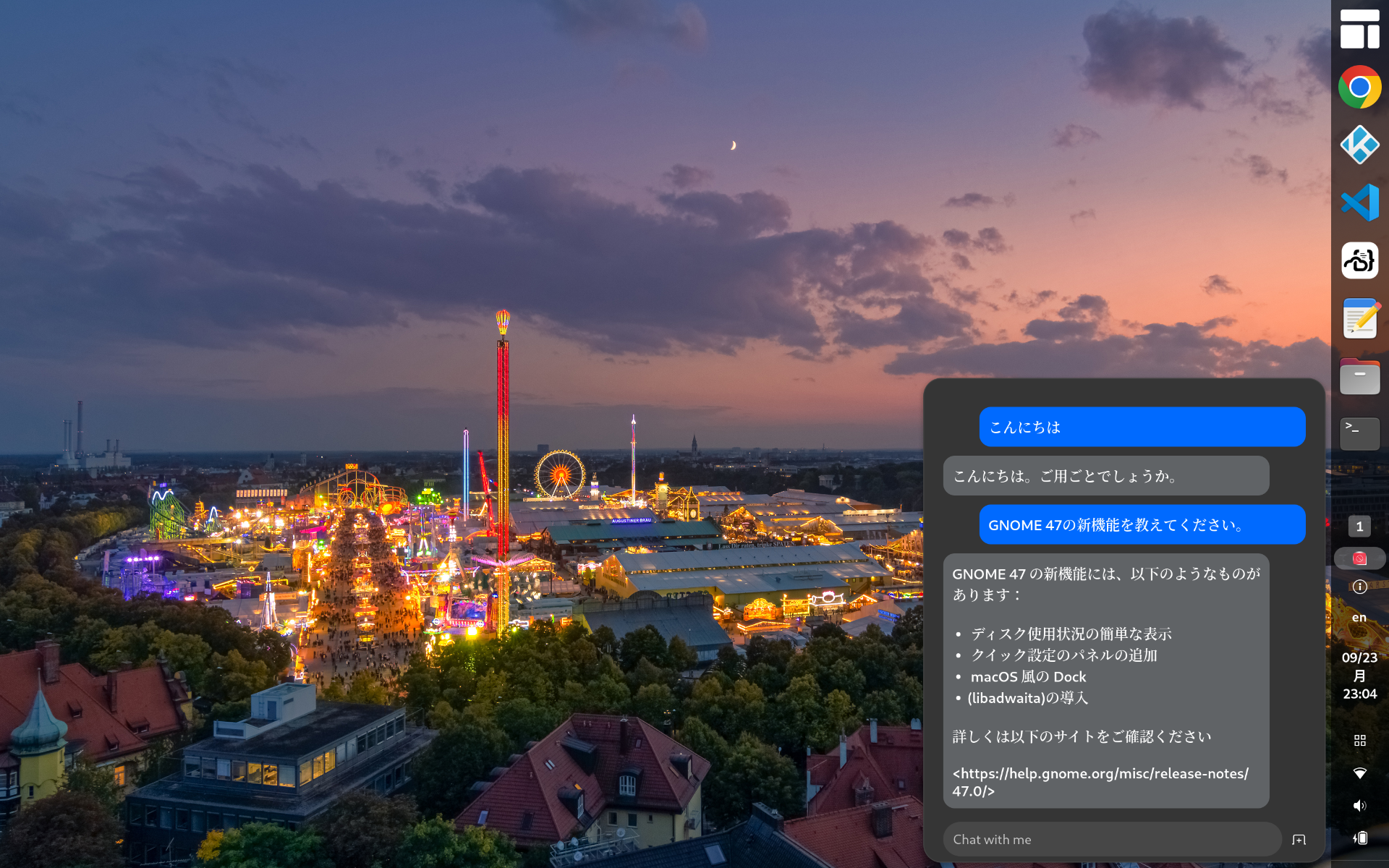
https://release.gnome.org/47/ GNOME 47がリリースされたのでインストールしてみました。 Chromeはtext-input v3に対応したのでWaylandモードで日本語入力可能です vscodeはWaylandモードで日本語入力に対応していません code-serverは日本語入力できます(Chromeだから)日本語入力中の文字列の背景が黄色になっているのはなんとかしたい GNOME Shell拡張のPenguin: AI Chatbotを使ってみましたhttps://extensions.gnome.org/extension/7338/penguin-ai-chatbot/とりあえずデフォルトの無料AIモデルに質問してみましたが調整が必要そうですね。。。 2025-02-04 更新タスクトレイのアイコン上にエラーが表示されるので修正する無効な値を指定しているicon_name行をコメントアウトするアイコンはstylesheet.cssで指定している extensions.js_init(extension) { // ...
2011-05-10
GNOME Shell を拡張してみた3
http://git.gnome.org/browse/gnome-shell-extensions/ GNOME Shell をさらに拡張してみた。 Places menu (フォルダの形のアイコン)主なディレクトリ、お気に入りディレクトリの表示 Drive menu (丸い形のアイコン)リムーバブルドライブの表示
2014-03-01
Ubuntu GNOME 14.04 Beta 1
http://cdimage.ubuntu.com/ubuntu-gnome/releases/14.04/beta-1/ Ubuntu GNOME 14.04 ベータ1 が公開されたのでクリーンインストールしました。ついでにAndroid-x86 もインストールして、3OS のマルチブート環境にしました。 環境DELL Indpiron 1090すでにWindows 8.1 がインストールされています。この第3パーティションにインストールします。 インストール・Ubuntu GNOME 13.10http://cdimage.ubuntu.com/ubuntu-gnome/releases/14.04/beta-1/ $ sudo add-apt-repository ppa:gnome3-team/gnome3-staging$ sudo apt-get update$ sudo apt-get upgrade カスタマイズ$ LANG=C xdg-user-dirs-gtk-update アプリケーションの追加 audacious cairo-dock conky ...
Comments