
GNOME Shell を拡張してみた7
GNOME Shell の上部パネルをauto hide にしてみた。
将来的には設定を切り替えられるようになるのかな。
dock 拡張もauto hide にしたいなぁ。
Related Articles
2011-05-10
GNOME Shell を拡張してみた3
http://git.gnome.org/browse/gnome-shell-extensions/ GNOME Shell をさらに拡張してみた。 Places menu (フォルダの形のアイコン)主なディレクトリ、お気に入りディレクトリの表示 Drive menu (丸い形のアイコン)リムーバブルドライブの表示
2021-03-28
Ubuntu 21.04 Hirsute
https://launchpad.net/~shemgp/+archive/ubuntu/gnome-40Ubuntu 21.04 にGNOME 40 のPPA を設定してみました。 2021-04-07 追記 GNOME 40.0 でDash to Dock 拡張を導入してみました。https://github.com/ewlsh/dash-to-dock/tree/ewlsh/gnome-40https://github.com/micheleg/dash-to-dock/pull/1402 GNOME 40.0 でDash to Panel 拡張を導入してみました。https://github.com/philippun1/dash-to-panel/tree/update-to-gnome40https://github.com/home-sweet-gnome/dash-to-panel/pull/1303 2021-04-08 追記 Auto Hide Top Panel 拡張をGNOME 40 に対応させてみました。http://www.webupd8.or...
2012-09-24
Changing the date format in nautilus 3.6 list view
https://bugzilla.gnome.org/show_bug.cgi?id=676898http://bugzilla-attachments.gnome.org/attachment.cgi?id=215060 nautilus 3.6 のリストビューでは、あえて更新日付の書式をシンプル(informal)にしているようです。これはこれでアリなのですが、やはり詳細表示されていた方が統一感があって使い勝手がよいような気がするので、昔のISO 日付書式になるようにカスタマイズしてみました。dpkg-buildpackage でfakeroot が効かなかったので、sudo で実行しています。 $ sudo apt-get build-dep nautilus$ mkdir nautilus && cd nautilus$ apt-get source nautilus$ dpkg-source -x *.dsc$ cd nautilus-3.* libnautilus-private/nautilus-file.c#define TODAY_TIME_F...
2014-09-23
Fedora 21 wayland
http://tuxdiary.com/2014/09/01/try-wayland-with-gnome/http://fedoraproject.org/wiki/Workstation Fedora 21 Alpha RC1 で、GNOME 3.14 (3.13.91) をwayland で動かしてみました。 ライブISO イメージでFedora 21 を起動 [Ctrl]+[Alt]+[F2] でコンソール起動 liveuser でログインして、以下のコマンドを実行 $ sudo systemctl stop gdm$ sudo dnf install gnome-session-wayland-session$ gnome-session --session=gnome-wayland GDM 終了時に画面が乱れたら、再度[Ctrl]+[Alt]+[F2]を押下する。
2021-02-21
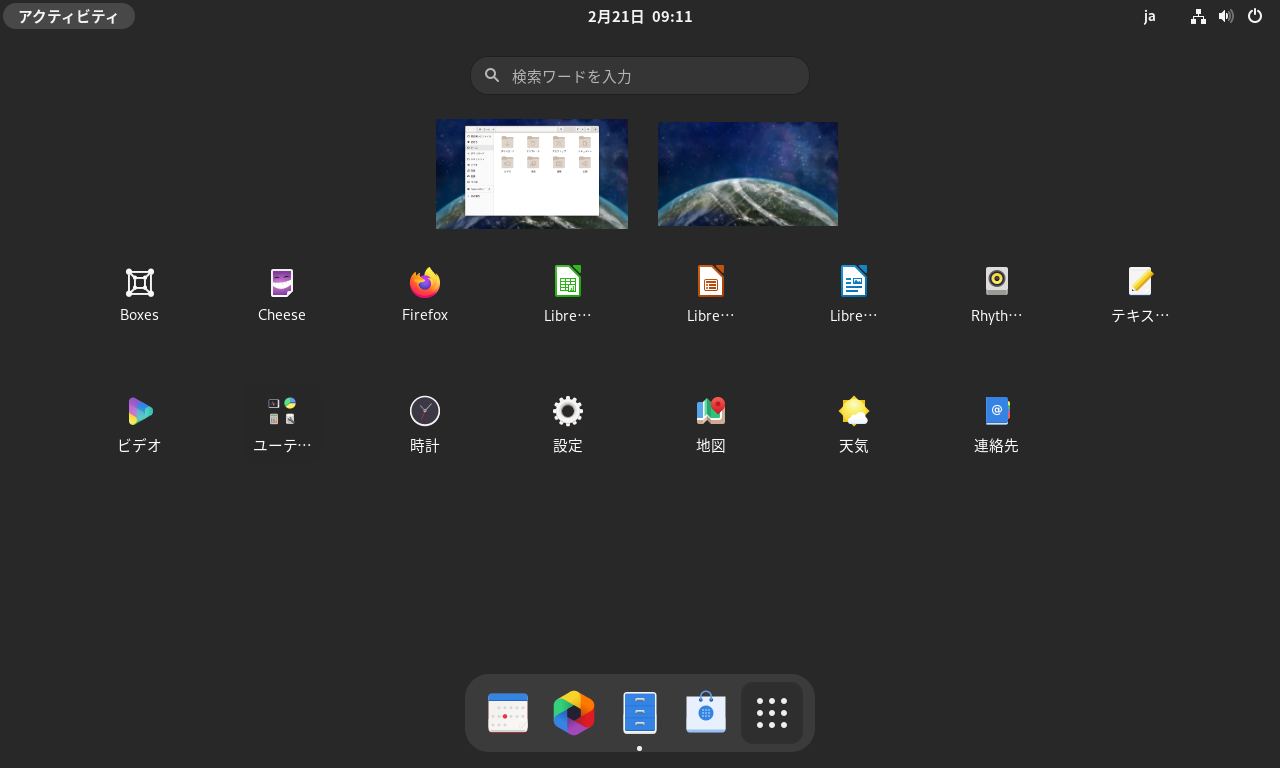
GNOME 40
https://copr.fedorainfracloud.org/coprs/haeckerfelix/gnome-shell-40/ GNOME 40 アルファ版を起動してみました。 環境 Fedora 33 GNOME Shell 40.beta 構築 Fedora 33 インストールhttps://getfedora.org/ja/workstation/download/ アップデート $ sudo dnf update -y リポジトリ追加&アップデート $ sudo dnf copr enable haeckerfelix/gnome-shell-40 $ sudo dnf upgrade Fedora 33 との差分 バージョン確認 $ dnf list --installed | grep haeckerfelixglib2.x86_64 2.67.3-1.fc33 @copr:copr.fedorainfracl...
2012-08-21
GNOME Shell Focus Effect Extension
https://github.com/paradoxxxzero/gnome-shell-focus-effects-extension http://www.upubuntu.com/2012/08/how-to-install-gnome-shell-focus-effect.html GNOME Shell のFocus Effect 拡張を使ってみた。フォーカスの切り替えでウィンドウがアニメーションする。なんか楽しい。非アクティブなウィンドウは少し傾いて、サイズが小さく、色はグレーになる。スクリプトはとても小さいので、何かに応用できるかもしれない。副作用としては、非アクティブなウィンドウの選択に少しコツがいるようだ。また、何回か切り替えを繰り返した時に、ウィンドウが画面外に移動してしまう。その時は、[Alt]-[Space]で「移動」を選択して、ウィンドウを元の位置に動かすと回復できる。
Comments