
Jellyfin
メディアサーバJellyfinを使ってみました。今まで散らばっていた大量のメディアファイルを整理することができました。また、インターネットラジオやMirakurunと連携したテレビ番組の視聴ができました。 Jellyfin The Free Software Media System projecthttps://jellyfin.org/https://jellyfin.org/downloads serverhttps://github.com/jellyfin/jellyfin client cefhttps://github.com/jellyfin/jellyfin-desktophttps://github.com/jellyfin/jellyfin-desktop/actionshttps://aur.archlinux.org/packages/jellyfin-desktop client qtDeprecated https://github.com/jelly...
GNOME Remote Desktop + jp109 keyboard
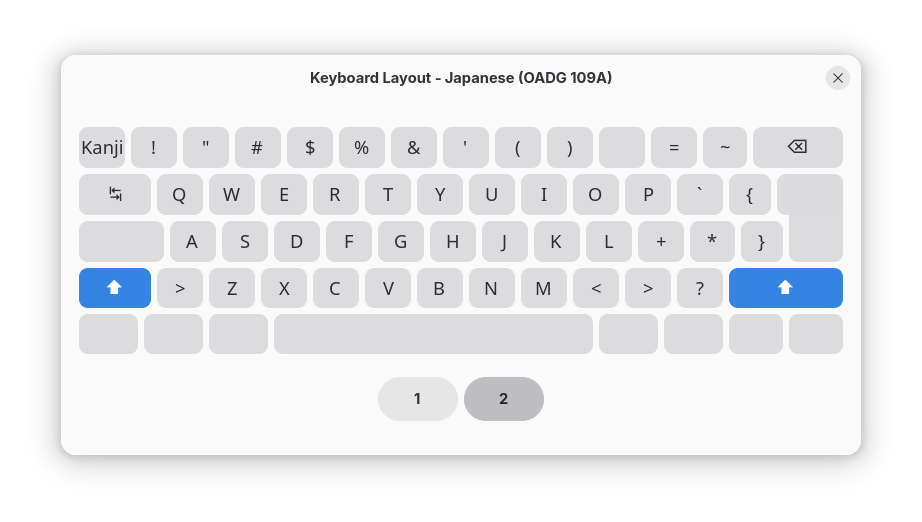
Arch LinuxやUbuntuへリモートデスクトップ接続した際にパイプ文字「|」が入力できない事象があります。gnome-remote-desktopのプロジェクトページではIssueが登録されていました。キーボードが正しく認識されないようです。私の環境ではデスクトップPCが日本語キーボード、ノートPCが英語キーボードです。キーボードの設定はどちらでも構わないので当面英語キーボードの設定にしようと思います。xrdpに戻すべきなのだろうか。 問題事象 日本語キーボードを接続したOS(WindowsやLinux)からGNOME Remote Desktopでリモート接続可能なLinux(Arch LinuxやUbuntu)にRDP接続した際にキーボードが正しく認識されない。 パイプ文字が入力できない。半角/全角キー押下でIMEが過度に切り替わる。 環境 サーバArch Linux (x86_64), gnome-remote-desktop 48.1, freerdp 3.16Ubuntu 25.04 (aarch64), gnome-remote-deskt...

Kdenlive
ビデオエディタKdenliveを使ってみました。 Kdenlive Kdenlive is the acronym for KDE Non-Linear Video Editor. It works on Linux, Windows, macOS, and BSD. 環境 Arch Linux kdenlive 25.04.2 構築 インストール sudo pacman -S kdenlive 設定 ツールバー(2種)を表示し、アイコンのみに設定 利用起動から書き出しまでの流れ 起動 フルスリーンモードに変更 プロジェクトの設定(オプション) 必要に応じて解像度、フレームレートなどを変更 プロジェクトビンにクリップを追加 タイムラインにクリップを配置 クリップの編集 クリップのトリミング(不要な部分の削除) トランジション(クリップ間の切り替え効果)を追加 エフェクト(色補正、音声調整など)を適用 テロップ(字幕)を作成・追加 レンダリング(プロジェク...

mpd
Music Player Daemon (MPD)を使ってみました。 Music Player Daemon (MPD) Music Player Daemon (MPD) is a flexible, powerful, server-side application for playing music. MPDクライアントにはcantataを利用しました。 /* css part */ .gr-card { --gr-header-width-proportion: 10%; --gr-footer-width-proportion: 10%; --gr-content-width-proportion: 80%; --gr-header-min-wid...
calamares
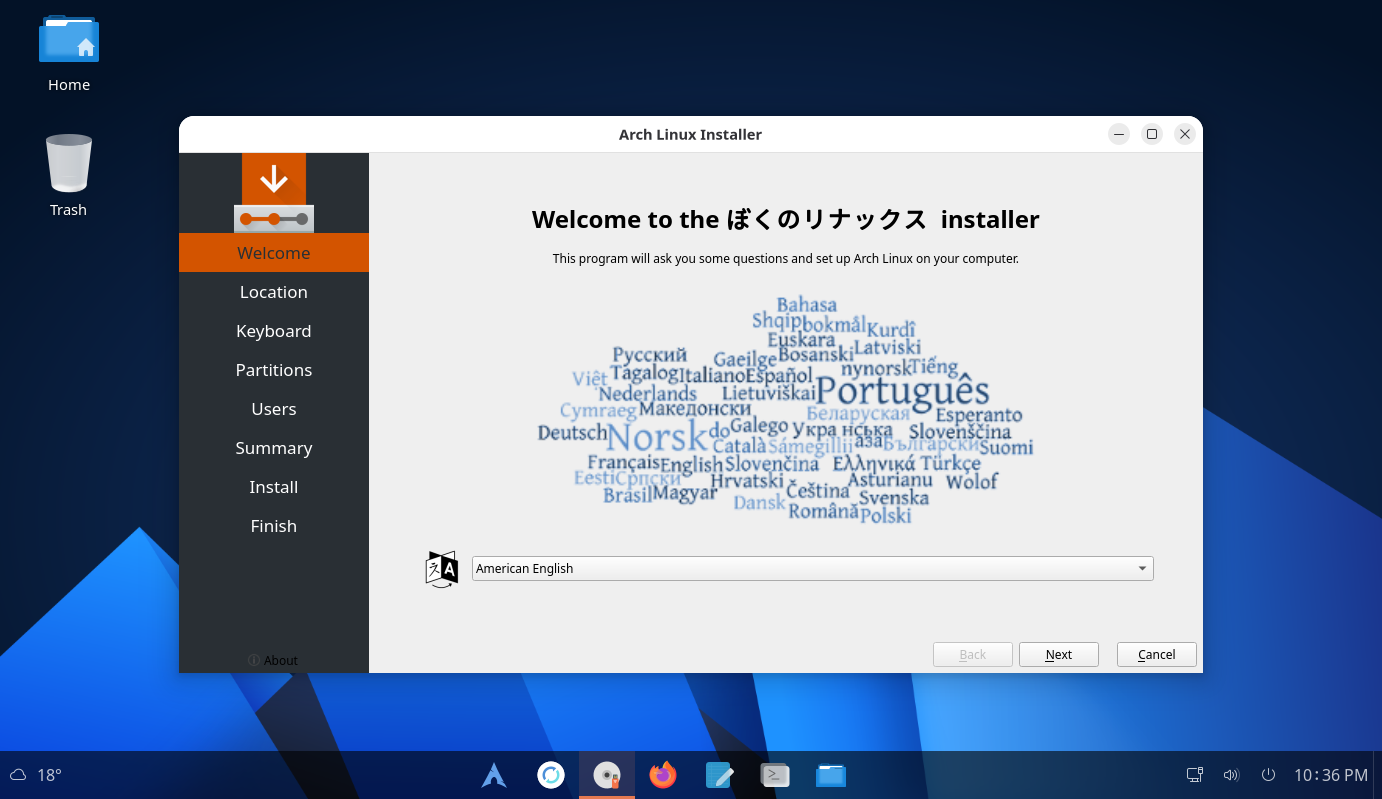
GUIインストーラCalamaresをカスタマイズしてみました。 Calamares Calamares aims to be easy, usable, beautiful, pragmatic, inclusive and distribution-agnostic カスタマイズしたCalamaresを組み込んだライブISOイメージで起動し、Arch Linuxをインストールして、Arch Linuxが起動しました。 スクリーンショットライブISO起動直後時刻と天気を自動調整。起動時にミラーリストも更新。 メニューArcMenuの11テーマ スクリプトArgosでスクリプト実行(追加/編集可能) ライブISOで日本語入力 インストーラ システム情報 ライブISOでの日本語化ライブISO作成時に初期言語を日本語にすることもできますが、英語版のISOでも日本語に切り替えることができます。Settings(gnome-control-center) > Syst...
archiso-gnome
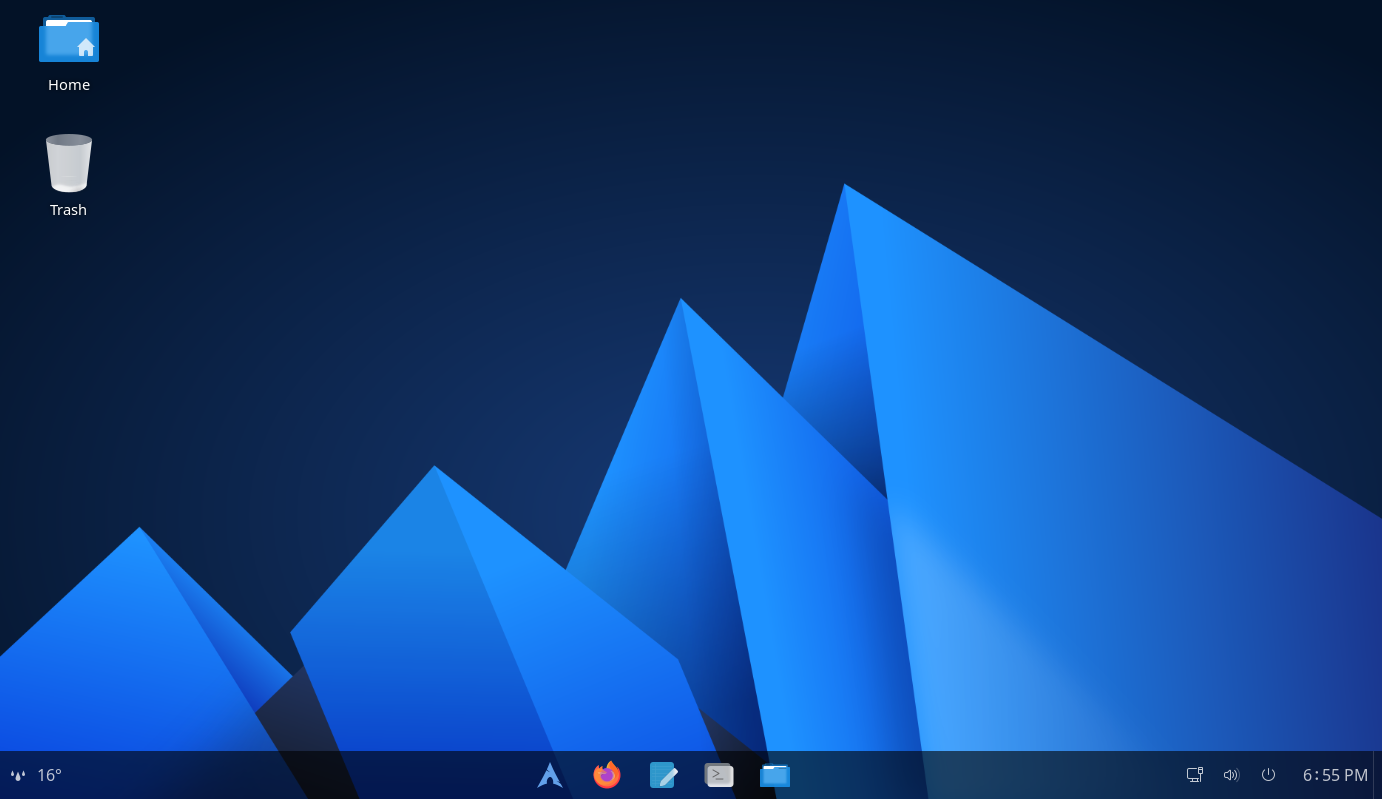
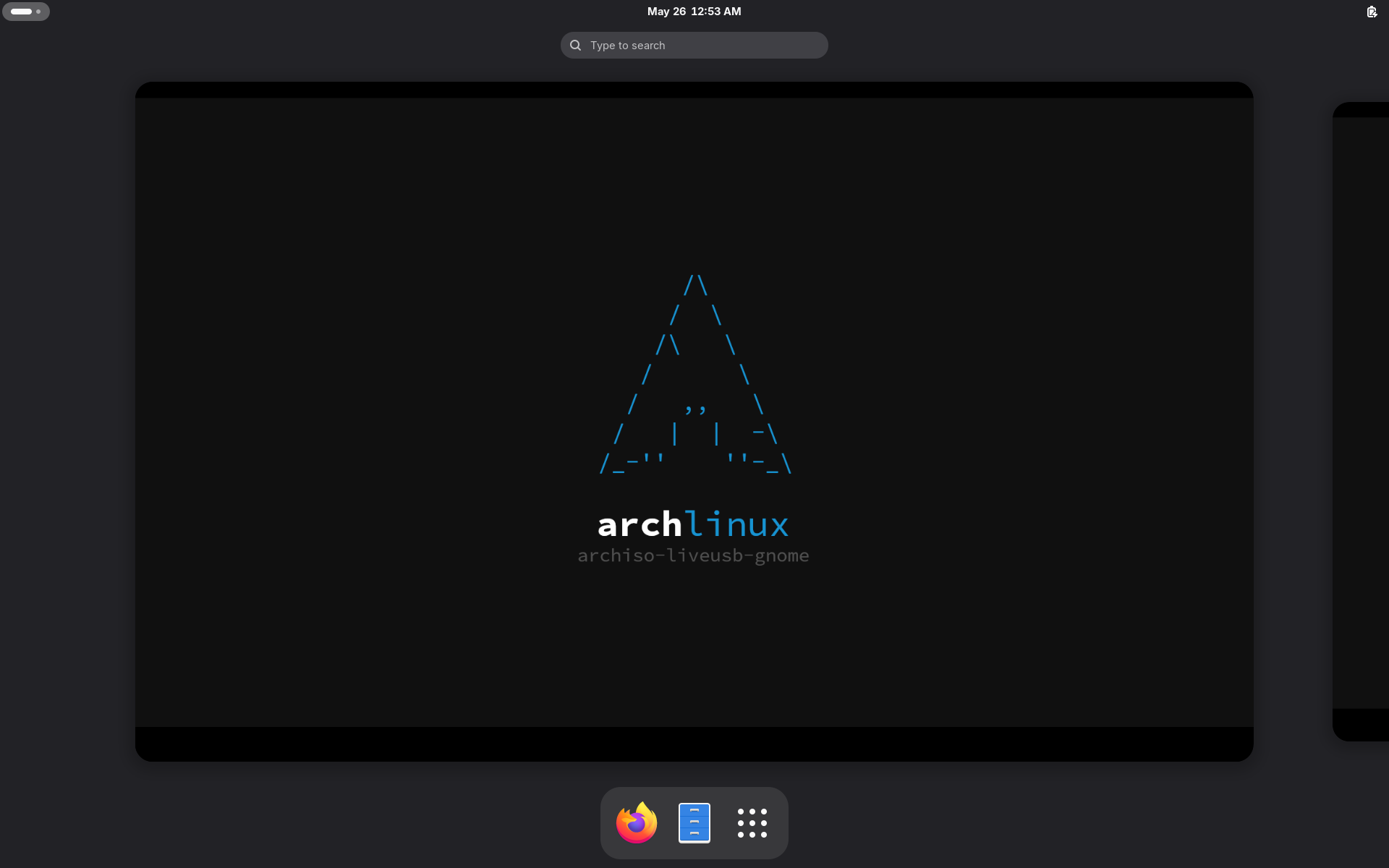
archisoでGNOMEデスクトップ環境のライブISOイメージを作成してみました。Fluentテーマを利用していてすっきりした見た目になっています。 環境 Arch Linux archiso 83-1 構築一旦、カスタマイズ前の状態でISOを作成してみます。 archisoをインストール sudo pacman -S archiso プロジェクトディレクトリを作成 cp -r /usr/share/archiso/configs/releng/ archiso-gnomecd archiso-gnome ISOをビルド sudo rm -rf worktime sudo mkarchiso -v -o ./ ./ N100 CPUで7分30秒で生成し、サイズは1.2GB VirtualBox等で生成されたISOが起動するか確認する カスタマイズカスタマイズ方針 ブートローダはGRUB デスクトップ環境はGNOME GNOME Shell拡張機能を有効化 テーマはFluent できるだけパッケージを利用する(後でアップデートできるように...
archiso
archisoでGNOMEデスクトップ環境のArch LinuxライブISOを作成します。 https://wiki.archlinux.jp/index.php/Archiso 環境 Arch Linux archiso 83-1 Arch Linux Live USB with Gnomehttps://github.com/jorisdrenth/archiso-liveusb-gnome archiso archisoのインストール sudo pacman -S archiso Arch Linux Live USB with Gnomeの場合GUIインストーラは含まれません。 構築 リポジトリをクローン git clone https://github.com/jorisdrenth/archiso-liveusb-gnome.gitcd archiso-liveusb-gnome パッケージを編集 削除./packages.x86_64# virtualbox-guest-utils #-nox# xorg # VMSVGA support...
AnduinOS
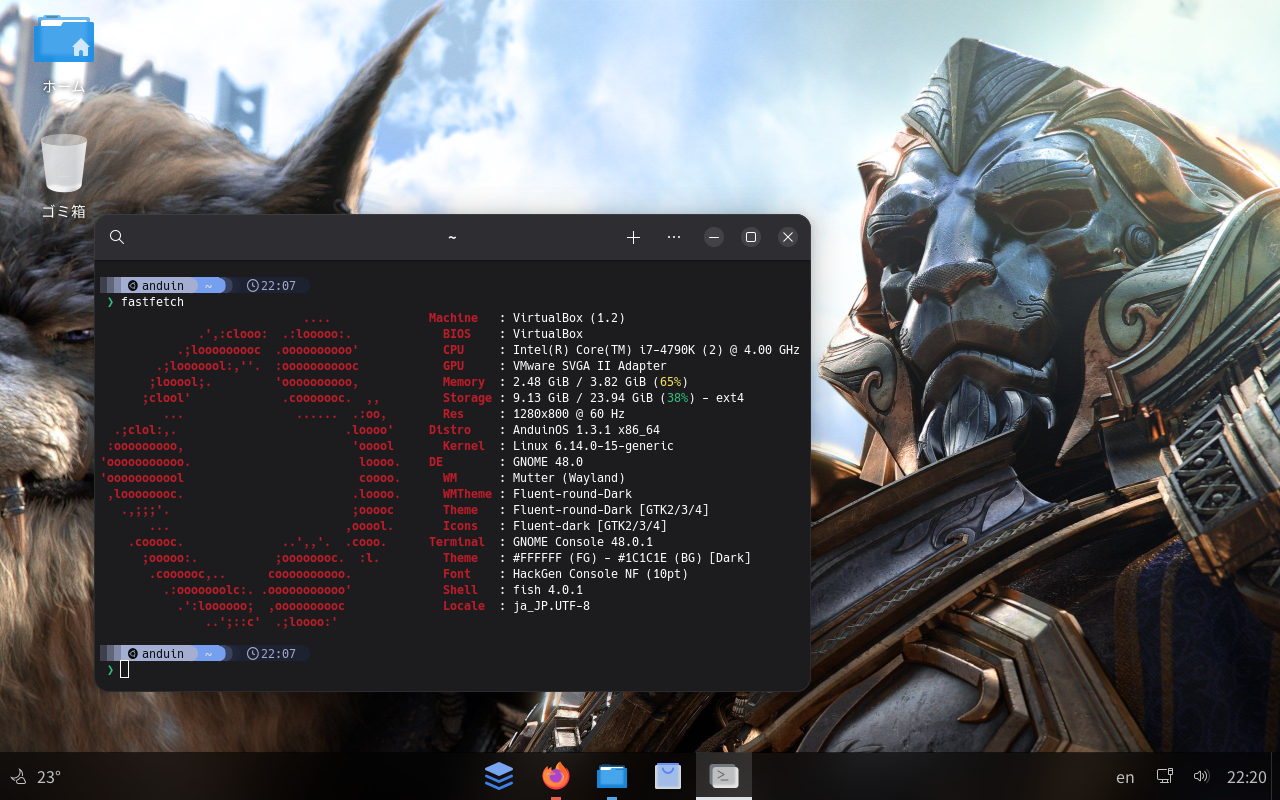
AnduinOSを試してみました。インタフェースに癖がないのですぐに使えそうですね。 https://www.anduinos.com/ AnduinOS AnduinOS is a custom Ubuntu-based Linux distribution that aims to facilitate developers transitioning from Windows to Linux by maintaining familiar operational habits and workflows. 環境 AnduinOS 1.3.1 GNOME 48 設定画面高さ画面高さが小さいとArcMenuメニューがうまく表示されない。800x600の解像度でArcMenuの11テーマを使う場合はArcMenuの高さを650から530に変更する。 日本語入力設定メニューで調整が必要 インストール後、「英語、日本語(Mozc)、日本語(Mozc)」が登録されている 「日本...
Reflector
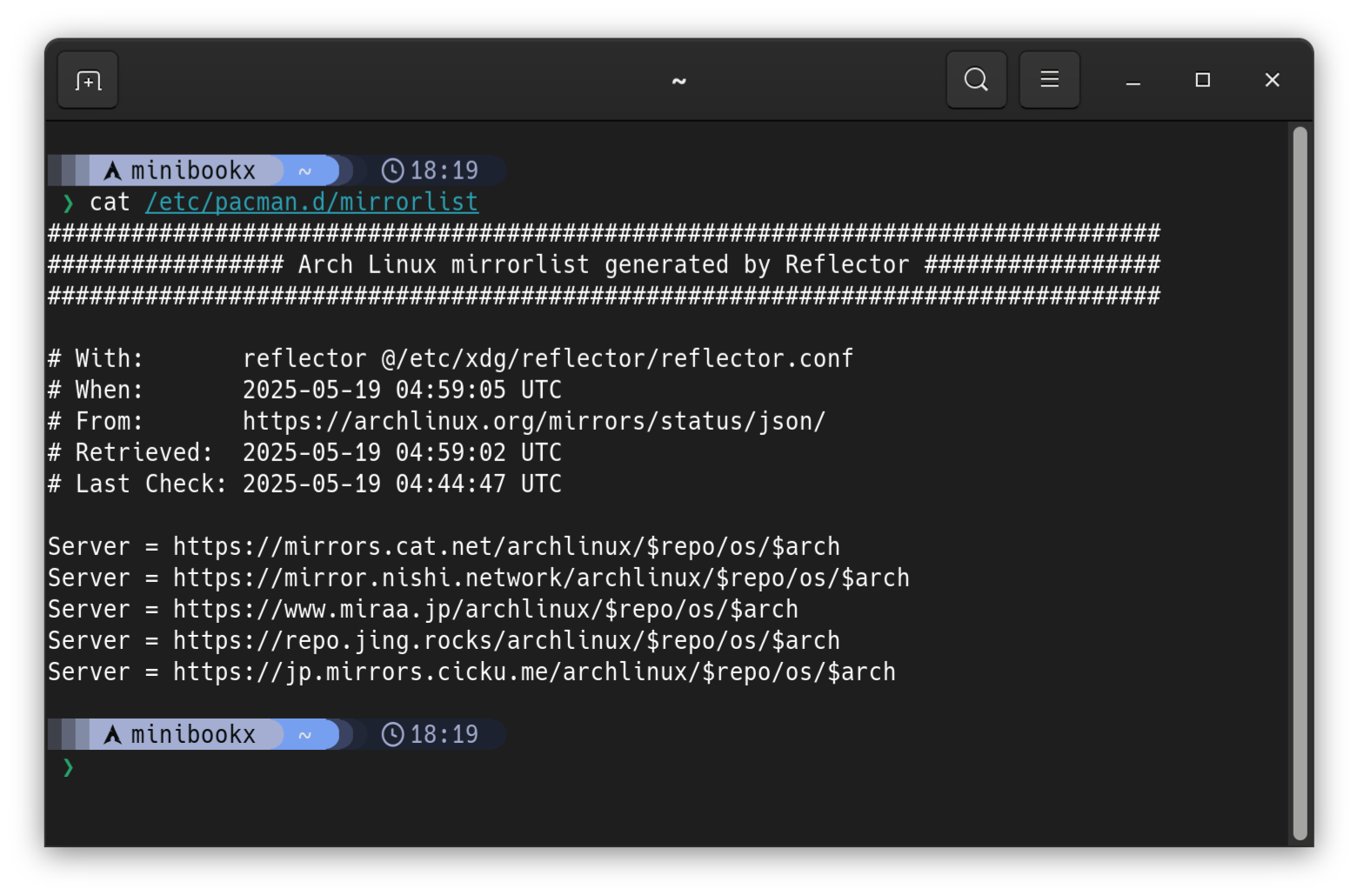
Reflectorを利用してArch Linuxのミラーリストを週次で自動更新するように設定します。タイマーreflector.timerが週次でreflector.serviceをキックします。即時実行したい場合はreflector.serviceを開始(start)します。 https://man.archlinux.org/man/reflector.1https://wiki.archlinux.jp/index.php/Reflector 2026-05-03リセットする方法 sudo systemctl disable reflector.timersudo systemctl disable reflector.servicesudo reflector --country Japan --protocol https --latest 20 --sort rate --save /etc/pacman.d/mirrorlistsudo pacman -Syyu pacman-mirrorlistyay -Scparu -Sc 環境 Arch Linux R...
Windows 11 NAS
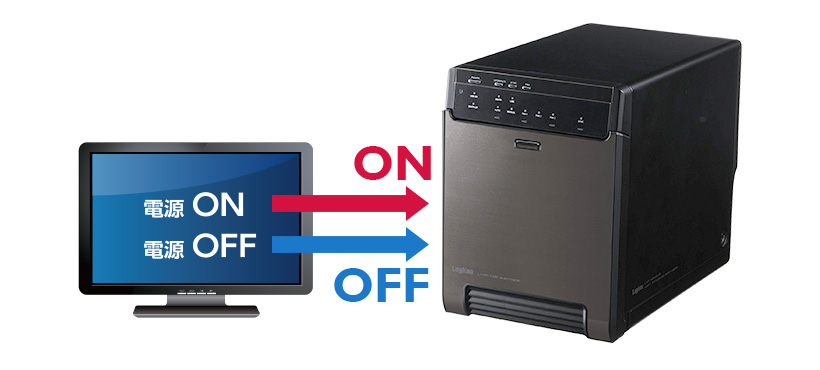
古いWindows 10 ProマシンをWindows 11 ProにアップグレードしてNASとして利用します。Windows 10のHDDはMBRフォーマットでしたのでGPTフォーマットのSSDに移行しました。しばらく利用しない時はリモートからスリープさせます。利用する際にはリモートからWake on LANで起動します。私の持っている外付けディスクケースは電源連動のさせ方が少し複雑でしたが設定することにより安定して動作するようになりました。 環境 Windows 10 Pro 外付けディスクケースLHR-4BNHEU3 Windows 10パーティションの移行MBR HDD上のWindowsシステムパーティションをGPT SSDのパーティションに移行します。 HDDのWindowsパーティションサイズを変更パーティションを移動しやすいようにLinuxのgpartedでWindows 10のシステムパーティションを適当なサイズに縮小します。(例えば60,000MiB)NTFSパーティションのコピーにCloneZillaを使う場合は不要な操作と思います。 Windowsパ...