
Nextcloud on Raspberry Pi
Raspberry Pi 2 にNextcloud の環境を構築してみました。snap パッケージを利用したので、とても簡単でした。 環境 項目 内容 HW Raspberry Pi 2 OS Ubuntu 18.04 LTS Package Nextcloud 13.0 Snap 版 構築手順$ sudo snap install nextcloud Ubuntu 用クライアントsudo add-apt-repository ppa:nextcloud-devs/clientsudo apy updatesudo apt install nextcloud-client
Thunderbird ReplyWithHeader Extension
Gmail の返信/転送時の形式をカスタマイズします。 プレーンテキスト化 引用符の削除 返信/転送ヘッダの付与 さすがThunderbirdです。よくできています。 Thunderbird すでにインストールされていました。 できるだけプレーンテキスト形式になるように設定 メール一覧のソート方法を全体適用https://kwakita.blog/2015/01/05/message-ordering-in-thunderbird/ ReplyWithHeader 拡張の導入と設定 返信、転送の際にメールヘッダ的なテキストを付加してくれる。また、余分な引用符を排除してくれる。 基本Defaultに再設定 時刻は24時間制に設定 ただし、元メールによっては、返信メールを下書きフォルダに保存した後で再編集しようとすると、文字化けする。アドオンを無効にすると、発生しない。なんでだろう…暫定対処としては、以下の手順を踏む。 下書きフォルダに保存する 一旦、削除してゴミ箱フォルダに入れる ゴミ箱フォルダ内で、返信を選んで編集モードにする 下書きフォルダに再度保...
Kodi v18 Leia RC1
Kodi v18 Leia RC1 が公開されたのでインストールしてみました。 ビデオ再生中にお気に入り再生すると異常終了する不具合が修正されているっぽい。 Kodi v18 の変更点 https://kodi.wiki/view/Kodi_v18_(Leia)_FAQ#What_are_some_of_the_noticeable_new_features.3F https://kodi.wiki/view/Kodi_v18_(Leia)_changelog Kodi v17 の削除$ sudo apt remove kodi$ sudo apt autoremove Kodi v18 RC1 のインストールhttps://kodi.wiki/view/HOW-TO:Install_Kodi_for_Linux $ sudo add-apt-repository ppa:team-xbmc/unstable$ sudo apt update$ sudo apt install kodi アドオンの更新(Ubuntu の場合) pvr.chinachu の削除 pvr....

Upgrade to Ubuntu 18.04 on Raspberry Pi
https://linuxconfig.org/how-to-upgrade-to-ubuntu-18-04-lts-bionic-beaver Raspberry Pi 2 のOS をUbuntu 16.04 LTS から18.04 LTS にアップグレードします。SSH 接続で。 Ubuntu のLTS サポート期間が10年になるらしいですし。 リモート接続私はWindows 10 上のConEmu でRaspberry Pi にSSH 接続してます。念のため、2セッションを横並びに表示しておきました。 16.04 LTS のパッケージの更新$ sudo apt update$ sudo apt dist-upgrade$ sudo apt autoremove 18.04 LTS へのアップグレード$ sudo ufw allow 1022$ sudo apt install update-manager-core$ sudo do-release-upgrade しばらく待ちます。リスタート後にSSH接続で問題なければufw の設定を戻します。 $ sudo uf...

Hexo Admin Plugin Customize
https://github.com/jaredly/hexo-admin/pull/133/filesHexo Admin の新規記事ファイル名をカスタマイズしてみました。 解決する課題Hexo Admin プラグインで新しい記事を作成すると、_config.ymlのnew_post_nameで指定した形式のファイル名になりません。 有志の方のプルリクエストを適用することにより、Publish ボタンを押下した際に_postディレクトリ下にnew_post_nameで指定した形式のファイル名でマークダウンファイルを生成することができます。 Hexo Admin Plugin のインストール$ npm install --save hexo-admin プルリクエストの適用https://github.com/jaredly/hexo-admin/pull/133/files 上記に従い、以下のファイルを編集します。 ./node_modules/hexo-admin/api.js ./node_modules/hexo-...
Overlay Clock GNOME Shell Extension
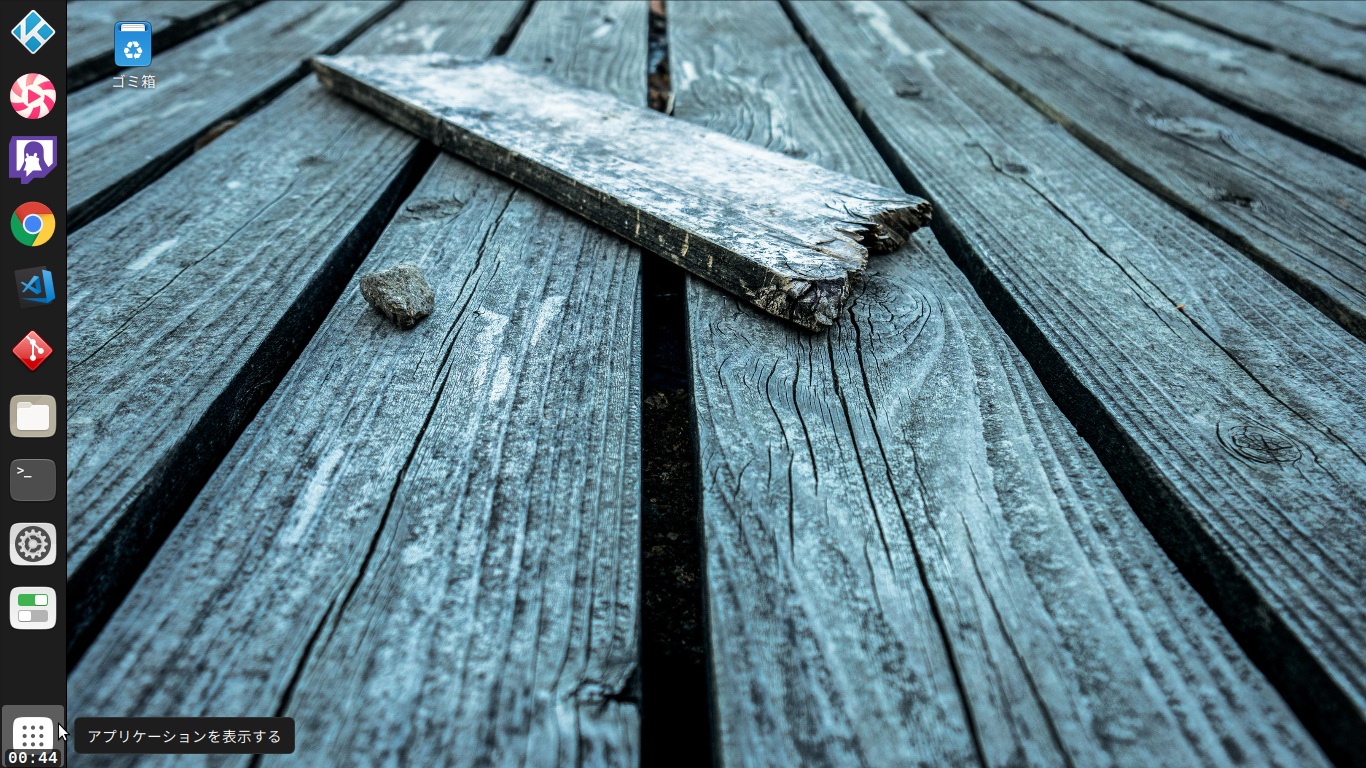
https://github.com/ktkr3d/overlay-clock GNOME Shell デスクトップ上に簡単な時計を表示する拡張機能を書いてみました。トップバーが非表示な時でも時刻を確認できて便利です。 経緯私のノートPC は解像度が低いので、Autohidetopbar2 拡張機能を使って、普段はトップパネルを隠しています。少し困るのが時計が常時表示されなくなることです。時刻が気になった時はマウスを画面上部に持っていき、トップパネルを自動表示して、時計を確認していました。そこで、左下隅の普段使わないデッドスペースを有効活用できないかな、と考えてみました。 作り方 GNOME Shell Extension の雛形を作ります。 $ gnome-shell-extension-tool --create-extension extension.js タイマーで時刻表示を更新する処理を追加します。 stylesheet.css 表示レイアウトを調整します。 metadata.json 拡張機能の情報を設定します。 使い方 ダウンロード $ git...
Google Chrome への移行
懲りずにGoogle Chrome への移行を検討します。今回はかなり行けそうな気がします。 情報収集系拡張機能read crx 2 https://readcrx-2.github.io/read.crx-2/ 2チャンネルリーダ BBSメニュー更新に失敗する場合は以下を指定http://kyoran.php.xdomain.jp/readcrx/bbsmenu.html ユーザCSSを設定article {border-top: dotted 1px #000000 !important;background-color: #FFFFEE !important;} サムネイル対象の拡張子としてjpg を追加 Freebro https://chrome.google.com/webstore/detail/feedbro/mefgmmbdailogpfhfblcnnjfmnpnmdfa RSSリーダ ツールバーのボタンをクリックした時に拡張機能を起動するように設定すると便利 TweetDeck https://chrome.go...

Visual Studio Code
Atom よりVisual Studio Code の方が使われているのはどうしてだろう?ということで、Visual Studio Code を使ってみます。 あらかじめ必要な機能が含まれている点や、性能が受け入れられている理由なんでしょうかね。 拡張機能Activitus Bar アクティビティバーのボタンをステータスバーに表示 {"workbench.activityBar.visible": false,"activitusbar.views": { "explorer": "file-text", "search": "search", "scm": "repo-forked", "debug": "bug", "extensions": "package", &quo...
Ubutu 18.04 bionic beta2
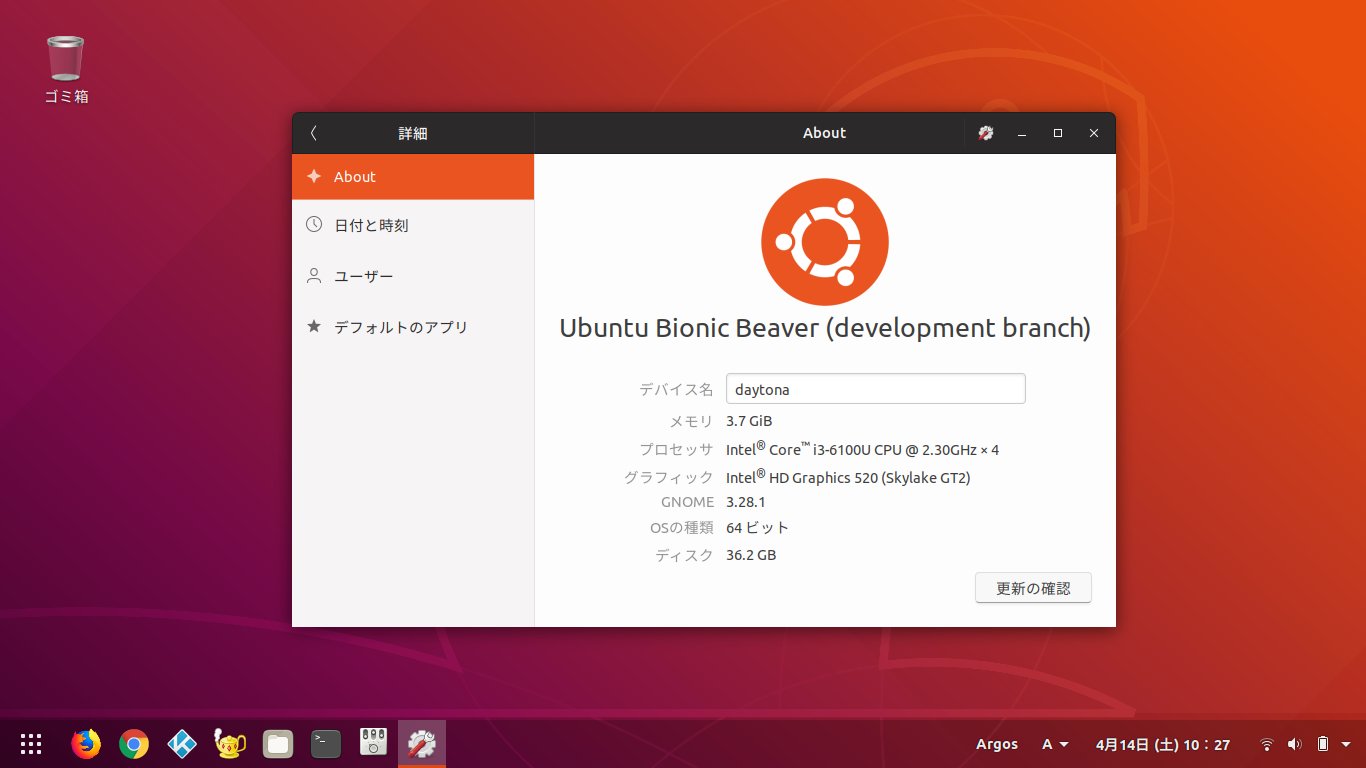
DELL Inspiron 11 にUbuntu 18.04 bionic beta2 をインストールしてみました。 Ubuntu Livepatch も設定してみました。 インストールメディアhttp://cdimage.ubuntu.com/daily-live/current/ デイリービルドのライブISOをEtcher でUSBメモリに格納しました。 GNOME の設定 ホームディレクトリの各フォルダ名を英語名に変更$ LANG=C xdg-user-dirs-gtk-update テキストテンプレートファイルの作成$ touch ~/Templates/Text alias の設定 ~/.bash_aliasesalias upd='sudo apt update -y && sudo apt dist-upgrade && sudo apt autoremove -y'alias en='export LC_ALL=en_US.UTF8'alias ja='export LC...
HDD List
Before$ lsblk --output NAME,FSTYPE,LABEL,SIZE,HOTPLUG,MODELNAME FSTYPE LABEL SIZE HOTPLUG MODELsda 894.3G 0 Patriot Blast ├─sda1 vfat 1G 0├─sda2 ntfs vol01 500G 0├─sda3 ext4 artful 200G 0└─sda4 ext4 antergos 193.3G 0sdb 7.3T 0 WDC WD80EFZX-68U├─sdb1 ext4 media02 7.3T 0└─sdb2 swap 16G 0sdc 2.7T 0 WDC WD30EZRX-00D├...