
Fastfetch
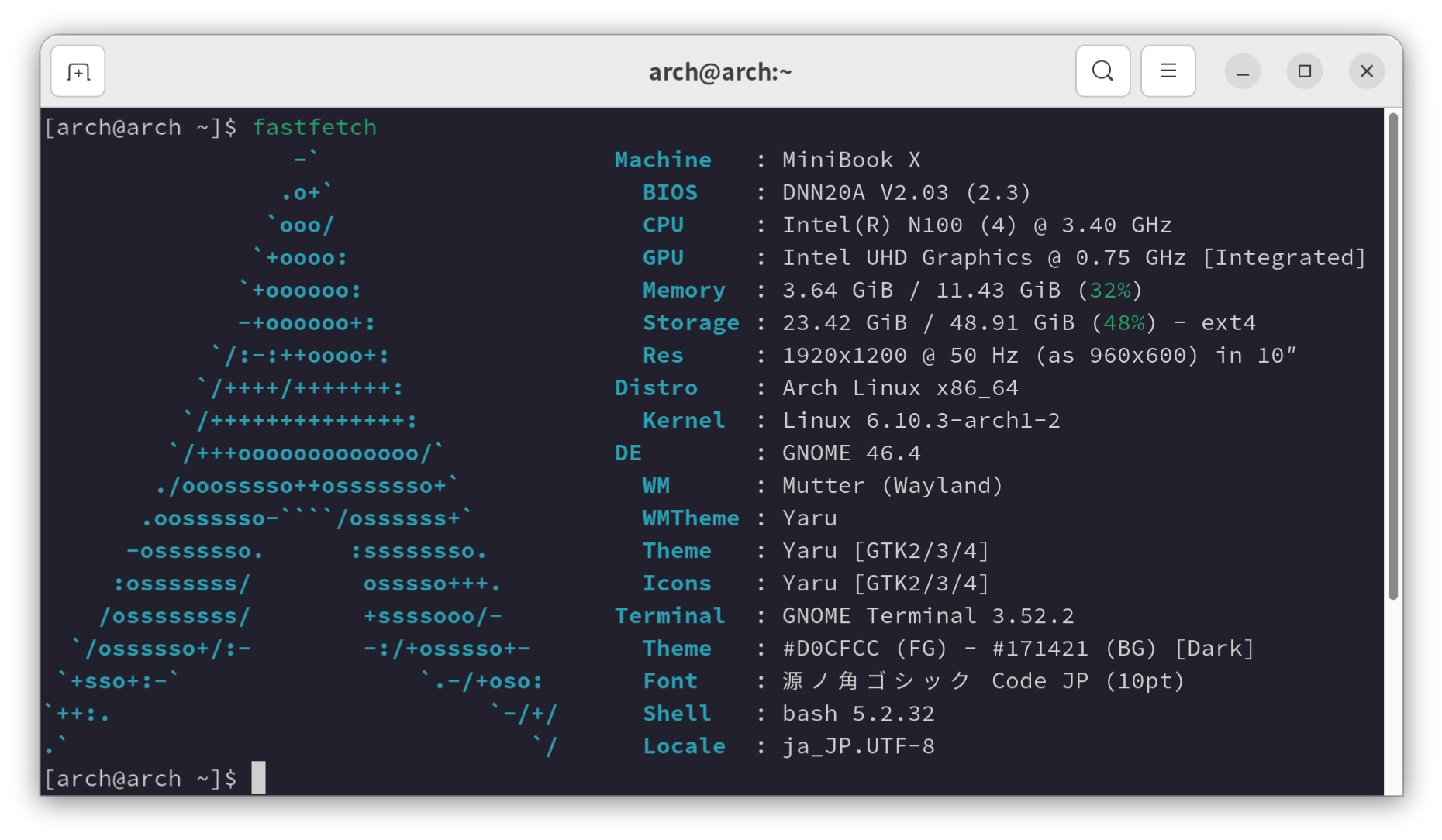
システム情報を表示するツールであるNeofetchが開発終了とのことなので後継のFastfetchを使ってみました。
https://github.com/fastfetch-cli/fastfetch
環境
- Arch Linux
- fastfetch 2.20.0
構築
- インストール
sudo pacman -S fastfetch |
- テーマの作成 config.jsonc
{ |
独自のテーマを作成する際はプリセットの/usr/share/fastfetch/presets/all.jsoncをコピーしていらないものを削除すると良いかもしれません。
仕様はJSONスキーマを参考にします。
https://github.com/fastfetch-cli/fastfetch/wiki/Json-Schema#modules_items_anyOf_i1_oneOf_i11_compactType
実行
デフォルト
fastfetch |
~/.config/fastfetch/config.jsoncが存在する場合は優先的に読み込まれる。
プリセット一覧
fastfetch --list-presets |
プリセット all
fastfetch -c all |
プリセット neofetch
fastfetch -c neofetch |
文字修飾
key項目の値にはエスケープコードが利用できます。// {#1} is equivalent to `\u001b[1m`. {#} is equivalent to `\u001b[m`
- ANSIエスケープコード
https://en.wikipedia.org/wiki/ANSI_escape_code#SGR_(Select_Graphic_Rendition)_parameters - 太字の例
{#1}Bold{#}
- 下線の例
{#4}Underline{#}
Comments