
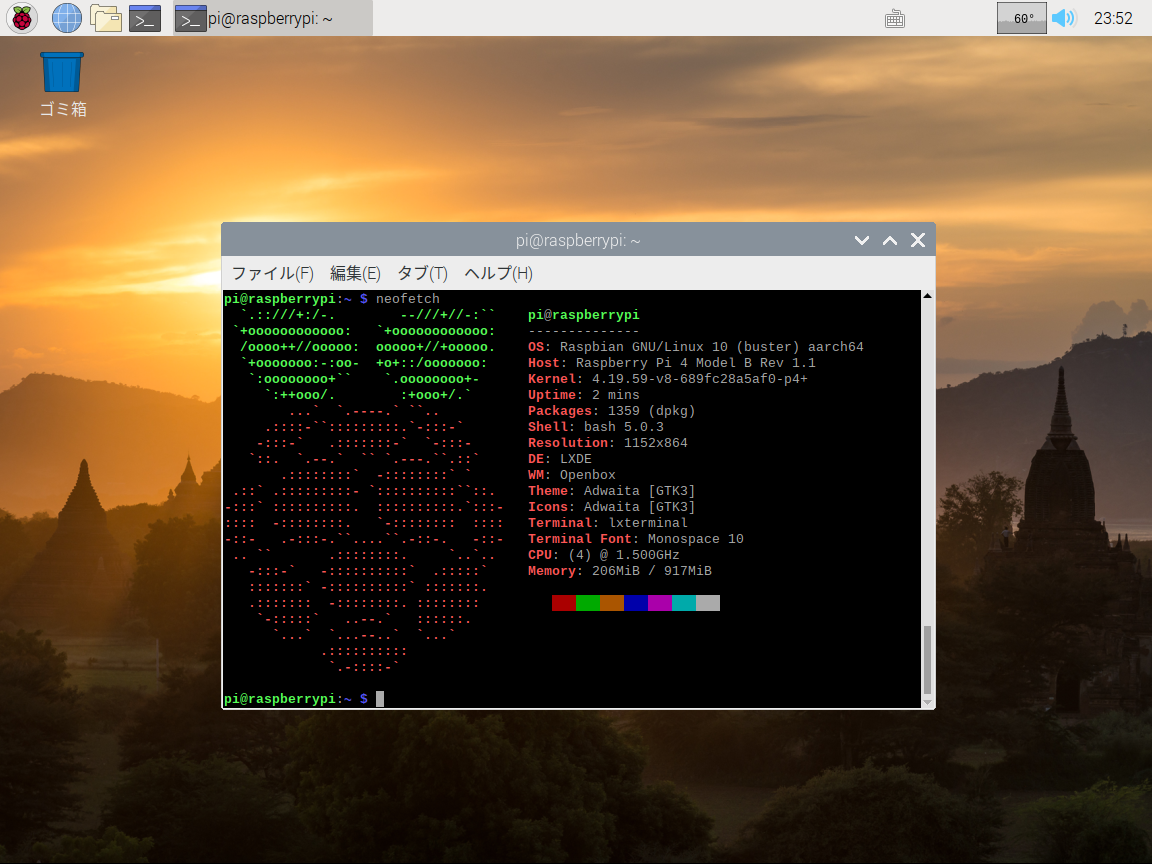
Raspbian Buster 64bit
https://www.raspberrypi.org/forums/viewtopic.php?t=246766
- aarch64 カーネル
- メモリ1GB まで利用可能
起動
- マウス、キーボードを接続していると起動しないみたいなので、起動してから接続する
Related Articles
2019-12-01
Raspberry Pi 4 IoT Edge Gateway
https://news.softpedia.com/news/you-can-now-turn-a-raspberry-pi-4-sbc-into-an-edge-gateway-with-ubuntu-19-10-528326.shtml Raspbery Pi 4 をエッジゲートウェイにしてみました。どうやって使うんだろう。 環境 Raspberry Pi 4B Ubuntu Server 19.10 aarch64 192.168.11.24 構築 Ubuntu Server 19.10 イメージのダウンロードhttps://ubuntu.com/download/raspberry-pi64-bit for Raspberry Pi 3 and 4 SD カードに書き込み Raspberry Pi 4 起動 接続とパスワード更新$ ssh ubuntu@192.168.11.24 再接続とパッケージの更新$ ssh ubuntu@192.168.11.24pi4$ sudo apt updatepi4$ sudo apt upgrade Edge Gateway の...
2019-08-07
RPi4 - Ubuntu Server 19.10 64bit
Raspberry Pi 4B でUbuntu Server 64bit が起動するようになったので環境設定をします。 起動モードの切り替え方法 メモリ4GB 起動(USB 不可)の場合/boot/firmware/config.txt#total_mem=3072 メモリ3GB 起動(USB 可能)の場合/boot/firmware/config.txttotal_mem=3072 Update: 2019/8/15 版で3GB の制限はなくなりました。 ホストネームの設定$ sudo hostnamectl set-hostname pi4 Alias 等の設定 Alias~/.bash_aliases# Update installed packagesalias upd='sudo apt update -y && sudo apt dist-upgrade && sudo apt autoremove -y'# Change localealias en='export LC_ALL=en_US.UTF8...
2015-02-23
Irrlicht on Raspberry Pi 2
http://ktkr3d.github.io/irrlicht/https://github.com/ktkr3d/irrlicht-sandbox Raspberry Pi 2 でIrrlicht Engine を動かしてみよう! Irrlicht Engine のビルドhttp://sourceforge.net/p/irrlicht/code/HEAD/tree/trunk/からソースを取得 $ cd source/Irrlicht$ make -j4 HelloWorld は普通に動きました。trunk から持ってきたけれど、ogl-es から持ってきた方がよかったかな。 Demo プログラムGL/SL, Sound, MMD のデモを試してみます。 $ git clone https://github.com/ktkr3d/irrlicht-sandbox.git XEffects のデモをexamples ディレクトリに展開します。 cAudio Build$ git clone https://github.com/R4stl1n/cAudio.git 普通に...
2019-08-15
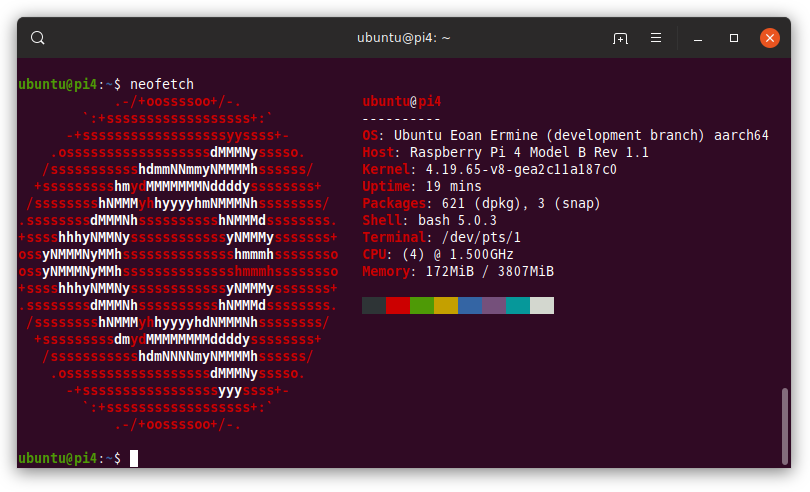
RPi4 - Ubuntu Server 19.10 64bit 更新
https://github.com/satmandu/docker-rpi4-imagebuilder/https://github.com/raspberrypi/linux/pull/3144 とうとうRaspberry Pi 4B のUbuntu Server 19.10 64bit (aarch64) で4GBメモリとUSBが動作するようになりました。USB を動作させるためにメモリを3GB に制限する必要が無くなりました。 イメージ作成手順https://github.com/satmandu/docker-rpi4-imagebuilder/ Docker のインストールdocker-ce をインストールしたらkernel が5 にあがってしまい、うまく再起動できませんでした。とりあえず、Ubuntu のリポジトリの古いDocker を使うことにします。 $ sudo apt install docker docker-compose$ sudo usermod -aG docker $USER$ docker --versionDocker version 18...
2019-08-14
Hexo App Template
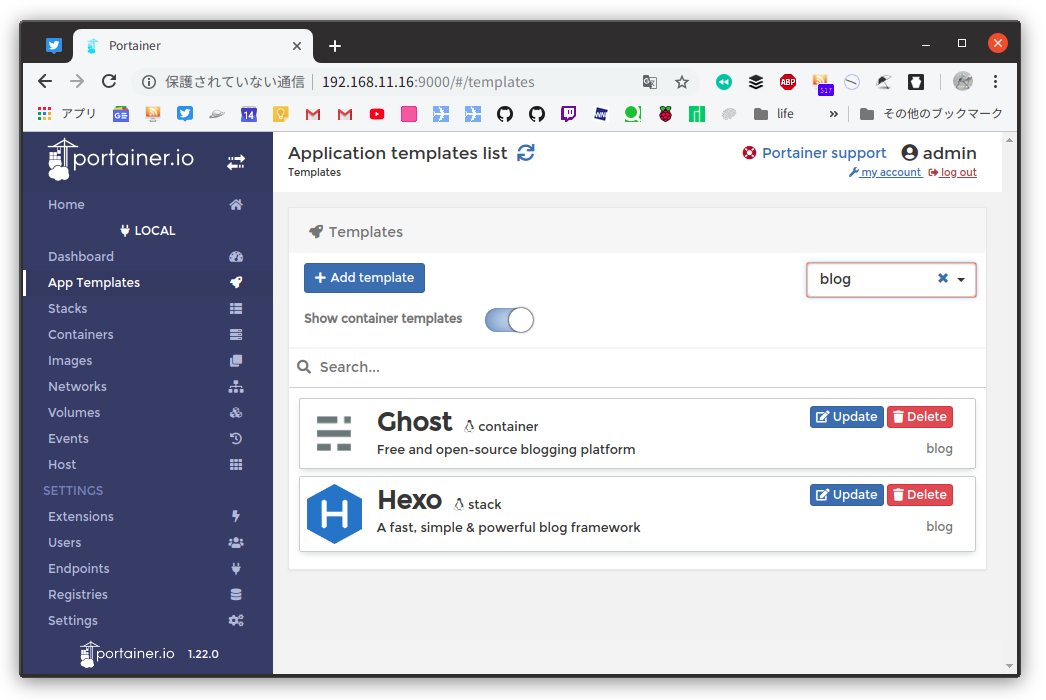
Portainer には41 個のApp Template が登録されていますが、独自に追加することもできるようになっています。App Template にHexo を追加してみました。 Portainer のApp Template には3種類あります。 Container (DockerHub) Swarm stack (Swarm) Compose stack (Compose) Container 型でDockerHub のHexo をデプロイしようとしましたが、aarch64 の環境では失敗してしまいました。そのため、ローカルビルドするようなCompose 型スクリプトで登録することにしました。Raspberry Pi 4B 環境でデプロイが完了する迄に5分くらいかかりました。 環境 Raspberry Pi 4B Ubuntu Server 19.10 aarch64 Docker 19.03.1, build 74b1e89 Docker Compose 1.21.0 Portainer 1.22.0 Portainer の操作App Template の追...
2019-12-21
Visual Studio Code Remote - SSH / aarch64
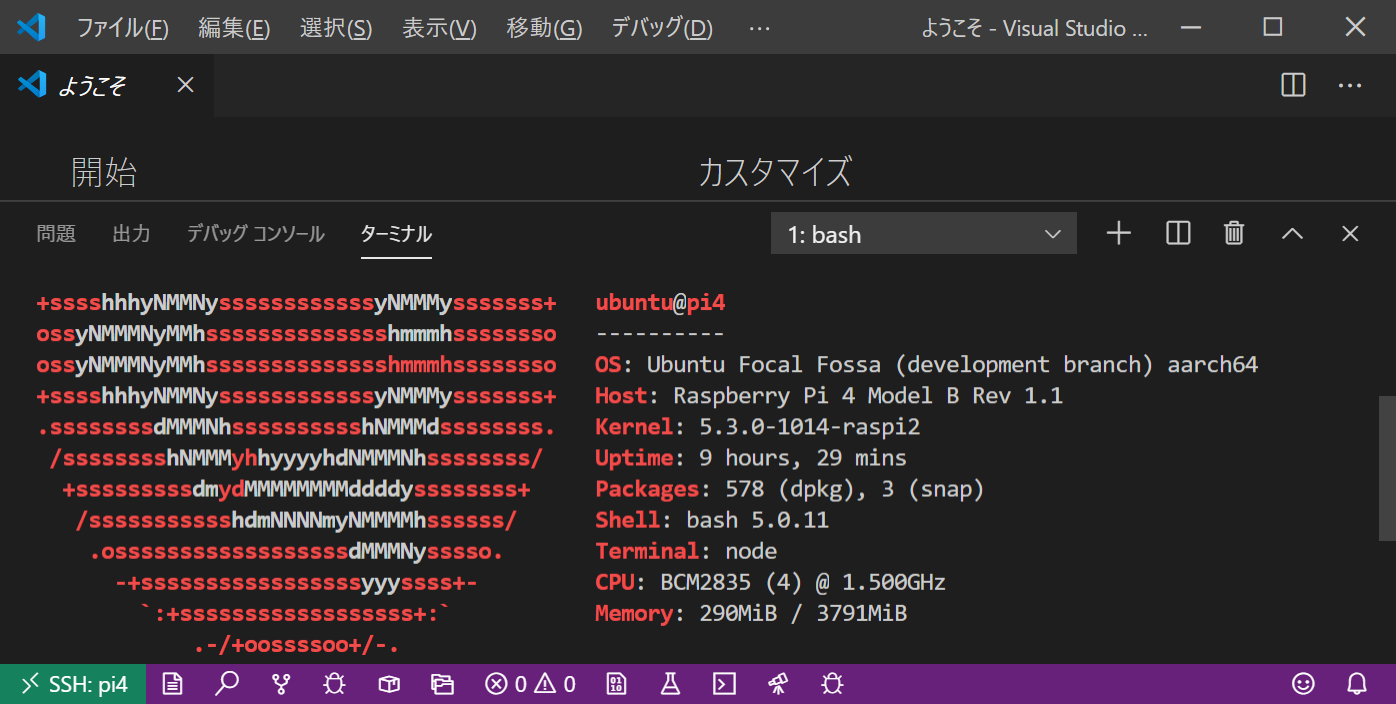
https://code.visualstudio.com/docs/remote/sshVisual Studio Code のRemote SSH でaarch64 がサポートされていたので、Rasperry Pi 4 のUbuntu focal aarch64 に接続してみました。 環境クライアント Windows 10 Pro Insider Preview WSL 2 (Ubuntu 18.04.3 x86_64) Visual Studio Code 1.41.1 Remote Development 0.19.0 Remote SSH 0.48.0 サーバ Raspberry Pi 4B Ubuntu Focal(20.04) aarch64 構築SSH 接続の設定 WSL2 から鍵登録 $ ssh-copy-id -i /mnt/c/Users/hoge/.ssh/id_rsa.pub ubuntu@192.168.11.26 接続情報 C:\Users\hoge\.ssh\ssh_config# Read more about SSH config fi...
Comments