
PeerCastStation on Raspberry Pi 2
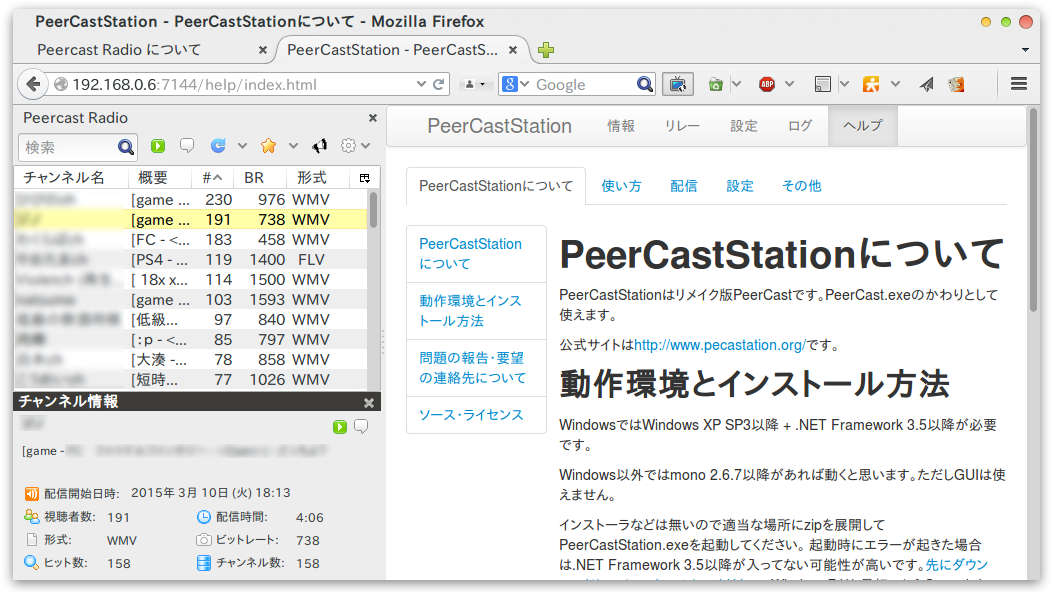
Raspberry Pi 2 でPeerCastStation を動かしてみました。
PeerCastStation の取得と実行
$ sudo apt-get install mono-complete unzip |
接続
サービスとして実行する場合
$ mono-service PeerCastStation.exe |
Related Articles
2023-02-28
Ubuntu 23.04 on Raspberry Pi 4
Raspberry Pi 4 にUbuntu 23.04 をインストールしました。リモートからRDPで接続しました。 環境 Raspberry Pi 4B Ubuntu 23.04 構築 Ubuntu Server のインストール ubuntu-desktop パッケージのインストール xrdp パッケージのインストール sudo apt install xrdp /etc/xrdp/startwm.shunset DBUS_SESSION_BUS_ADDRESSexec gnome-sessiontest -x /etc/X11/Xsession && exec /etc/X11/Xsessionexec /bin/sh /etc/X11/Xsession sudo systemctl enable --now xrdp Chromium のインストール sudo add-apt-repository ppa:saiarcot895/chromium-betasudo apt-get updatesudo apt install chromium-b...
2016-07-09
Ajenti on Raspberry Pi 2
http://ajenti.org/ Web ベースのシステム管理ツールのAjenti をRaspberry Pi 2 のUbuntu 16.04 LTS にインストールしてみました。 OS のアップグレードその前に、Ubuntu 14.04 LTS を16.04 LTS にアップグレードしておきましょう。 https://www.digitalocean.com/community/tutorials/how-to-upgrade-to-ubuntu-16-04-lts $ sudo apt-get update$ sudo apt-get upgrade$ sudo apt-get dist-upgrade$ sudo apt-get dist-upgrade -d$ sudo apt-get install update-manager-core$ sudo do-release-upgrade$ sudo reboot Ajenti のインストールhttp://support.ajenti.org/topics/1121-installing-on-ubuntu/...
2016-08-16
Rocket.Chat on Raspberry Pi 2
https://github.com/RocketChat/Rocket.Chat.RaspberryPiRocket.Chat のサーバをRaspberry Pi 2 に構築してみました。 OS のクリーンインストール本題に入る前に。Ubuntu Server 14.04 から16.04 にアップグレードしましたが、やはりクリーンインストールしておきます。 ハードウェアRaspberry Pi 2 OS (Ubuntu Server 16.04 LTS) のダウンロードhttp://cdimage.ubuntu.com/ubuntu/releases/16.04.1/release/ubuntu-16.04.1-preinstalled-server-armhf+raspi2.img.xz イメージの展開ディスクライタで正しくパーティションが展開されなかったので、コマンドで展開しました。$ sudo apt-get install gddrescue xz-utils$ unxs ubuntu-16.04.1-preinstalled-server-armhf+ra...
2016-05-17
GtkTreeView
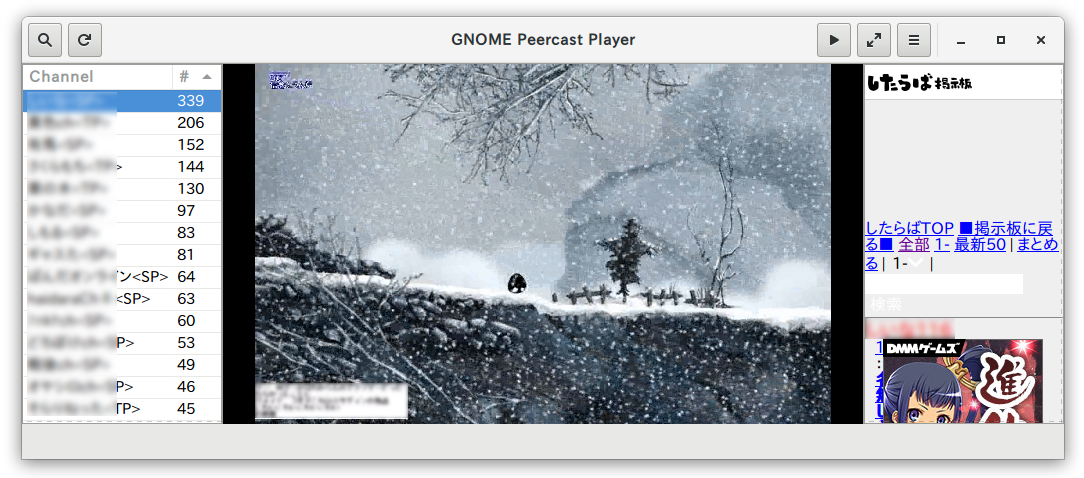
チャンネル一覧にGtkTreeView を使ってみました。Glade の操作に少し迷いましたが、一度覚えてしまえば、驚くほど手間を掛けずに実装ができそうです。チャンネル一覧の項目をダブルクリックすることで、Peercast のストリーミング視聴を開始し、コンタクトURL を表示するようにしました。 ポイント スクロールバー付きリストボックスの構成GtkScrolledWindow GtkTreeView モデルとビューの連携GtkTreeView の全般「ツリービューのモデル」にGtkListStore のオブジェクトを指定する モデルとビューの項目の対応付け GtkView を右クリックして「Edit」を選択 全般タブで項目の追加 階層タブでラベルを追加 追加したラベルを右クリックして「子アイテムの 文字列 の追加」 追加した子アイテムを選択して、「ラベル」に対応するモデルの項目を選択 表ヘッダの表示 表データの表示 ダブルクリックのシグナルrow-activated にハンドラを割り当てる ダブルクリックのハンドラdef on___glade_unnamed_28...
2015-06-28
Redmine on Raspberry Pi 2
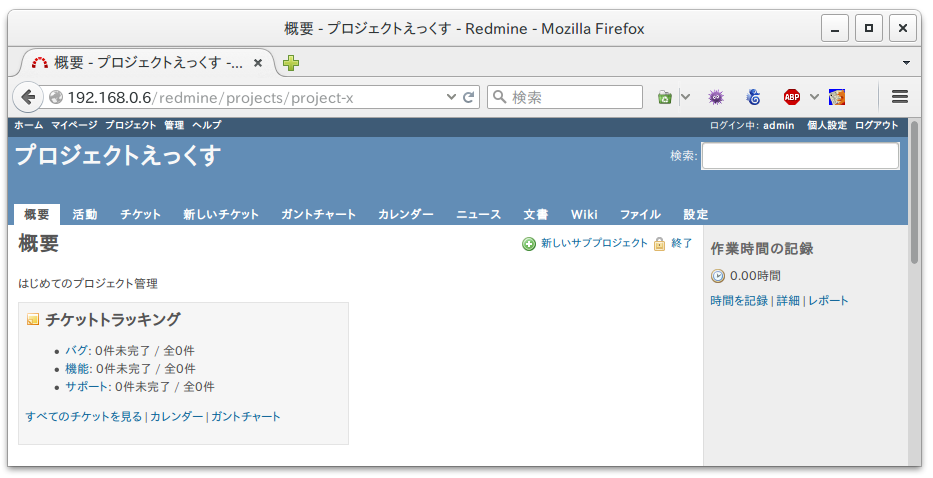
http://redmine.jp/ プロジェクト管理ツールRedmine をRaspberry Pi 2 にインストールしてみました。 パッケージのインストール$ sudo apt-get install apache2 libapache2-mod-passenger$ sudo apt-get install bundler$ sudo apt-get install mysql-server mysql-client$ sudo apt-get install redmine redmine-mysql$ sudo ln -s /usr/share/redmine/public /var/www/html/redmine$ sudo chown -R www-data:www-data /usr/share/redmine Apache2 の設定と再起動/etc/apache2/sites-available/000-default.conf<Directory /redmine> Options FollowSymLinks RailsB...
2025-03-27
RPi4B - Arch Linux
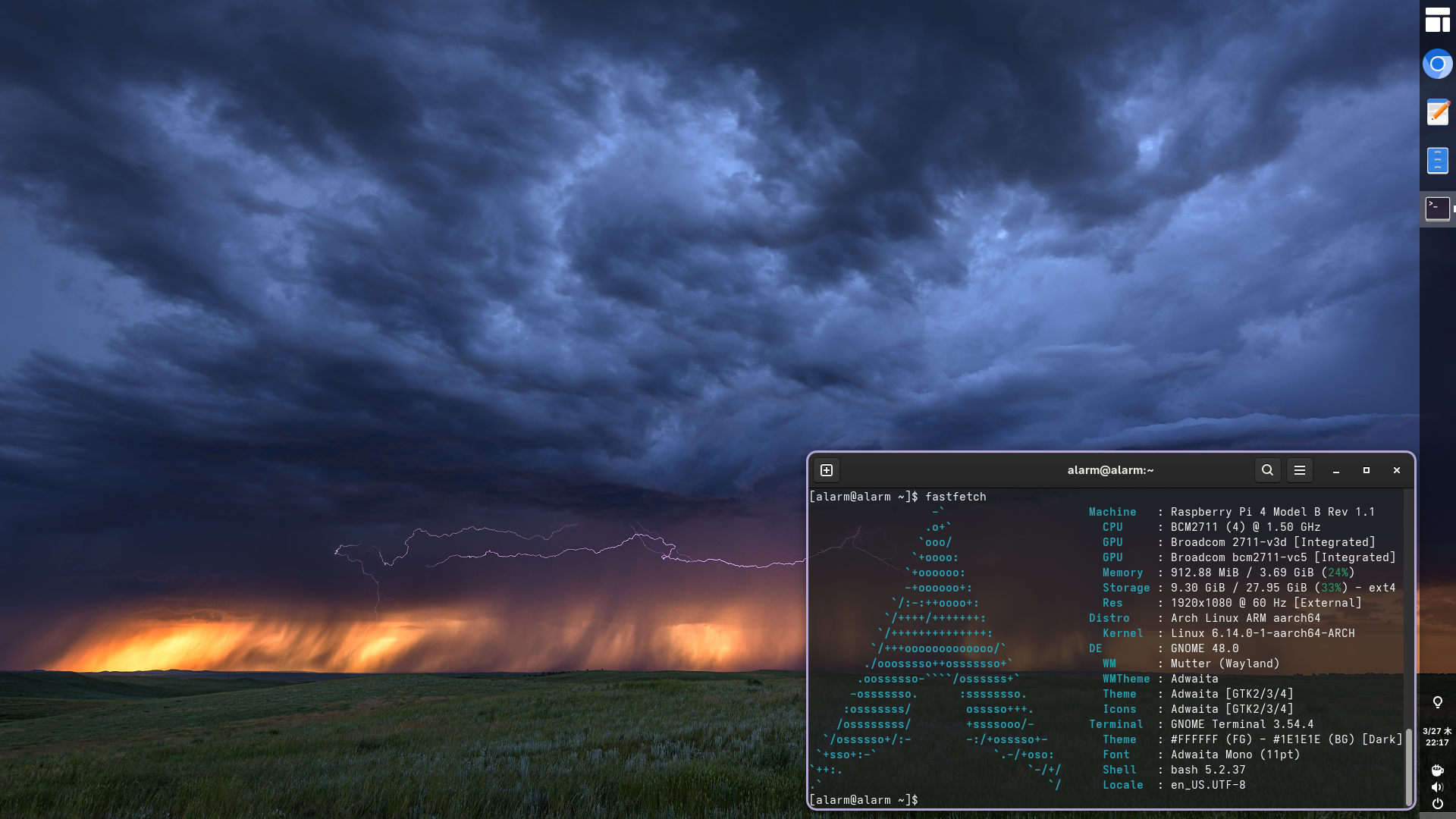
Raspberry Pi 4BにArch Linux (64it)をインストールしてみました。 https://archlinuxarm.org/platforms/armv8/broadcom/raspberry-pi-4 環境 Raspberry Pi 4B 32GB SDカード Arch Linux 構築作業PC gpartedでSDカードのパーティションを削除しておく rootで作業する su Start fdisk to partition the SD card: fdisk /dev/sdX 私の環境では/dev/sdaでした At the fdisk prompt, delete old partitions and create a new one: 入力 内容 o|This will clear out any partitions on the drivep|list partitions. There should be no partitions leftnp1ENTER+400M|th...
Comments